
Introduction
Eufy doorbells are renowned for their advanced security features and user-friendly integration into smart homes. However, users may encounter challenges such as P2P (peer-to-peer) connection failures that disrupt the device’s functionality. This article explores how to understand, troubleshoot, and fix these connection failures efficiently, ensuring your Eufy doorbell remains a reliable part of your home security system.
Understanding P2P Connectivity in Eufy Doorbells
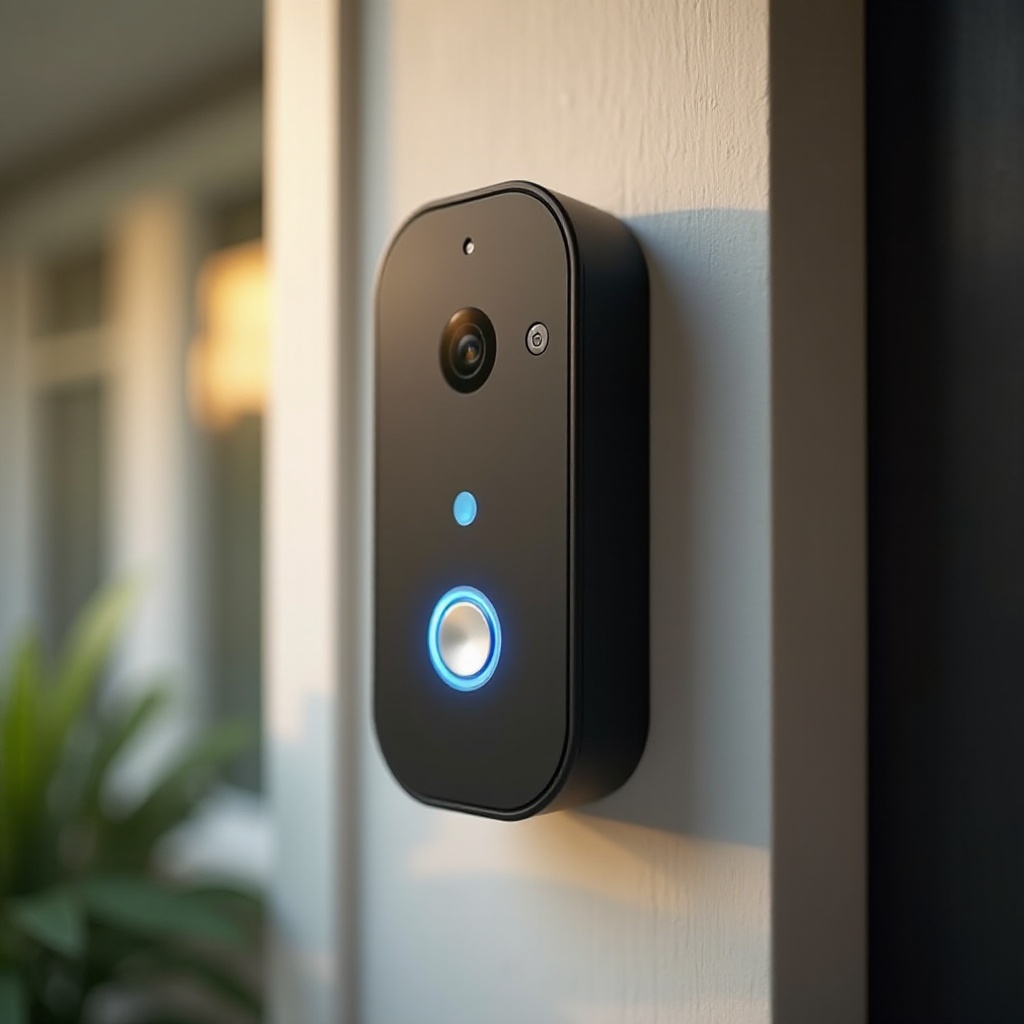
P2P connectivity allows Eufy doorbells to transmit data directly to your smartphone or devices without intermediary servers, prioritizing privacy and speed. This system uses a unique device ID to maintain a direct and secure link between your doorbell and connected devices. Despite its advantages, P2P can face interruptions, and understanding the technology’s workings is crucial to diagnosing and resolving these disruptions.
P2P connectivity avoids conventional central systems, promoting privacy but sometimes at the cost of susceptibility to network issues. Familiarizing yourself with how P2P functions in Eufy doorbells is essential for addressing connectivity problems when they arise.
Common Causes of P2P Connection Failure
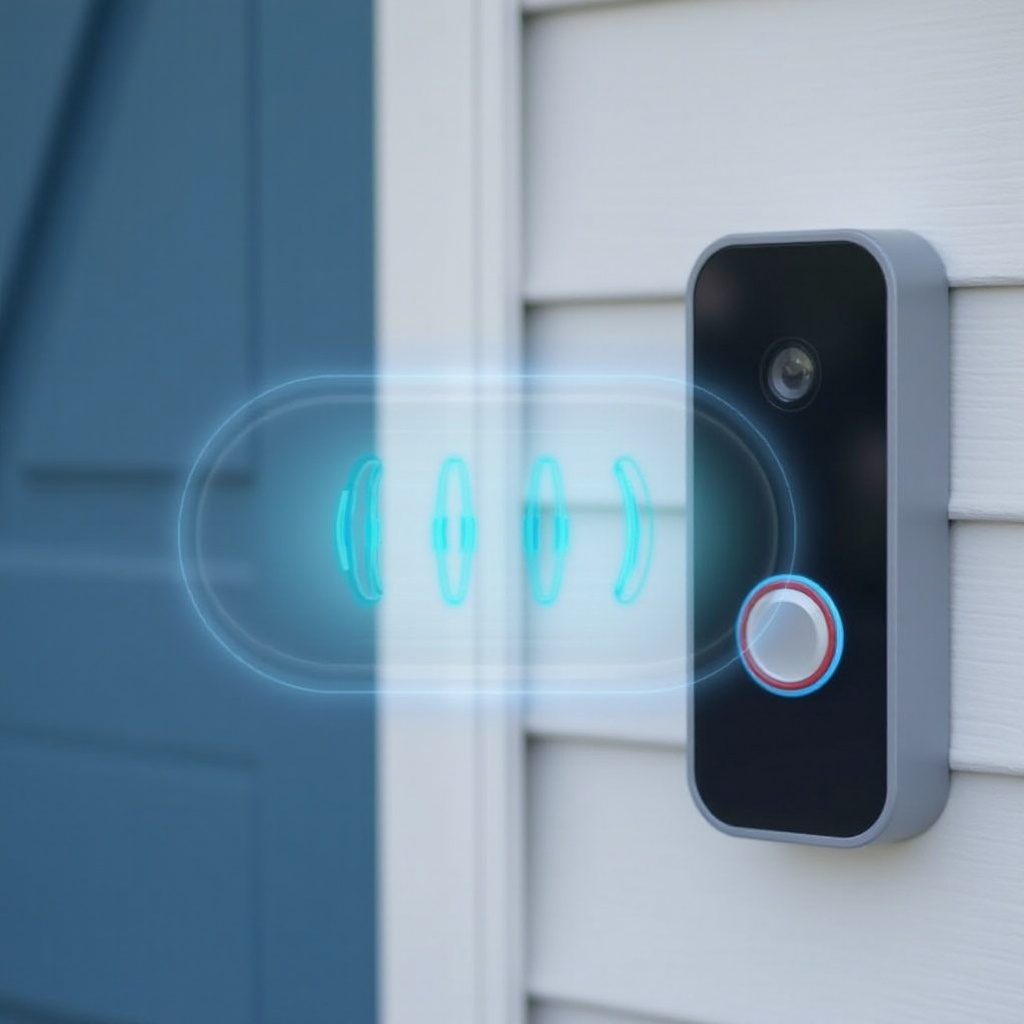
Several factors can lead to P2P connection failures:
- Network Configuration Issues: Ensure your Wi-Fi network is stable and has strong coverage. Weak signals or interference can impair the connection between your doorbell and network.
- Firmware and Software Glitches: Eufy regularly releases firmware updates to resolve bugs and enhance functionality. Outdated software can impede performance and cause connection issues.
- Hardware Malfunctions: Check for physical damage or malfunctions in your doorbell that could affect its connectivity. Although less frequent than software issues, they can be a significant factor.
Identifying these potential causes helps in creating a strategy to troubleshoot effectively and restore seamless P2P connectivity.
Step-by-Step Troubleshooting Guide
Addressing P2P issues requires a step-by-step methodical approach:
- Checking Network Settings
- Verify your Wi-Fi network is operational with consistent internet access.
-
Position your Eufy doorbell within range of a robust Wi-Fi signal, minimizing potential interference from other electronics or thick walls.
-
Verifying Firmware Updates
- Use the Eufy Security app to check for any firmware updates available for your device.
-
Updating ensures you have the latest features and fixes for any known issues.
-
Inspecting Hardware Components
- Examine your doorbell for any signs of physical damage or poor connections.
- Ensure all cables and connectors are properly fitted and receiving power.
These steps help address immediate connectivity issues, potentially resolving them before needing more advanced solutions.
Advanced Solutions for Persistent Issues
For ongoing problems that basic troubleshooting doesn’t fix, consider the following advanced strategies:
- Resetting the Doorbell:
- Reset your doorbell by holding the reset button for approximately 10 seconds.
-
Reconnect the device following the setup instructions to re-establish its settings.
-
Contacting Eufy Support:
- If issues persist, getting professional assistance could be beneficial. Eufy support offers guidance and solutions for complex issues, including faulty hardware replacements if necessary.
Advanced solutions offer a deeper look into more complex issues that may not be as straightforward to fix but are essential for resolving long-standing connectivity problems.
Proactive Measures for Reliable Connectivity
Beyond troubleshooting, implementing proactive measures helps maintain robust connectivity:
- Network Best Practices: Regularly update your router’s firmware and optimize its location to enhance your network’s strength.
- Regular Maintenance Tips: Inspect your doorbell periodically to ensure it remains in good physical condition and stays updated with the latest software.
By adopting these proactive strategies, you minimize the chances of future connectivity disruptions and prolong the performance of your Eufy doorbell as a trusted security device.
Conclusion
Ensuring reliable P2P connectivity in your Eufy doorbell involves a comprehensive approach comprising understanding, troubleshooting, and implementing proactive measures. With the guidance provided in this article, users can maintain their Eufy doorbell’s seamless operation, thus preserving the security and convenience it promises.
Frequently Asked Questions
What should I do if my Eufy doorbell keeps losing connection?
Check your Wi-Fi network strength, ensure firmware is updated, and inspect doorbell hardware. If issues persist, consider a reset or seek Eufy support.
How can I optimize my network for better Eufy doorbell performance?
Ensure your router is properly placed and configured, update its firmware regularly, and control interference from other devices to maintain a stable connection.
Is contacting Eufy support beneficial for connectivity issues?
Yes, their professional assistance is invaluable for diagnosing complex problems and facilitating repairs or replacements if necessary.