
Introduction
A pink phone with keyboard combines two things many people want from their tech: a cute, stand-out design and the solid feel of real keys under your fingers. While most smartphones rely only on glass touchscreens, there is a growing group of users who miss the speed, accuracy, and satisfaction of physical typing. When you add a pink finish to that experience, you get a device that is both functional and fun.
You might want a pink phone with keyboard for several reasons. Maybe you text a lot and hate constant typos. Maybe you are deep into Y2K style and want a retro aesthetic that matches your outfits. Or you might want a simpler, distraction-light phone that still lets you call and text without dragging you into endless apps and notifications.
This guide walks through everything you need to know about pink phones with keyboards in 2024. You will see what features matter most, what kinds of devices exist, how to build your own pink keyboard setup, and how to buy and care for one so it lasts. As you read, think about how you actually use your phone each day, because that will shape which option fits you best.
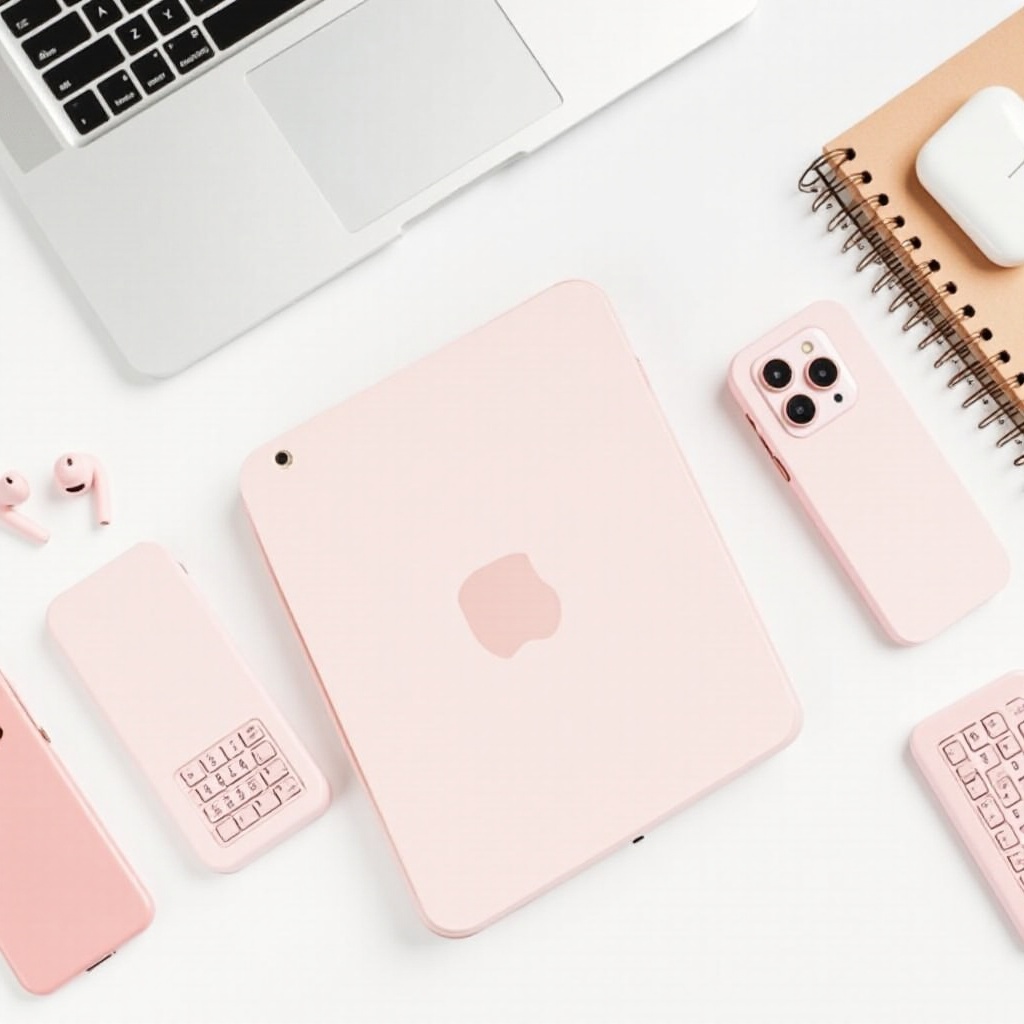
Why Pink Phones With Keyboards Are Trending in 2024
Physical keyboards on phones never fully went away. They simply moved to a niche, and in 2024 that niche is growing again. At the same time, pink has become one of the most visible colors in fashion, accessories, and tech. Put both trends together and you get renewed demand for the pink phone with keyboard.
The comeback of physical keyboards in a touchscreen era
Many users are tired of typing long messages on glass. On-screen keyboards can feel cramped and imprecise, especially on smaller phones. If you text fast, write notes, or answer emails on the go, a physical keyboard can:
- Reduce typos because you can feel each key click.
- Let you type without staring at your thumbs all the time.
- Give you consistent feedback with every press, which makes long chats more comfortable.
Creators, writers, and heavy texters often say they feel less strain when using real buttons. A keyboard phone can also encourage focused use. You handle calls and messages first, instead of instantly sliding into social feeds or video apps every time you unlock the screen.
Pink as a style statement in modern phone culture
Pink is now a strong style choice in tech. It signals personality, softness, boldness, or playfulness, depending on the shade. A pink phone with keyboard adds:
- A clear visual identity compared with generic black or gray rectangles.
- A Y2K and early-smartphone vibe that aligns with current fashion and nostalgia trends.
- A playful, customizable base for charms, stickers, straps, and themed cases.
People love sharing their phone setups on social media, and a pink keyboard phone fits perfectly into that ‘cute but functional’ look. It feels intentional, like an accessory and a tool at the same time. Now that you know why these devices are gaining attention again, the next step is understanding what to look for when choosing a pink phone with keyboard of your own.
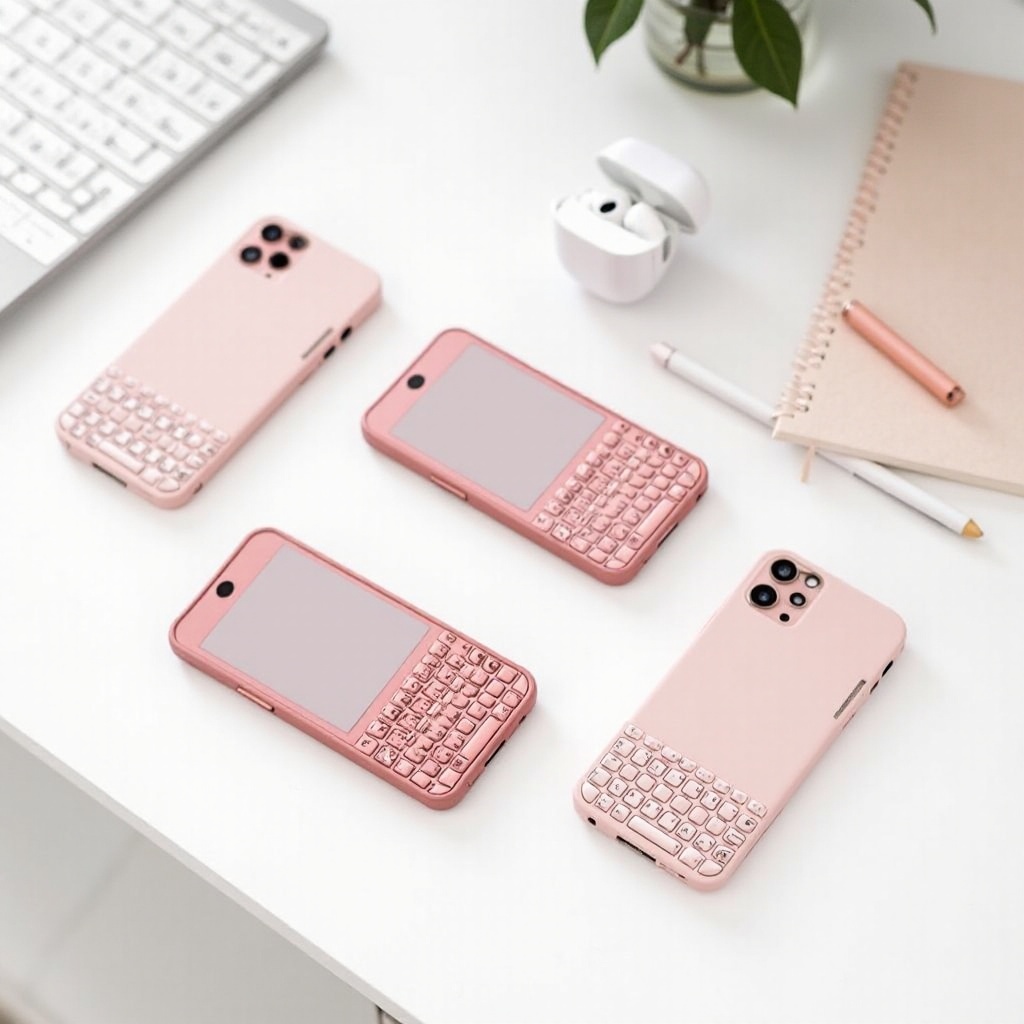
What to Look For in a Pink Phone With Keyboard
Not every phone with a keyboard will be a good fit in 2024, especially if you need it to work on US networks, match your style, and support your daily tasks. Before you buy, focus on the hardware layout, connectivity, and overall usability. A little research now will save you from frustration later.
Keyboard types: T9 vs. QWERTY vs. slider designs
The keyboard layout changes how you use the phone and how fast you type:
- T9 keypads
- Classic 12-key layout (0–9, *, #).
- Great for basic calls and short texts.
-
Works well for users who learned to text on older flip or candybar phones.
-
QWERTY keyboards
- Full typing layout like a mini laptop.
- Best for heavy texting, emails, and note-taking.
-
Often found on bar-style or wider phones that prioritize messaging.
-
Slider keyboards
- Screen on top, keyboard slides out from under the display.
- Gives you more screen space plus physical keys when you need them.
- Slightly thicker and heavier, but more flexible for media and typing.
Think about how often you type and how long your messages are. If you write more than you scroll, a QWERTY layout is usually the best choice. If you mainly call and send short replies, a T9 keypad may be enough.
Connectivity and carrier compatibility in the US
A beautiful pink phone with keyboard is useless if it cannot connect to your network. In 2024, you need to focus on:
- Support for 4G LTE bands used by major US carriers.
- VoLTE (Voice over LTE) support, because many older networks are gone.
- Unlocked status, so you can move between carriers if needed.
Check the phone’s exact model number and confirm it supports your carrier’s bands. Carrier websites, user forums, and device spec pages often list which bands matter most. If you plan to import a device, this step is essential.
Battery life, durability, and everyday usability
Many keyboard phones have smaller screens and simpler software, and that can actually be an advantage:
- Batteries often last a full day or more with normal calling and texting.
- Lower performance demands keep the phone cool and stable.
- Sturdier bodies and thicker casings handle drops and bumps better.
Look at battery capacity and user reviews. A removable battery is a bonus, because you can swap it if performance drops after long use. Also pay attention to the feel of the keys. They should click clearly, not feel mushy or stuck, and they should be easy to press without too much force.
Once you know what to look for, you can explore the main types of pink keyboard phones available in 2024 and figure out which category best matches your needs and budget.
Types of Pink Phones With Keyboards Available in 2024
The market is not full of brand-new pink keyboard phones, but you still have several practical paths to get one. Options fall into three main groups: new feature phones, refurbished devices, and niche imports. Each category has its own pros, cons, and ideal users.
New pink feature phones with physical keyboards
Some brands still make new feature phones with:
- T9 keypads for dialing and texting.
- Basic cameras for quick photos.
- Simple operating systems focused on calls and messages.
These phones may come in pink variants or use interchangeable cases and shells that can turn them pink. They often:
- Support 4G for basic calling and texts.
- Offer strong battery life that easily lasts all day.
- Cost far less than modern flagship smartphones.
New pink feature phones work best as secondary devices, minimalist main phones, or starter phones for kids and teens who do not need full app stores yet.
Refurbished and renewed pink keyboard phones
Refurbished pink phones with QWERTY keyboards often come from older messaging lineups or early smartphone series that supported physical keys. Reputable refurbishers:
- Test hardware like screens, buttons, ports, and radios.
- Replace worn parts such as batteries or keypads when needed.
- Clean the devices and reset them before shipping.
The advantages include:
- Access to classic pink designs that are no longer manufactured new.
- Lower prices compared to brand-new specialty devices.
- Some level of protection through limited warranties or return windows.
Always confirm that the model still works on 4G and can place calls over VoLTE on US networks. A phone can look perfect and still fail to connect properly if the radio bands do not match your carrier.
Import and niche models for enthusiasts
A small number of manufacturers and regional brands offer pink phones with keyboards for markets outside the US. Enthusiasts sometimes:
- Import these phones through international marketplaces.
- Switch the interface to English or another preferred language.
- Use them on compatible US carriers if the supported bands line up.
This route is best if you are comfortable with research and light tech tinkering. You may need to study spec sheets, ask sellers about band support, or try different carriers for the best signal. If you want a simple, plug-and-play solution, a US-ready feature phone or refurbished local model will usually be easier.
Knowing which type of device is realistic for you sets the stage for the next question: how you actually plan to use your pink phone with keyboard day to day.
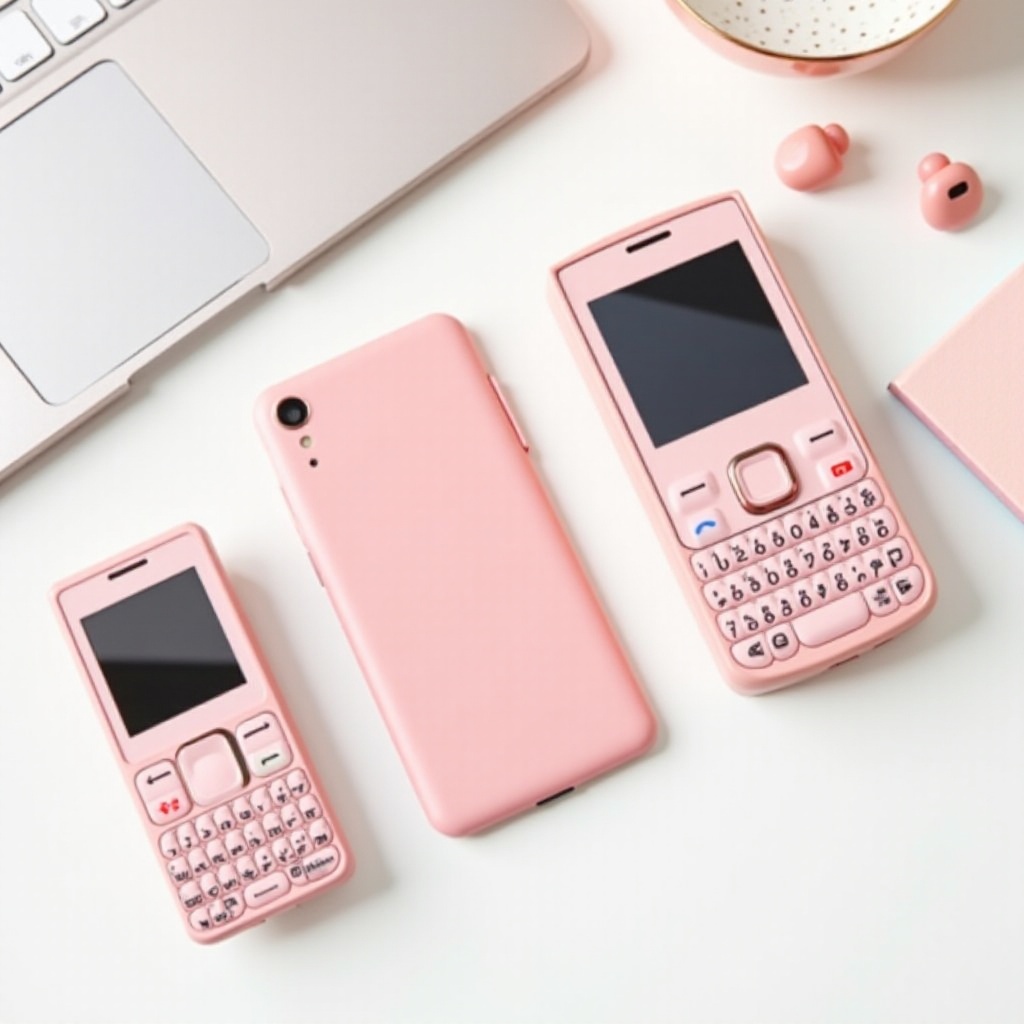
Top Use Cases for a Pink Phone With Keyboard
A pink keyboard phone can be more than just a cute prop for photos. It can solve specific problems that a regular smartphone does not handle as well. By matching the phone to your use case, you avoid buying something that looks great but sits unused in a drawer.
For texting, messaging, and social media lovers
If you spend most of your phone time in DMs and group chats, a physical keyboard can turn messaging into a smoother experience:
- Faster typing with fewer mistakes and autocorrect errors.
- Easier long conversations without thumb fatigue.
- A more grounded feel when you respond to threads, especially when multitasking.
Some keyboard phones support light app use or web-based messaging. Others work best paired with a main smartphone as your dedicated ‘message machine’ for SMS and basic chat apps. In both cases, the tactile keys make every conversation feel more intentional.
For minimalists, travelers, and backup phone users
A pink phone with keyboard can be the perfect second device when you:
- Want fewer distractions during work days or weekends.
- Travel and prefer a cheap, durable phone in case of loss or theft.
- Need a backup phone for emergencies or long trips.
Because these phones often have longer standby time than modern flagships, they can sit ready in your bag or car for days and still have power. Travelers also value them because they handle foreign SIM cards easily and do not attract as much attention as high-end smartphones.
For kids, teens, and retro phone collectors
Parents sometimes choose a pink keyboard phone for a child’s first device because:
- It looks fun and friendly, rather than serious or intimidating.
- It limits access to app stores and random downloads.
- It encourages basic communication habits without constant screen time.
Meanwhile, collectors and style fans love these phones for their:
- Nostalgia value and links to early 2000s culture.
- Match with Y2K fashion, charms, and colorful accessories.
- Potential for display, photography props, and themed shoots.
If none of the ready-made phones match your needs exactly, you can still get the same vibe and functionality by building a DIY pink phone with keyboard setup around a modern smartphone.
How to Create a DIY ‘Pink Phone With Keyboard’ Setup
You might want modern apps, sharp cameras, and strong performance, but still crave that satisfying click of real keys. In that case, you can turn your current or new smartphone into a pink phone with keyboard using the right accessories and custom touches. This approach gives you the best of both worlds.
Choosing a smartphone base for keyboard accessories
Start by deciding which phone will serve as your base device:
- Any recent Android phone with Bluetooth support works.
- Any recent iPhone with Bluetooth support works as well.
Consider the following points:
- Screen size and weight. A medium-sized phone pairs well with external keyboards because it is easy to hold and prop up.
- Port type (USB-C or Lightning) if you prefer a clip-on or wired keyboard rather than wireless.
- Your budget. You do not need the newest flagship; a reliable mid-range device is often enough.
You can even repurpose an older phone you already own, as long as it still holds a charge and runs your key apps smoothly.
Using Bluetooth or case-style physical keyboards
Once you have a base phone, add real keys in one or both of these ways:
- Bluetooth keyboards
- Foldable or mini Bluetooth keyboards fit in bags and pockets.
- They connect wirelessly to your phone in seconds.
-
Great for longer typing sessions, notes, or emails.
-
Case-style or clip-on keyboards
- Some accessories attach directly to the phone body.
- They may slide out, flip down, or snap onto the bottom edge.
- They give you a more phone-like, always-with-you keyboard feel.
Check compatibility before you buy any accessory. Look for:
- Updated Bluetooth versions for stable connections and low lag.
- Key layouts that match your language and typing habits.
- Reviews that specifically mention phone use, not just tablet or laptop pairing.
Customizing with pink cases, skins, and charms
To complete the look and truly get a ‘pink phone with keyboard’, focus on styling details:
- Use a pink phone case that fits with your chosen keyboard accessory.
- Add a pink skin or wrap to the keyboard itself, if its surface allows.
- Attach wrist straps, lanyards, or charms in matching shades.
You can mix soft pastel pink, bright hot pink, or rose gold, depending on your taste. The goal is to create a cohesive setup that feels like a single device, not just a phone plus a random gadget. Once you have designed your ideal build, the next task is buying the right components safely.
Where and How to Buy a Pink Phone With Keyboard Safely
Because pink phones with keyboards are somewhat niche, you need to shop carefully. Focus on trusted sources, clear product details, and fair policies. This applies whether you want a full device or just accessories for a DIY setup.
Major online retailers and search tips
Start with large, well-known retailers and marketplaces. To narrow results and find the best matches:
- Search for ‘pink phone with keyboard’ and related phrases like ‘pink flip phone with keypad’ or ‘pink QWERTY phone’.
- Use filters for color, device type, condition, and network compatibility.
- Read multiple reviews, especially recent ones from buyers in 2024.
Check listing photos to confirm the phone is truly pink and has the keyboard layout you expect. Some listings use generic images or wrong colors, so do not rely only on the title.
Trusted refurbished marketplaces and what to check
For refurbished pink keyboard phones, choose platforms that:
- Offer clear device grading, such as ‘Excellent’, ‘Good’, or ‘Fair’.
- Provide return policies and limited warranties.
- List which functions have been tested, including calling, texting, charging, and buttons.
Before you pay, confirm:
- Supported network bands and VoLTE capability.
- Whether the phone is fully unlocked or tied to a specific carrier.
- Which accessories are included, such as charger, cable, or battery.
If key information is missing, contact the seller for details. A reputable seller will answer with specific answers, not vague claims.
Avoiding scams, fake listings, and locked devices
Some listings look tempting but hide serious problems. Stay cautious when:
- The price is far lower than similar offers with the same specs.
- Photos appear low-quality, heavily edited, or copied from other sites.
- The seller refuses to share the exact model number or IMEI.
Avoid:
- ‘As-is’ phones with no testing claim.
- Devices described only as ‘for parts or repair’.
- Phones advertised without any network compatibility details.
A quick check of reviews and seller history can save you a lot of trouble later. Once you have your pink phone with keyboard in hand, good care and maintenance will keep it cute and usable for as long as possible.
Care, Maintenance, and Longevity Tips
Keeping a pink phone with keyboard in good condition helps both performance and appearance. Simple habits go a long way and can extend the life of older or refurbished devices so you enjoy them well beyond 2024.
Cleaning and protecting physical keyboards
Keyboards gather dust, skin oils, and crumbs over time. To keep them clean:
- Power off the phone before cleaning any part of the keyboard.
- Use a soft, dry brush or compressed air to remove debris between keys.
- Wipe the surface gently with a slightly damp microfiber cloth, then dry.
Avoid harsh chemicals and excess moisture, which can damage key contacts or wear off the pink finish. A slim, snug case helps protect edges and corners during drops without hiding the color you love.
Managing batteries, chargers, and spare parts
Battery health is key to long-term use:
- Use quality chargers that match the phone’s voltage and amperage.
- Avoid letting the battery drain to 0% every day.
- Disconnect the charger after it reaches 100% to reduce wear.
If your phone has a removable battery, consider buying a spare and rotating them. For sealed batteries, watch for signs of swelling, heat, or rapid drain and consider professional replacement when needed. For refurbished models, try to buy from sellers who already installed a fresh battery.
Keeping software and networks usable in 2024
Some keyboard phones run simple proprietary software, while others run older smartphone systems. To keep them functional and secure:
- Install any available software or security updates as soon as you can.
- Check with your carrier about upcoming network changes that might affect older devices.
- If your phone only supports certain bands, test coverage in the places you visit most.
If the phone no longer connects well in your area, you can still use it as a Wi-Fi-only messaging device, a stylish prop, or a backup, and move your SIM card to a more modern device. With thoughtful care and realistic expectations, your pink phone with keyboard can stay part of your daily life instead of becoming a short-lived novelty.
Conclusion
A pink phone with keyboard meets a very real need in 2024: a device that is not just another anonymous black rectangle and a tool that makes typing feel good again. Whether you choose a new feature phone, a refurbished classic, or a custom build with a smartphone and accessories, you can get both style and practicality in one package.
Start by deciding how you will use the phone: for heavy texting, minimalist communication, travel, or as a backup. Then focus on connectivity, keyboard type, and durability so you do not sacrifice basic usability for looks. If nothing ready-made fits, build your own pink keyboard setup around a solid smartphone and a well-chosen physical keyboard.
With careful shopping, honest expectations, and basic care, your pink phone with keyboard can stay useful and attractive well beyond 2024. You get a device that reflects your taste, supports your daily routines, and brings back the pleasure of pressing real keys every time you send a message.
Frequently Asked Questions
Is a pink phone with keyboard still worth buying in 2024?
Yes. A pink phone with keyboard is still worth buying if you value tactile typing, want a more focused device, or love the aesthetic. It can work as a main phone for light users or as a secondary phone for messaging, travel, or emergencies. For heavy app users, a DIY setup with a modern smartphone plus a physical keyboard often delivers the best balance of style and functionality.
Can a pink phone with keyboard work on major US carriers?
Many pink phones with keyboards can work on major US carriers, but you must check the details before you buy. Look for 4G LTE support, VoLTE capability, and the right frequency bands for your carrier. Confirm that the device is unlocked or specifically approved for your network. If you import a phone, double-check band compatibility and read recent user reports to avoid connection issues.
How can I turn my current phone into a pink phone with keyboard?
You can turn your current phone into a pink phone with keyboard by adding a physical keyboard and customizing the look. First, pair a Bluetooth or clip-on keyboard that works with your device and suits your typing style. Then, use a pink case, skin, or wrap for both the phone and, if possible, the keyboard. Finish the setup with matching charms or straps to create a cohesive, pink, clicky device that still gives you full smartphone features.