
Introduction
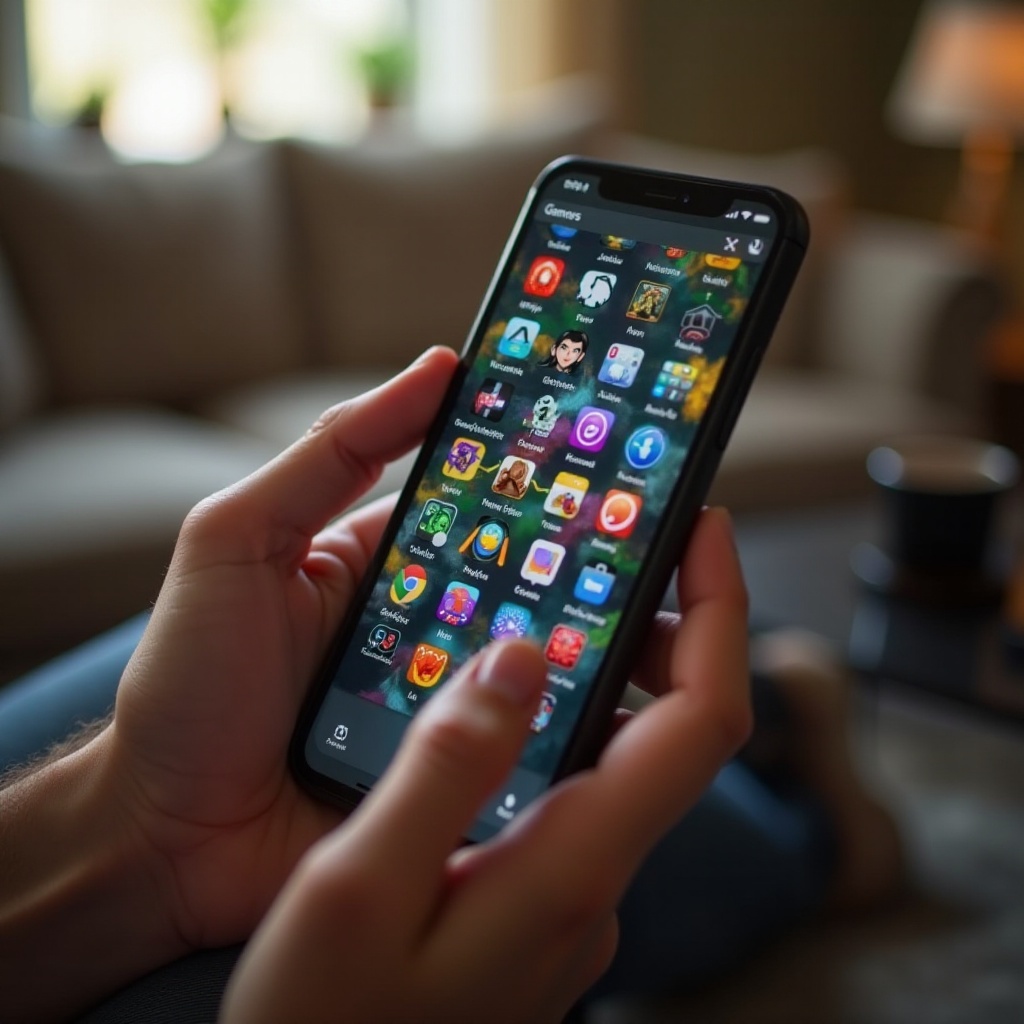
Random games installed on my phone tell a story I never planned to write. They reveal late-night downloads, boredom during commutes, and impulsive installs after watching one too many ads. When I scroll through my app drawer, I see a mix of puzzle games, idle clickers, RPGs, and cozy simulators that I barely remember installing.
Some of these random games turned into daily habits. Others just sit there, quietly taking up storage. A few are so good that I recommend them to friends. Many others are forgettable, but I still hesitate to delete them ‘just in case’.
This mix of useful, nostalgic, and pointless apps creates chaos on my phone. Yet inside that chaos are hidden gems that fit exactly how I like to play. By looking closely at the random games installed on my phone, I can understand my gaming style, clean up the mess, and make room for better experiences.
To make sense of that crowded screen, it helps to start with the obvious question: why do these random games keep piling up on my device?
Why Do I Have So Many Random Games Installed on My Phone?
The random games installed on my phone did not appear overnight. They piled up one tap at a time. Each download made sense in the moment, but together they look like a crowd that has outgrown the room.
Several reasons explain this app buildup:
-
Boredom and curiosity
Waiting in line, sitting on a train, or lying in bed leads to one thought: ‘I need something new to play.’ A quick search in the app store, a few screenshots, and I hit Install without much thought. -
Aggressive mobile ads
Many games show dramatic, exaggerated ad gameplay that looks nothing like the real thing. Still, curiosity wins. ‘I will just try it once’, I think, even if I know the ad is probably misleading. -
Social influence
Friends, streamers, and social media posts often show off new mobile games. When a friend says, ‘You have to try this’, I download it instantly so I do not forget. -
Rewards and cross-promotions
Some games or apps offer bonuses if I install another title from the same publisher. Extra coins or premium currency can be tempting enough to justify a quick download. -
Free and low commitment
Because most mobile games are free-to-play, there is almost no barrier to trying them. I do not have to think hard about a purchase; I just install and see what happens.
These reasons all point toward one thing: constant exposure and low friction make downloading new games far too easy. Understanding why I tap that Install button is helpful, but it is just the first step. Next, it helps to look at the actual paths that bring random games onto my phone in the first place.
How These Random Games Ended Up on My Phone
The random games installed on my phone follow several clear routes from the store to my storage. Understanding these routes makes it easier to control new downloads and avoid clutter in the future.
- App Store and Play Store discovery
I often browse: - Top charts
- ‘Editor’s Choice’ sections
- ‘You might also like’ lists
When I see a cover image or title that looks interesting, I tap into the page. If the reviews seem decent and screenshots look fun, I install it, even without planning to play right away.
-
Featured and trending games
Stores highlight trending games, especially in 2024 where seasonal events and new releases get front-page placement. Limited-time events or collaborations with popular brands push me to download ‘before it is gone’. -
Ads inside other games
Many random games installed on my phone started as ad interruptions. A puzzle game shows a fake ‘stuck level’, a merge game shows satisfying chain reactions, or an idle game promises huge rewards. One tap on the ad opens the store, and another tap installs the game. -
Recommendations from friends and creators
Messages like ‘Download this so we can play together’ lead to instant installs. I do the same when I see creators on YouTube, TikTok, or Twitch playing a mobile title that looks fun and achievable on a small screen. -
Promotional rewards and offers
Some apps offer: - Extra in-game currency
- Special skins
- Time-limited boosts
in exchange for downloading or opening another game. I accept, install the new game, collect the reward, and then forget about the new installation.
All of these discovery paths leave me with a long list of games. But not all of them serve the same purpose. To understand what is actually on my device, it helps to group these games by how I use them and what kind of experience they offer.

The Different Types of Random Games Sitting on My Home Screen
Once I looked closely at the random games installed on my phone, clear categories appeared. Each group serves a different purpose and fits a different mood.
Quick Time-Killers for Bored Moments
These games are simple, fast, and perfect for short breaks:
- Endless runners
- One-tap arcade games
- Simple puzzle or match-3 titles
I open them when I have a few minutes and I do not want to think too hard. They are not deep, but they are effective at filling small gaps of time.
Deep-Dive Games That Eat Up Hours
Some random games turned into full-blown time sinks:
- Strategy and base-building games
- RPGs and roguelikes
- Complex card or tactics games
These games often have long-term progression. I tell myself I will play for ten minutes, then look up an hour later. They demand more focus, but they also deliver a stronger sense of progress.
Cozy and Aesthetic Games I Keep for the Vibes
Other games stay because they feel good to open:
- Relaxing farming or life sims
- Decorating, gardening, or house design games
- Minimalist or artistic puzzle titles
The visuals, music, and mood let me unwind. Even when I do not play them often, I like knowing they are there, ready for a quiet, low-pressure session.
From all these types, only a handful become regular favorites. Those are the random games that actually stick in my routine and earn a permanent place on my phone.
The Random Games I Actually Play (and Why They Stuck)
Not every random game deserves a spot on my home screen. Over time, only a small group becomes part of my daily or weekly rhythm. These are the titles that passed the ‘keep or delete’ test without me even realizing it.
Casual Puzzles and Brain Teasers That Never Get Old
Some puzzle games stay because they deliver:
- Clear rules and quick rounds
- Increasing difficulty without constant frustration
- No need to memorize complex systems
I open them when I want to feel productive during a break. They keep my mind engaged without heavy commitment. Their simple design makes them ideal for morning commutes or waiting rooms.
Strategy and Management Titles I Did Not Expect to Love
A few games surprised me with their depth:
- City or base builders with satisfying progression
- Light strategy games that still run well on mobile
- Management sims with clear goals and strong rewards
These random downloads turned into long-term investments. I check in daily to collect resources, upgrade buildings, or push through one more level. They feel almost like small, portable versions of PC or console games.
Offline-Friendly Games That Save Me During Travel
Offline games are some of the most valuable random games installed on my phone:
- Single-player puzzle adventures
- Turn-based RPGs
- Simple offline arcade games
They keep me busy on flights, in remote areas, or when I want to save data and battery. Knowing I have reliable offline options makes these games hard to uninstall, even if I do not play them every day.
Of course, not every app earns that kind of staying power. Some games linger for no good reason, and they quietly waste space and attention.
The Random Games I Should Probably Uninstall (But Have Not Yet)
When I scroll through my phone, I see games I have not opened for months. I know I could delete them, yet something makes me hold on.
Games I Downloaded Because of Ads or Hype
These titles often share the same pattern:
- Over-the-top or misleading ads
- Simple mechanics that get boring fast
- Heavy monetization or aggressive pop-ups
I tried them once or twice, then lost interest. Still, they sit there in case I ‘give them another chance’, even though I rarely do. They survive on hesitation, not on quality.
Games I Installed for Rewards in Other Apps
Sometimes I download:
- Partner games to earn currency
- Promotional apps to unlock skins or items
After collecting the reward, I rarely touch the new game. They remain on my phone as digital leftovers from past events and cross-promotions.
Games I Keep Out of Habit or Nostalgia
Some random games feel sentimental:
- Old favorites I used to play a lot
- Titles tied to a specific period of my life
- Games I shared with a friend or partner
Even if I do not play them now, uninstalling them feels like deleting a memory. So they stay, even while I complain about storage space and a crowded home screen.
Looking at these patterns shows more than clutter. Together, the random games installed on my phone reveal how I play, how I manage my attention, and what I value when I need a break.
What the Random Games Installed on My Phone Reveal About My Gaming Style
Once I sorted my apps into groups, I could see clear patterns in my behavior and preferences. The random games installed on my phone act like a mirror, reflecting my habits more honestly than I expected.
When and Why I Open Certain Games
I noticed consistent patterns:
- I open quick arcade or puzzle games during short breaks.
- I open strategy and RPG titles at night or on weekends.
- I use cozy, relaxing games when I feel stressed or overloaded.
This shows how different games fit different energy levels and situations in my day. The same phone holds tools for focus, distraction, and relaxation.
What My Choices Say About My Attention Span
The balance between fast and slow games also says a lot:
- Many hyper-casual games suggest I like instant gratification.
- A smaller set of deep games shows I still enjoy longer, more thoughtful sessions.
I like quick rewards when I am busy, but I am still willing to invest time when a game offers meaningful progress and interesting decisions.
How My Mood Affects the Games I Tap On
Mood plays a big role in which icon I tap:
- When anxious, I pick predictable and low-stress games.
- When focused, I choose complex games that challenge me.
- When tired, I scroll past intense games and choose cozy ones.
Understanding this helps me choose games that support my mood instead of draining it. It also shows which random games installed on my phone actually help me feel better, and which ones only add noise.
Once I understand my habits, I can curate my library more intentionally and control the random games installed on my phone instead of letting them control me.
How to Curate the Random Games Installed on Your Phone
If your phone feels like a crowded arcade, it is time to clean up. You do not need to delete everything, but you should curate the games you keep so that they match your real habits and goals.
Step 1 – Audit Your Library and Check Screen Time
Start with a simple audit:
- Open your app list and note every game installed on your phone.
- Check how often you have played them recently. On many phones, you can view:
- Screen time
- Last opened date
- Battery usage
- Mark each game as:
- ‘Play often
- ‘Sometimes
- ‘Never
This shows you the real picture, not just what you think you play. It also makes the next decisions feel more objective and less emotional.
Step 2 – Decide Which Random Games Deserve a Second Chance
For games in the ‘sometimes’ or ‘never’ categories:
- Give each one a 5–10 minute trial session.
- Ask yourself:
- Is this fun for me right now?
- Does it fit any mood or situation in my day?
- Do I feel excited to continue, or just obligated because it is installed?
- Keep only the games that:
- Make you smile
- Help you relax or focus
- Offer depth or progress you still care about
The rest can go without guilt. You can always download them again later if you truly miss them.
Step 3 – Uninstall Without Regret and Organize What Is Left
Once you decide what stays and what goes:
- Uninstall games you have not played in months and do not enjoy anymore.
- If needed, back up accounts or cloud saves first so you do not lose important progress.
- Organize the remaining games:
- Put your top 5–8 games on the main screen.
- Group others into folders like ‘Chill’, ‘Offline’, or ‘Strategy’.
Your phone will feel lighter, and your remaining games will be easier to reach and actually use. With your current library under control, you can now think about how to discover new games without falling back into the same cluttered pattern.
How to Discover Better ‘Random’ Games Without Wasting Time
Finding new favorites does not mean flooding your phone with junk. You can still enjoy the thrill of new games while keeping control over your downloads and storage.
Using App Store Recommendations and Trusted Lists
To find quality games that deserve a place next to the random games installed on your phone:
- Check curated lists like ‘Editor’s Choice’ or ‘Best of 2024’.
- Look for high ratings with detailed reviews, not just star counts.
- Search for terms like ‘offline’, ‘no ads’, or ‘premium’ if you want fewer interruptions.
You can also follow trusted reviewers or gaming blogs that highlight mobile titles worth your time. Their shortlists save you from scrolling through endless clones and low-effort releases.
Spotting Red Flags: Ads, Permissions, and Paywalls
Before installing, watch for warning signs:
- Overly dramatic or fake-looking ads that do not match gameplay.
- Vague descriptions that do not explain how the game actually works.
- Excessive permissions, such as access to contacts or location without a clear reason.
- Reviews that complain about pay-to-win mechanics and forced ads every few seconds.
If a game looks risky or spammy, skip it and look for a better option. Protecting your time and data is just as important as protecting your storage.
Finding Indie and Hidden Gem Mobile Games in 2024
Some of the best random games installed on my phone came from smaller developers. To find these hidden gems:
- Search tags like ‘indie’, ‘puzzle’, ‘strategy’, or ‘cozy’.
- Explore game jam winners and small studio showcases featured in the store.
- Check social media posts from independent developers sharing their projects and updates.
Indie games often bring fresh ideas, fair pricing, and less aggressive monetization. They can become the next surprise favorite on your phone, without feeling like just another ad-driven install.
With a better discovery process, your future ‘random’ games will feel more intentional and more fun. You will spend less time deleting regrets and more time playing games you genuinely enjoy.
Conclusion
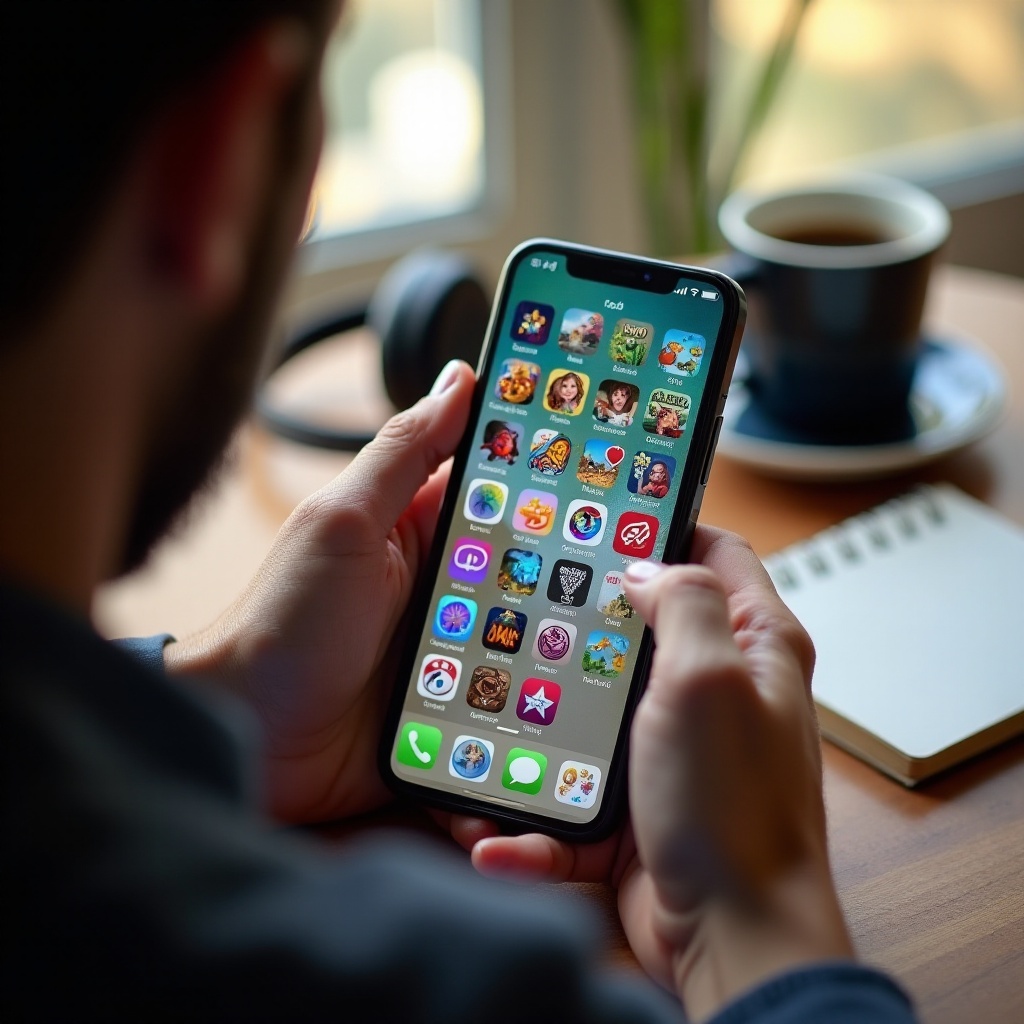
The random games installed on my phone once felt like a messy pile of forgotten apps. After looking closer, I realized they reveal my habits, moods, and favorite ways to relax. Some games are quick distractions, some are deep experiences, and others are just there for the cozy aesthetic.
By understanding why I download these games and how they end up on my device, I can curate a library that actually matches my life. A simple audit, a few honest decisions, and a bit of organization turn chaos into a collection that feels personal and purposeful.
You do not have to give up the fun of discovering new games. You just need a better filter. Keep the titles that bring real joy, uninstall the ones that waste space, and choose new games with a sharper eye. Your phone will run better, your mind will feel clearer, and every tap on a game icon will feel more intentional than random.
Frequently Asked Questions
Why do I keep downloading random games on my phone?
You download random games because they are easy to access, free, and heavily promoted. Boredom, curiosity, social influence, and tempting ads all push you to install one more game without much thought.
How often should I delete or clean up the random games installed on my phone?
A cleanup every two to three months works well for most people. During each review, delete games you have not opened in weeks, do not enjoy anymore, or only installed for short-term rewards or hype.
How can I find better random games without cluttering my phone in 2024?
Focus on curated lists, trusted reviews, and indie recommendations. Read user feedback, watch for red flags like fake ads and heavy paywalls, and limit yourself to trying only a few new games at a time to avoid clutter.