
Introduction
The Instax Mini 12, renowned for its simplicity and instant photography charm, occasionally confronts users with a blinking orange light. This guide aims to demystify what the blinking light signifies and offers practical solutions to restore your camera’s optimal performance.
What Does the Blinking Orange Light Mean?
A blinking orange light on your Instax Mini 12 acts as an alert to potential mechanical or operational issues. Understanding this signal can help in timely intervention and prevent further complications.
-
Common Causes of the Orange Light: Power supply problems are often at the heart of this issue, pointing to low battery levels or incorrect battery placement. Additionally, improper film cartridge installation can trigger this alert.
-
Situations When the Light Appears: This signal may surface when turning on the camera or attempting to capture a photo under unsuitable conditions. Understanding when the light appears can help in diagnosing the exact issue.
Before venturing into more advanced solutions, start by addressing the most straightforward cause—power issues.
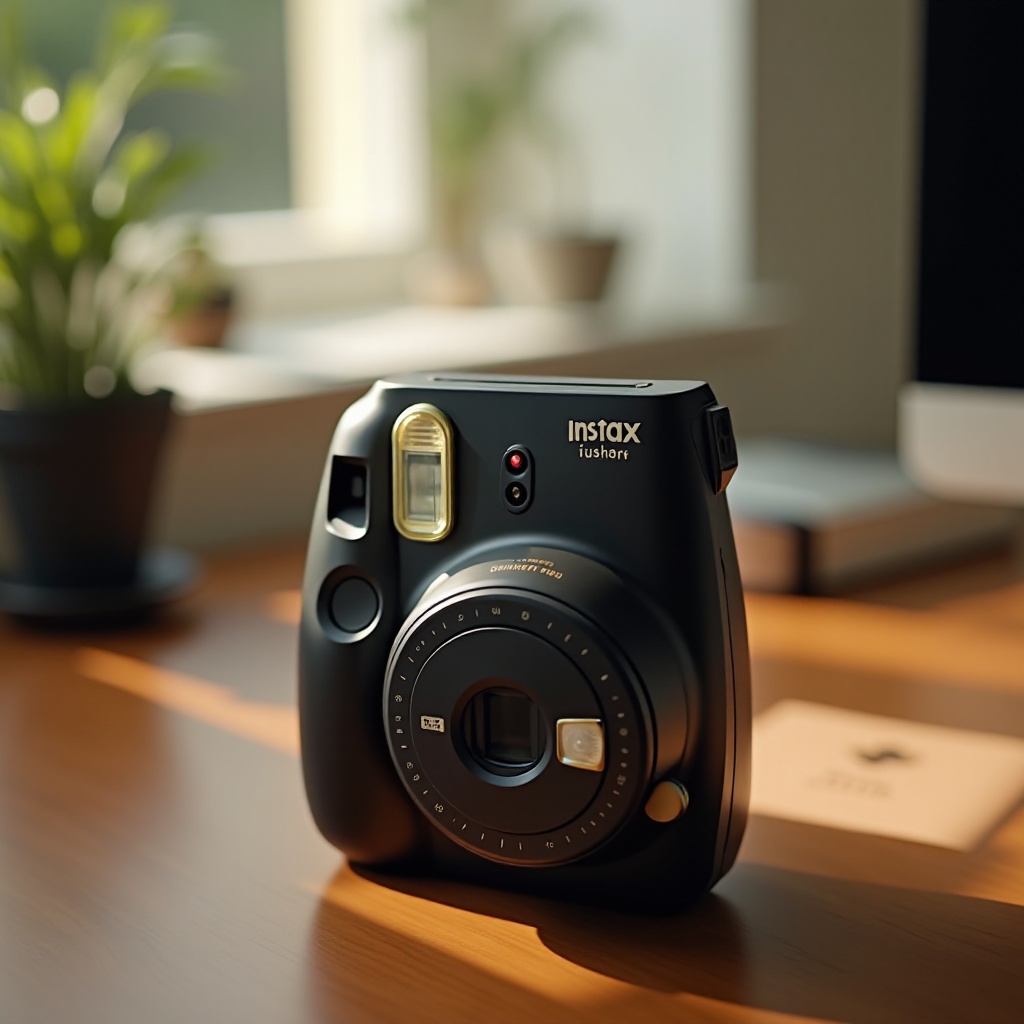
Battery and Power Solutions
Addressing power-related concerns is critical for resolving the blinking orange light. Much of the trouble can be traced back to the batteries which are vital for the camera’s functionality.
-
Importance of Battery Health: Healthy batteries ensure uninterrupted operation. Regularly monitor battery health to avoid depletion and ensure smooth functioning.
-
How to Replace and Recharge Proper Batteries: Start by checking battery contacts. Use fresh or fully recharged batteries when replacements are needed, adhering to manufacturer recommendations.
Having attended to power concerns, the next logical component to inspect is the film cartridge.
Checking the Film Cartridge
The film cartridge is pivotal to the Instax’s operation, making its proper handling essential to avoiding operational issues.
-
Proper Film Cartridge Placement: Ensure the cartridge is firmly placed according to guides in the camera. Misalignments can hinder its function.
-
Identifying Damaged or Expired Film: Check films for physical damage and confirm their expiration date. Using undamaged, in-date film minimizes the risk of errors.
With your film cartridge reviewed, explore how external conditions might be influencing camera operation.
Environmental Factors Affecting Performance
Environmental factors, such as extreme temperatures and humidity, can significantly affect your Instax Mini 12’s performance.
-
Impact of Temperature on Camera Function: Extreme temperatures may adversely affect battery performance and camera reaction to commands. Keeping the camera in moderate temperatures is advisable.
-
Humidity Issues and Precautions: High humidity can result in moisture affecting delicate components. Maintaining a dry storage environment for your camera will stave off unnecessary complications.
Should these checks fall short, seeking professional advice becomes imperative.
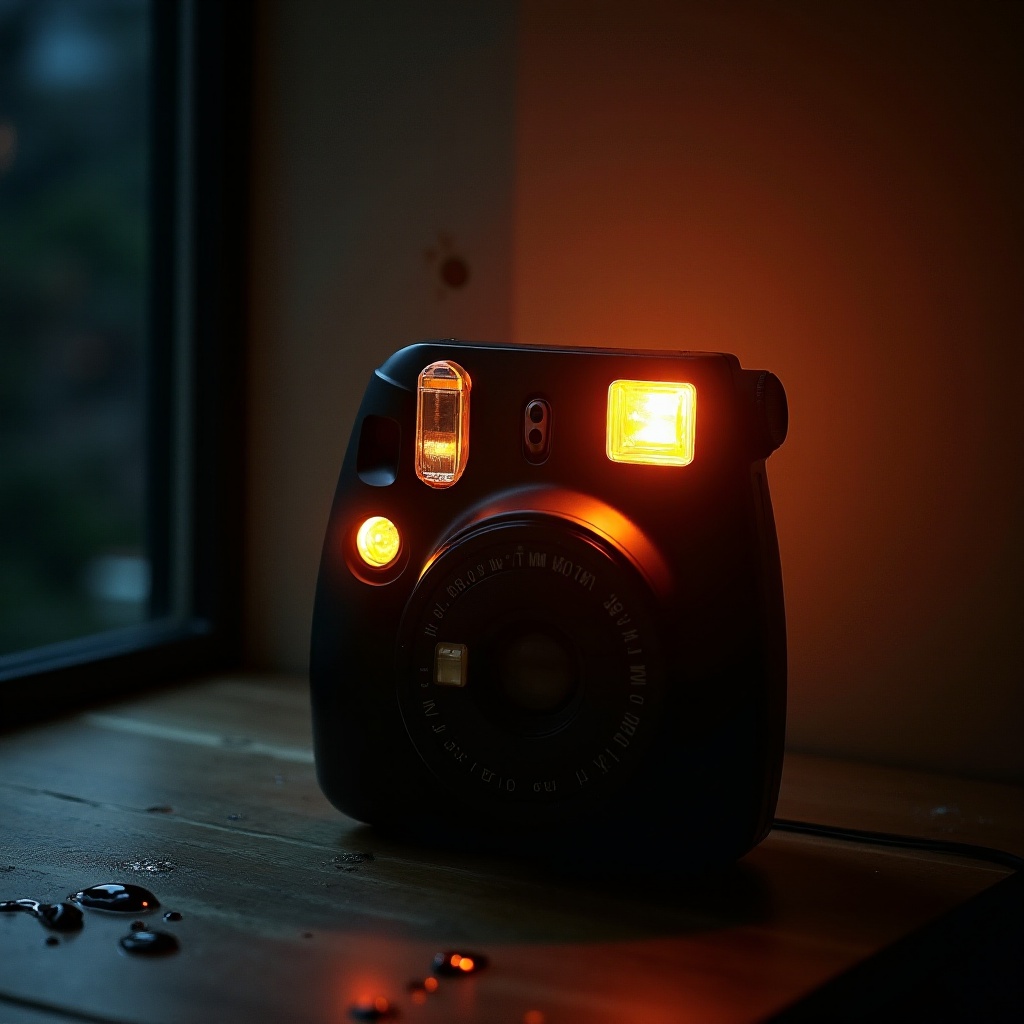
Seeking Professional Help
When all troubleshooting attempts fail to rectify the blinking issue, professional intervention might be necessary to restore camera functionality.
-
Identifying Hardware Issues: If hardware malfunctions are suspected, consult a professional for diagnostic services that can confirm and rectify underlying problems.
-
Contacting Fujifilm Support: Should persistent issues arise, contacting Fujifilm or authorized personnel ensures access to specialized solutions.
In closing, we emphasize the importance of continued maintenance and vigilance in preserving your camera’s integrity.
Conclusion
Resolving the Instax Mini 12’s blinking orange light involves understanding its causes and deploying targeted solutions. With a proactive approach to battery management, film handling, and environmental awareness, users can prevent future occurrences and foster seamless camera experiences.
Frequently Asked Questions
What Should I Do If the Orange Light Keeps Blinking?
First, check the battery health and ensure the film is inserted correctly before seeking further solutions.
Can I Fix the Blinking Orange Light Myself?
Yes, using the guidelines and troubleshooting tips provided, most users can address the issue independently. Seek professional help for persistent problems.
How Can I Prevent the Orange Light from Blinking in the Future?
Regularly check battery health, use undamaged film, and maintain your camera in suitable environmental conditions to avoid recurrence.