
Introduction
Silent mode on smartphones is designed to mute unwanted noises, yet alarms remain essential for daily tasks. Many users depend on alarms, even with their phones on silent. Therefore, understanding how silent mode interacts with alarm functionality is crucial. This guide provides clarity, offering strategies to ensure alarms work as intended and troubleshooting for common issues.
What is Silent Mode?
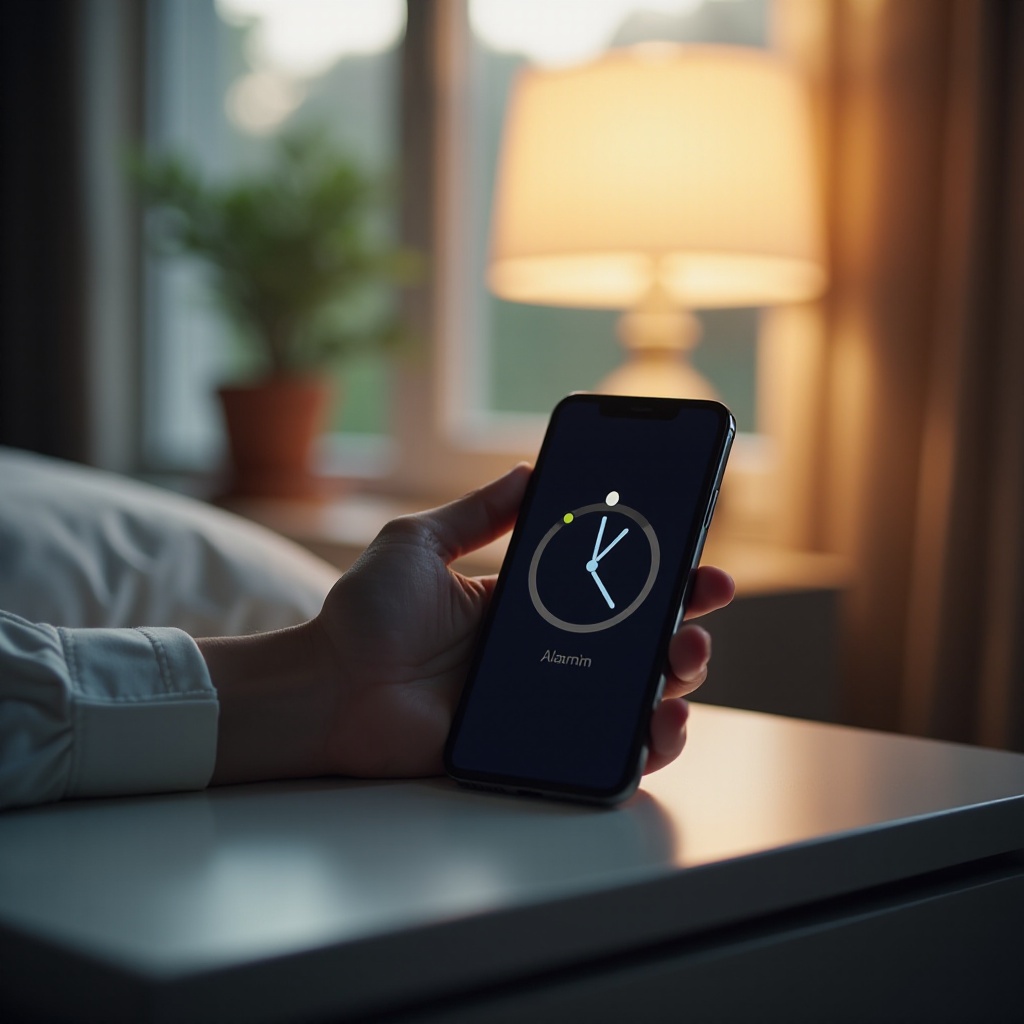
Silent mode mutes most notifications and calls, making it ideal for quiet environments. While it silences noises, exceptions for critical alerts such as alarms can be configured. However, the effectiveness of silent mode varies by device and operating system, with some allowing alarms through by default. Exploring these settings is necessary for anyone relying on silent mode regularly.
Understanding the default alarm behaviors of various devices can help users configure their settings appropriately.
Do Alarms Ring on Silent Mode Across Devices?
Alarms may work differently across smartphone brands and operating systems. It’s important to grasp how silent mode affects alarms on various devices:
iPhone Alarm Functionality: iPhones typically allow alarms to sound even in silent mode. The built-in Clock app ensures alarms bypass sound restrictions, giving users a reliable wake-up call.
Android Alarm Behavior: Most Android devices, such as Samsung and Google phones, support alarms ringing in silent mode. Users might need to adjust phone settings to guarantee this functionality.
Exceptions and Special Cases: Some smartphones might require specific settings to ensure alarms ring. Users should verify alarm settings to avoid missed alerts.
Having a clear understanding of alarm functions on different phones aids in effective device configuration, which leads us to configure settings for optimal reliability.

Configuring Alarms for Reliability
To ensure your alarms ring as expected, certain adjustments can enhance reliability:
-
Customizing Alarm Settings: Go to your device’s alarm app, set alarms, and check for options that allow alarms to ring in silent mode.
-
Exploring Do Not Disturb: Most smartphones offer ‘Do Not Disturb’ settings separate from silent mode. Customize these options to allow alarms but silence other notifications.
-
Using Third-Party Apps: Some apps offer alarm functions with additional reliability features. Checking reviews for alarm reliability can help select the best app.
Having configured alarms, understanding how to troubleshoot issues is crucial if problems persist.
Troubleshooting Alarm Issues
Despite careful configuration, alarms may occasionally fail. Here are common issues and their solutions:
Common Problems and Solutions: Double-check your device’s volume is not set too low, restart your phone, or check if you are in the right time zone.
User Tips for Troubleshooting: Adjust the alarm app volume separately from system volume and consult user forums for device-specific advice.
Following these steps will ensure your alarms function correctly. We now explore best practices for maintaining effective alarms.
Best Practices for Alarm Management
Sound alarm management contributes to reliability and peace of mind. Here are some key practices:
Setting Alarms Effectively: Schedule alarms ahead of time for consistency, integrating them into your daily routine for better time management.
Adjusting Notification Preferences: Customize notification settings to prioritize alarms, ensuring alerts are active.
By implementing these strategies, users can maintain dependable alarms within silent mode settings for uninterrupted alerts.
Conclusion
Silent mode is beneficial for minimizing disturbances without hindering essential alerts like alarms. By examining how devices manage alarms and customizing settings, users can ensure reliability. Implement the recommended practices and troubleshoot issues to confidently rely on alarms in any situation.
Frequently Asked Questions
Can I make my alarm ring on silent mode for specific apps?
Yes, many phones allow specific app alarms to bypass silent mode. Customize settings accordingly.
Why doesn’t my alarm ring sometimes, even if it’s set correctly?
Device settings or bugs may cause issues. Ensure your system is updated and review alarm and volume settings.
Are there apps that guarantee alarm ringing on silent mode?
Yes, third-party apps offer enhanced alarm features. Review app details and user feedback for reliability.