
Introduction
Reading manga offers a captivating blend of art and storytelling, drawing in readers from all walks of life. With smartphones becoming indispensable, figuring out how to enjoy manga on these devices enhances the experience of reading anywhere, anytime. This guide outlines the most effective apps, setup procedures, and tips to optimize your mobile manga experience.
Choosing the Best Manga Apps for Your Phone
Selecting the ideal manga app for your smartphone can significantly refine your reading journey. Here are some apps worth considering:
- Shonen Jump: Perfect for passionate fans seeking a vast array of popular series.
- Manga Plus: Offers a rich collection spanning various genres with regular updates.
- Webtoon: Delivers a seamless reading experience with its vertical scroll design.
- ComicRack: Provides tools to organize and customize your manga reading.
When deciding between free and paid versions, consider these factors:
– Exclusive Titles: Premium apps may offer newer or hard-to-find series.
– Offline Reading: Ensure your chosen app allows downloads for offline access.
– Personalization: Pick apps with adjustable fonts and themes.
With your chosen app installed, let’s transition to setting up your digital library for maximum ease.
Setting Up Your Manga Library
An organized digital library on your phone makes accessing beloved manga titles straightforward. Begin by exploring popular titles through the app’s search feature:
- Utilize genre filters to zero in on your interests.
- Browse recommendations or curated top-ranked lists.
After selecting your titles, downloading them for offline engagement can be done seamlessly. Here’s the process:
- Click the download button, typically available beside the title, and save them directly to your device.
- Keep an eye on available storage space.
Arranging downloaded manga empowers readers to continue seamlessly. Consider organizing by:
- Title
- Author
- Reading progress (e.g., finished, ongoing)
With your library set, optimize your phone for enhanced reading comfort.
Optimizing Your Reading Experience
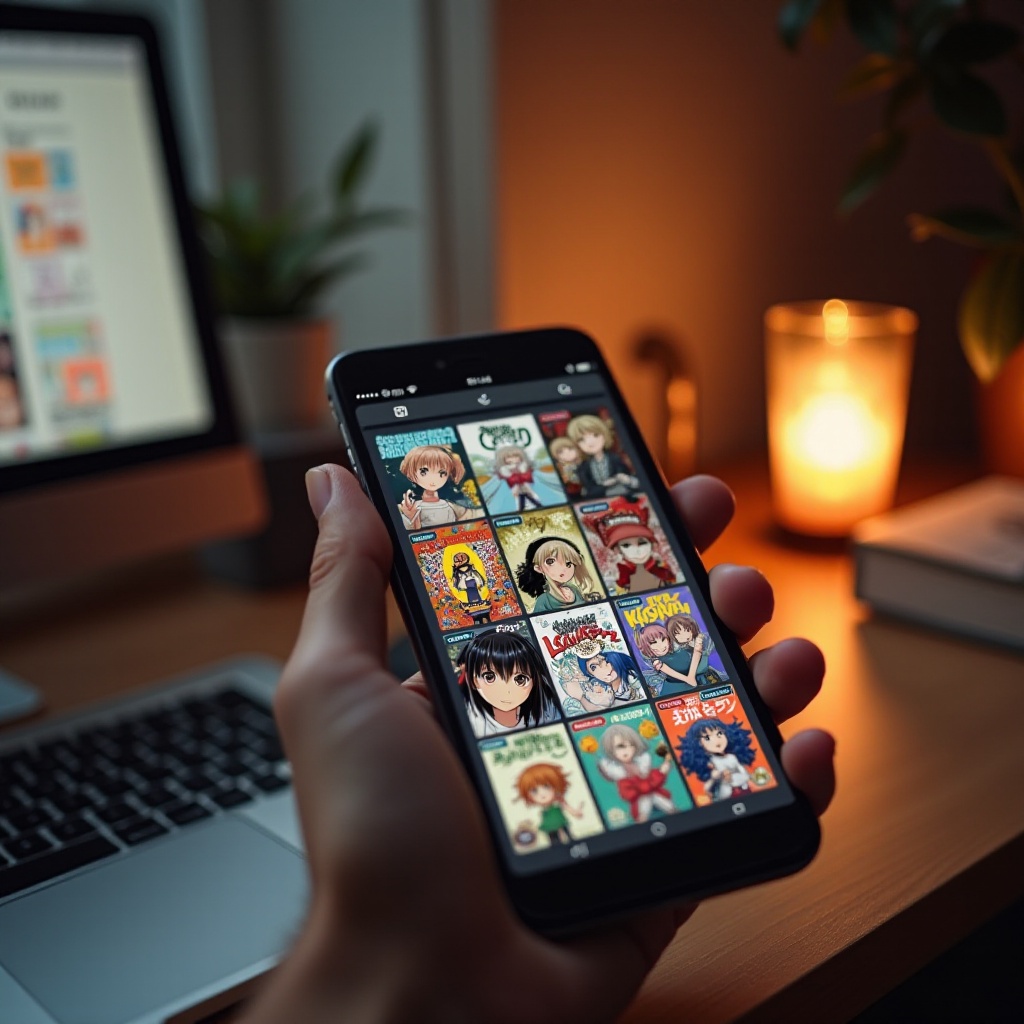
Customization plays a pivotal role in improving readability when diving into manga. Many apps feature settings tailored for a personalized experience:
- Font Size: Adjust for clarity to minimize strain.
- Background Colors: Choose between light and dark modes based on your environment.
Apps often offer features like bookmarks to ensure an efficient reading process. Additionally:
- Quickly retrieve previously read titles through ‘History.
- Enable notifications for new releases of ongoing series.
Setting these options paves the way for uninterrupted enjoyment of manga. Yet comfort requires more than just visual settings.
Enhancing Comfort and Accessibility
Comfortable manga reading on your phone should cater to prolonged engagement, driven by accessibility features:
- Dark Mode: Ideal for reading in low-light, reducing eye strain.
- Text Magnification: Conveniently adjust text sizes for clarity.
To further ease eye strain, consider these strategies:
- Take periodic breaks to rest your eyes every 20 minutes.
- Ensure proper lighting conditions around you.
As comfort is prioritized, efficiently managing your phone’s resources—both storage and battery—is crucial.
Managing Storage and Battery for Extended Reading
Efficient management of your phone ensures uninterrupted reading sessions. Here are strategies to manage storage and battery:
- Storage Efficiency:
- Clean app cache routinely.
-
Delete completed manga you don’t plan to revisit.
-
Battery Conservation:
- Dim screen brightness.
- Close unnecessary background apps.
These practices maintain your device’s readiness for manga exploration. As you integrate these tips, let’s conclude with the benefits of phone-based manga reading.
Conclusion
Exploring manga on your phone delivers unmatched versatility and selection. With optimal apps and settings, each reading session becomes more engaging and comfortable. Utilize this guide to delve into new series, seamlessly enjoy cherished narratives, and appreciate the boundless possibilities manga offers in digital format.
Frequently Asked Questions
What Are the Best Free Apps for Reading Manga on a Phone?
Popular free apps include Manga Plus and Webtoon, offering diverse selections without charge.
How Can I Download Manga for Offline Reading?
In most apps, locate and click the download button near your chosen title to save it for offline viewing.
How Do I Adjust Settings to Make Manga Easier to Read on My Phone?
Most apps provide customizable display settings through their menus, allowing adjustments to font size, background color, and enabling dark mode.