
Introduction
Google Pixel phones are celebrated for their design and capabilities, yet overheating is a concern for many users. This problem can impact performance and battery longevity. By understanding the causes of overheating, you can apply effective solutions to protect your device. This article investigates why your Google Pixel might overheat and provides practical solutions to alleviate and prevent it.

Understanding the Causes of Google Pixel Overheating
Overheating typically results from several factors, including software and hardware issues, as well as environmental conditions. These causes can often interact:
-
Software-related Issues: Applications running in the background and glitches from software updates can contribute to excessive heat generation.
-
Hardware-related Factors: Problems with the battery or internal components may produce more heat than usual, triggering overheating.
-
Environmental Conditions: External factors such as direct sunlight or hot surroundings can increase your phone’s temperature.
Identifying these sources helps determine how best to manage and mitigate overheating effectively.
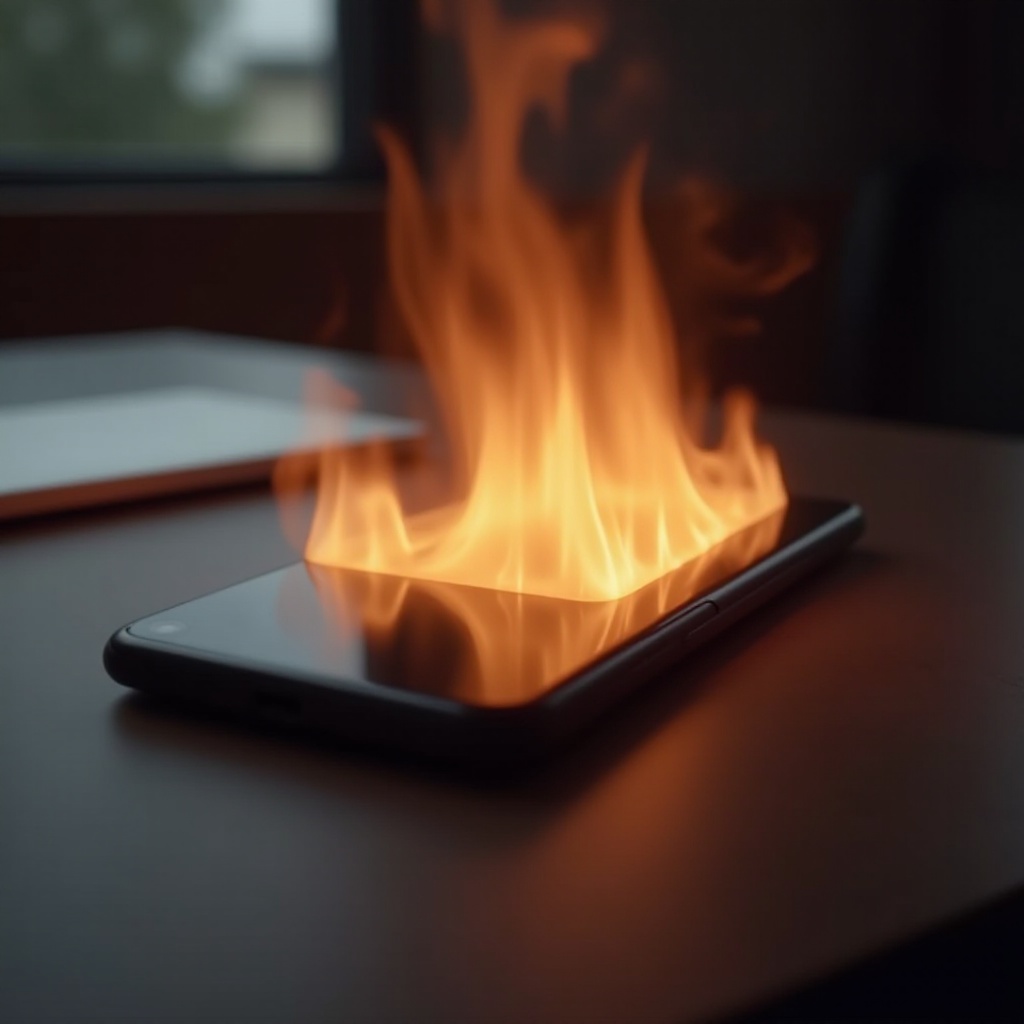
Symptoms and Impact of Overheating
When a phone overheats, it can impact performance and efficiency. Symptoms of overheating may include:
-
Performance Degradation: High temperatures can slow down phone operations, making apps feel sluggish and prone to crashing.
-
Battery Health Implications: Persistent overheating may lead to reduced battery efficiency, shortening its lifespan and necessitating more frequent charges.
Understanding these impacts highlights the importance of ensuring timely action to protect your phone’s functionality.
Immediate Solutions to Address Overheating
Taking action quickly when your Google Pixel overheats is crucial. Here are immediate steps you can take:
-
Close Background Apps: Reducing CPU load and heat generation by closing non-essential apps can be effective.
-
Adjust Settings and Features: Lower screen brightness, disable location services, and minimize the use of demanding apps.
-
Emergency Cooling Methods: Remove cases and ensure ventilation by positioning your phone in cooler, shaded areas to help dissipate heat.
These solutions are straightforward to apply and can provide rapid relief from overheating problems.
Long-term Strategies to Prevent Overheating
While immediate solutions are vital, implementing preventative strategies is the key to avoiding future issues:
-
Regular Software Updates: Keeping your phone’s operating system updated will address bugs and optimize performance.
-
Optimal Usage Practices: Avoid using heavy apps and multitasking for extended periods, especially under high temperatures.
-
Accessory and Environmental Adjustments: Utilize quality cases that allow ventilation and avoid prolonged exposure to direct sunlight or hot conditions.
Applying these strategies will help maintain your device’s efficiency and longevity.
Conclusion
Overheating in Google Pixel devices can compromise your phone’s functionality, but by understanding the causes and implementing both immediate and preventative measures, you can safeguard its stability. Remember, staying updated with software and practicing mindful usage are central to ensuring your Google Pixel remains reliable and efficient.
Frequently Asked Questions
How can I tell if my Google Pixel is overheating?
Check for symptoms like a high temperature, reduced performance, or screen warnings about excessive heat.
Does overheating affect the lifespan of my phone’s battery?
Yes, overheating can degrade battery performance over time, reducing efficiency and lifespan.
What should I do if my phone overheats frequently despite following tips?
Contact Google support for professional assistance as repeated overheating may indicate technical issues requiring expert intervention.