
Introduction
The annoying blinking red light on your Denon AVR can disrupt your seamless audio experience. It’s crucial to recognize and fix these issues to restore top-notch sound quality. This guide will help you pinpoint the causes of the Denon AVR red light blinking issue, especially when you’re eager to enjoy your vinyl collection. Let’s explore how to resolve these common problems and get your music flowing smoothly again.
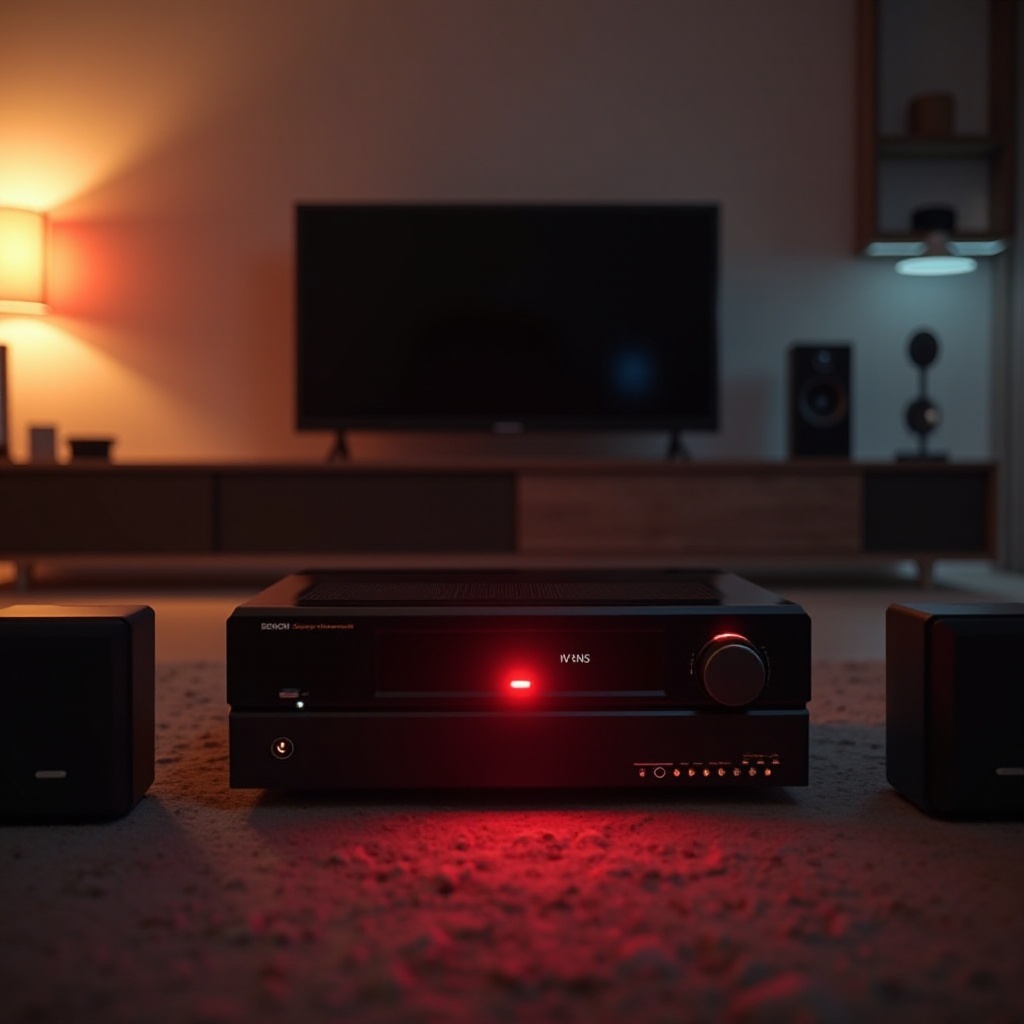
Understanding the Denon AVR Red Light
The blinking red light on your Denon AVR typically signals a malfunction. These issues range from overheating, improper speaker impedance, to connectivity failures. Comprehending these causes is vital for maintaining audio quality.
Common Causes of the Blinking Red Light
- Overheating: AVRs incorporate safety measures to shut down when temperatures rise too high.
- Impedance Mismatch: Connecting incompatible speakers can trigger protective shutdowns.
- Connectivity Issues: Faulty or loose cables often confuse the system and result in blinking alerts.
The Impact on Audio Performance
Blame it on the blinking red light for not just being an eyesore but also for ruining audio playback. Uninterrupted sound interruptions can significantly harm the listening experience. Address the red light issue immediately to prevent equipment damage and enjoy hassle-free audio.
Basic Troubleshooting Steps
Kick off your troubleshooting by ensuring all cables are secure. Examine and verify connections to solve potential blinking red light issues promptly.
Checking Cable Connections
- Switch off the AVR to avoid any risks.
- Inspect all cables, ensuring tight connections with no visible damage.
- Replace any damaged cables to prevent interference.
Ensuring Proper Speaker Wiring
- Verify all speaker wires are firmly connected to appropriate terminals.
- Eliminate any possible shorts by keeping wires untangled.
Verifying Impedance Levels
- Match your speakers with the AVR’s recommended impedance settings.
- Make necessary adjustments to AVR settings to match your speakers.
Advanced Solutions for Persistent Issues
Sometimes, basic troubleshooting doesn’t solve the problem. Dive into advanced methods like firmware upgrades or a factory reset.
Updating Your Firmware
- Visit Denon’s support site and check for the latest firmware.
- Securely install updates to rectify performance issues.
- Reboot your AVR to complete the installation.
Performing a Factory Reset
- Back up your current settings to avoid data loss.
- Follow the manual for precise reset steps.
- Reinstall settings as per your desired configuration.
Identifying and Fixing Overheating Problems
- Ensure optimal airflow by allowing your AVR adequate ventilation.
- Clean dust accumulation from vents for temperature regulation.
- Add cooling accessories if necessary, like external fans.
Optimizing Your AVR Setup for Record Players
Sorting out the red light shouldn’t stop you from optimizing your sound system. Tailor your AVR setup to integrate seamlessly with your record player.
Proper Grounding Techniques
- Use a dedicated grounding wire between your turntable and AVR to minimize hum.
- Connect all devices to the same ground path to eliminate noise.
Balancing Your Audio Settings
- Fiddle with equalizer settings to boost the natural sound of vinyl.
- Ensure sound profiles align with preferences to maximize enjoyment.
Preventative Measures and Maintenance Tips
Regular care and maintenance of your AVR ensure longevity and superb performance. Adopt preventative strategies to avoid future inconveniences.
Regular System Checks
- Periodically inspect all connections for wear and tear.
- Keep firmware current for optimal operation and compatibility.
Best Practices for Equipment Longevity
- Promote ventilation by positioning your AVR in a well-ventilated area.
- Avoid prolonged usage at high volumes to prevent system strain.
Conclusion
Dealing with the Denon AVR red light issue quickly restores harmony to your audio ecosystem. By following these troubleshooting and maintenance tips, you can sustain smooth operation and enjoy an uninterrupted musical journey.
Frequently Asked Questions
Why does my Denon AVR keep showing a red light?
The red light often indicates issues like overheating, wrong speaker impedance, or loose connections.
Can I fix the red light issue myself, or do I need a professional?
Basic troubleshooting can resolve many issues, but recurring problems may require a pro’s touch.
How can I prevent the red light issue from occurring in the future?
Regular maintenance, ensuring precise connections, and keeping the system updated can prevent recurrence.