
Introduction
The grid feature on your phone’s camera is an indispensable tool for refining your photography skills, providing structure and balance to your shots. Especially for those wanting to improve their composition, the grid offers a visual guideline to frame and align subjects efficiently. By using this simple tool, you can elevate ordinary photos to professional quality captures.
Understanding the Importance of Camera Grids
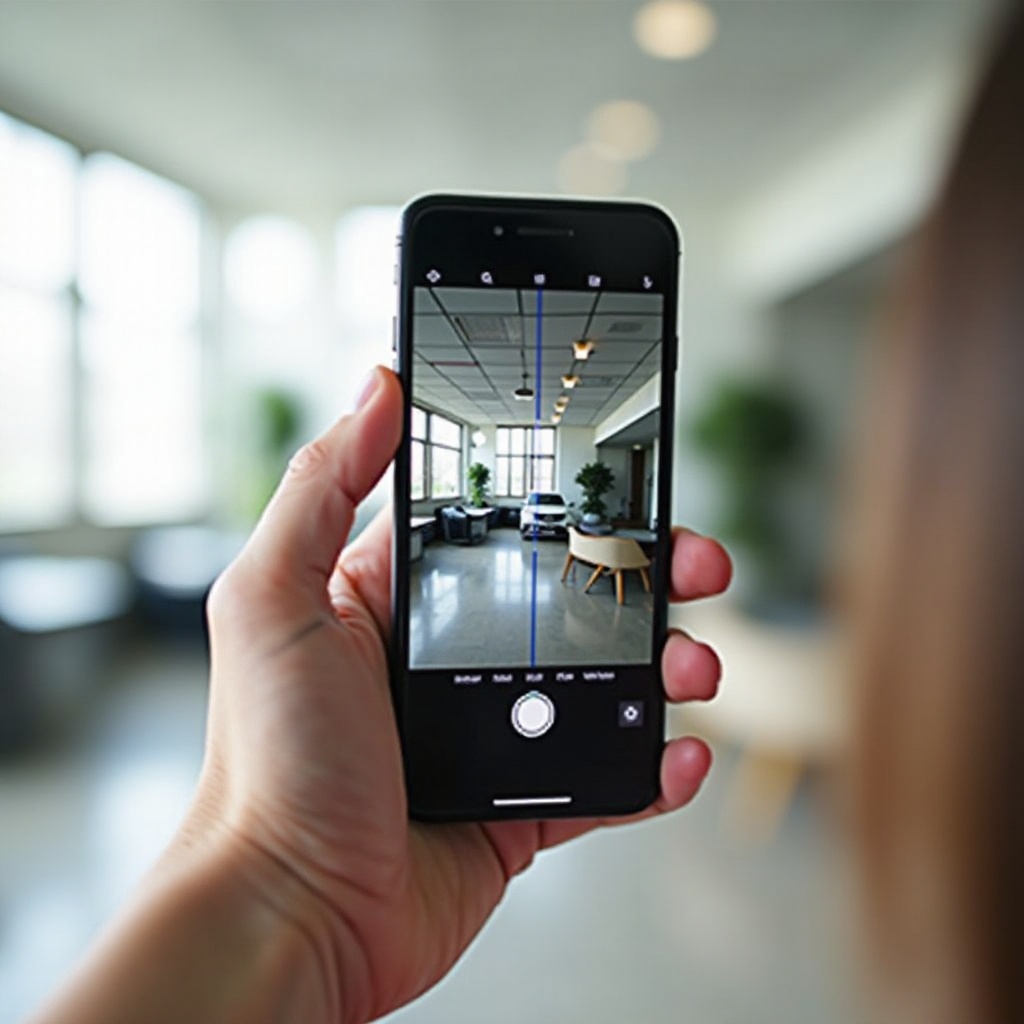
Camera grids enhance your photographic framing by using the ‘Rule of Thirds,’ a renowned composition principle. By dividing the frame into nine equal segments, the grid helps position key elements at powerful intersection points, creating harmonious and composed images. This not only balances the image aesthetically but also guides the viewer’s eye naturally to the important parts of your photograph.
This feature is crucial for keeping horizons level and for creative framing techniques. Therefore, activating the grid is a helpful step in taking professional-looking photos consistently.
Enabling the Grid on iPhone Cameras
Setting up the grid on an iPhone is a straightforward process:
– Open the ‘Settings’ app.
– Scroll to ‘Camera’ and select it.
– Turn on the ‘Grid’ option.
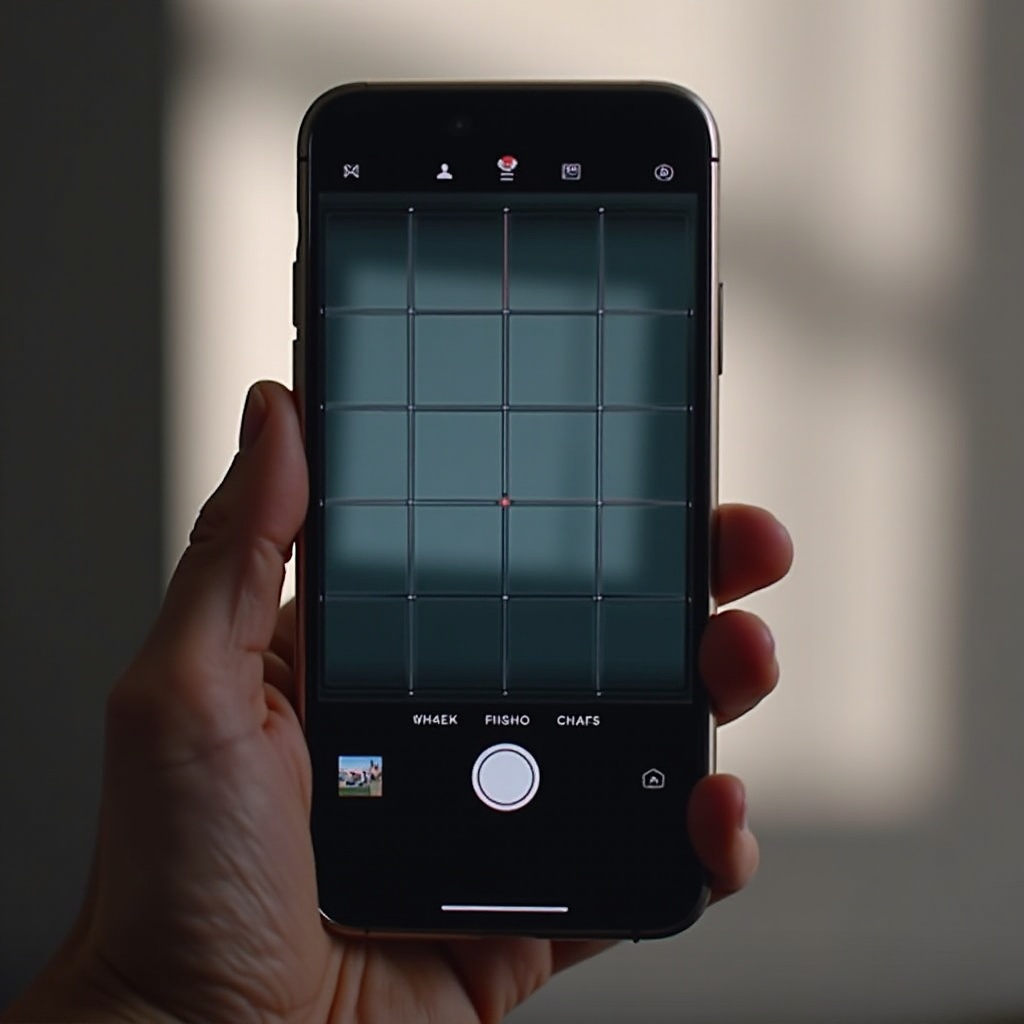
Activating this feature overlays a 3×3 grid on your camera, allowing effective use of the Rule of Thirds. For those encountering issues like a missing grid, ensure your iOS is up to date and the settings have been properly configured.
Troubleshooting Common iPhone Issues
If the grid doesn’t appear, these tips may help:
– ‘Restart Your iPhone’: A reboot can solve many temporary glitches.
– ‘Update iOS’: Navigate to ‘Settings > General > Software Update’ to check for the latest updates.
– ‘Reset Settings’: If all else fails, go to ‘Settings > General > Reset > Reset All Settings’ to reset camera configurations without affecting personal data.
Following these steps should solve most grid activation problems, ensuring a seamless photography experience.
Turning on the Camera Grid on Android Devices
The grid setup process on Android phones can vary by brand but generally follows these guidelines:
– Open the ‘Camera’ app on your device.
– Access ‘Settings’ from within the camera interface.
– Enable ‘Grid’ or ‘Grid Lines.
For devices from major brands like Samsung or Google, the grid option is typically within the camera app settings, making it easy to turn on and apply.
Customizing Grid Settings on Android
Android devices can offer different grid styles such as 3×3, 4×4, or other ratios. Customizing the grid can give you more flexibility in how you compose shots, providing unique perspectives for your photos. Explore your device’s camera settings to take full advantage of these options.
Once activated, the grid becomes a powerful tool, enhancing both creativity and precision in your photography.
Practical Tips for Using the Grid in Photography
Using the grid effectively can transform your composition skills. The Rule of Thirds is the most common guideline:
– Align subjects or horizons along the grid lines for balance.
– Position key elements at intersections for dynamic compositions.
Utilizing the Rule of Thirds
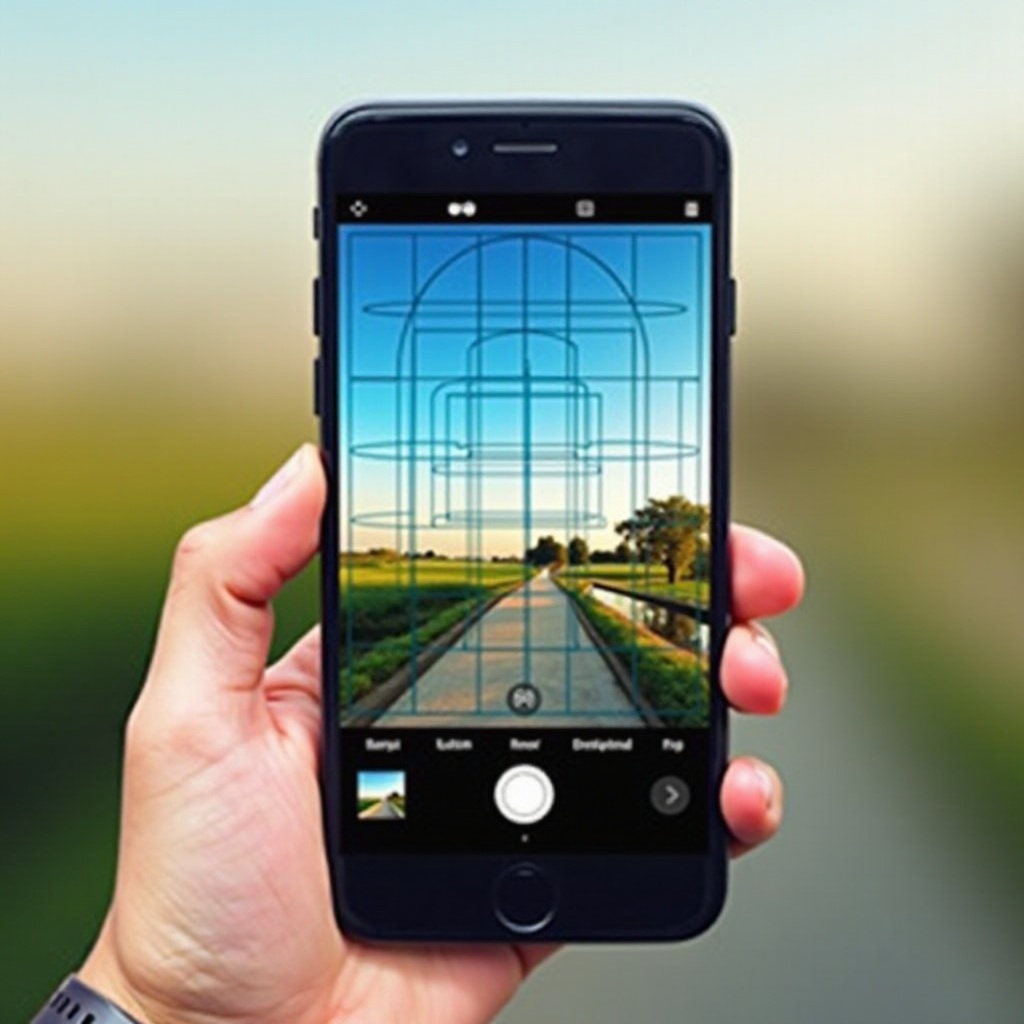
The Rule of Thirds underscores the importance of placement in enhancing visual appeal. By aligning significant parts of your scene with the grid’s lines or intersections, you can create a more compelling image, naturally leading the viewer’s gaze to the focal point.
Creative Composition Techniques
Besides the Rule of Thirds, employ these strategies:
– ‘Symmetry’: Use grids to precisely balance symmetrical compositions.
– ‘Leading Lines’: Guide the viewer’s attention through the frame using architectural or natural lines aligned with the grid.
These techniques foster creativity, ensuring your photography stands out.
Additional Features to Enhance Phone Photography
The grid is one element of a broader set of tools designed to enhance your photography.
Lighting and Exposure Adjustments
- Experiment with natural light for optimal exposure.
- If available, manually adjust exposure to retain detail across different light scenarios.
Combining Grids with Advanced Features
Maximize your smartphone camera’s potential by combining grid usage with features like HDR (High Dynamic Range) and portrait modes. These functionalities can significantly improve photo clarity and detail, making each shot vivid and engaging.
Conclusion
Integrating the camera grid into your phone photography practice provides a solid foundation for improved composition and overall image quality. This feature is an easy yet powerful tool that offers long-term benefits for anyone looking to capture professional-caliber photos on their smartphone.
Frequently Asked Questions
How do I keep the grid on permanently?
Once activated, the grid should stay on as part of your camera’s saved settings until you choose to turn it off manually.
Can I customize the grid on my phone camera?
Yes, Android devices often allow more customization with different grid styles or layouts, while iPhones typically offer a standard grid option.
Is having the grid on the phone camera beneficial for beginners?
Absolutely, as grids guide beginners in composition, helping them create balanced and appealing photographs effortlessly.