
Introduction
A green tint on your phone screen can disrupt daily usage and cause frustration. This phenomenon is not uncommon and can result from various factors. Whether it’s an issue with the hardware or software, understanding the root cause is crucial for finding an effective solution. This guide explores why phone screens turn green and offers practical solutions, including troubleshooting tips and prevention strategies. We’ll also delve into professional repair options to help you make informed decisions, ensuring that your phone returns to normal functionality.
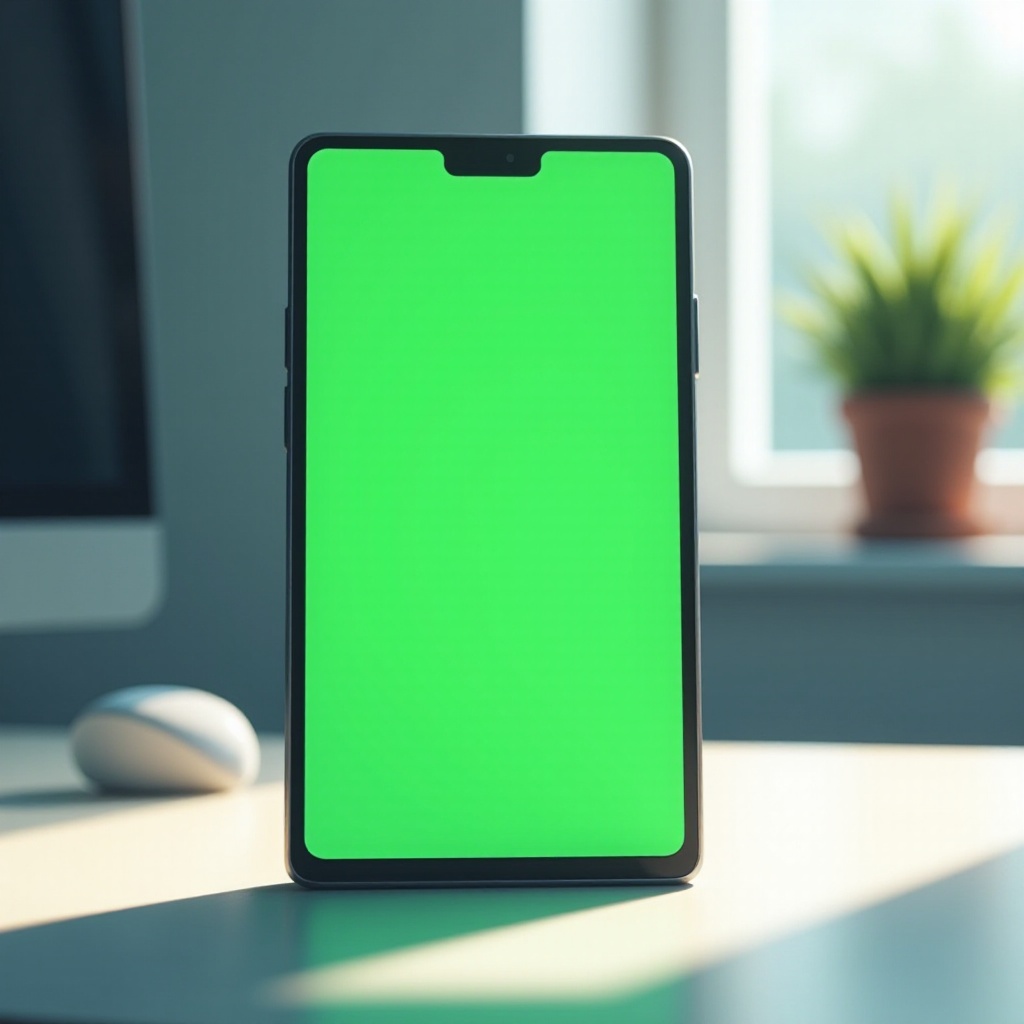
Understanding the Green Screen Phenomenon
The reasons behind a green phone screen typically fall under two categories: hardware and software issues. Identifying the nature of the problem is the first step toward resolution.
Hardware-Related Causes
Hardware issues often lead to a green screen. Notably, damage or a loose connection between the screen and internal components can affect display output, often due to physical impact or wear. Additionally, exposure to moisture or liquid damage can compromise screen performance.
Understanding hardware-related problems is essential because addressing these may require technical intervention. While hardware issues call for professional repair, software-induced problems are often manageable with simple troubleshooting.
Software-Induced Problems
Software glitches can also cause the screen to turn green. An update may introduce bugs affecting display settings, or incompatible applications might alter phone behavior. System overload or malfunctioning software can cause visual disruptions like color distortion.
Distinguishing between hardware and software issues helps because it determines whether the problem can be fixed independently or requires expert assistance.
DIY Troubleshooting Steps
Before seeking professional repair, these DIY steps can help you diagnose and possibly resolve your screen issues.
Restarting and Updating
Begin with fundamental troubleshooting methods:
-
Restart your phone — this often resolves minor software glitches.
-
Check for updates — ensure your phone’s operating system is current, as updates frequently resolve bugs.
Rebooting and updating your system may resolve straightforward software-related screen issues. If problems persist, further troubleshooting methods might be necessary.
Adjusting Screen Settings
Adjust your phone settings to address screen color issues:
-
Reduce brightness — dimming the brightness might instantly rectify color problems.
-
Display mode settings — navigate through display options and test different modes to see if they alleviate the green tint.
Tweaking screen settings can effectively troubleshoot issues; however, persistent problems may need a more comprehensive approach.
Resetting Your Phone
If other measures fail:
- Perform a factory reset — use this as a last resort if the problem persists. Remember to back up important data since this process clears personal information.
A factory reset can solve persistent software-induced issues; however, lingering problems suggest a deeper hardware concern.

Professional Repair Solutions
If DIY methods don’t resolve the green screen issue, seeking professional assistance may be necessary.
Determining Need for Hardware Repair
Identify signs indicating expert intervention:
-
The screen consistently turns green despite troubleshooting.
-
Visible external damage linked to screen color changes.
Recognizing when hardware repair is essential prevents further damage and assures efficient problem-solving.
Finding a Reliable Repair Service
Selecting the right repair service is crucial for an efficient resolution. Consider these points:
-
Research repair shops — opt for authorized service centers or shops with positive reviews.
-
Request estimates — before committing, ask for cost evaluations and turnaround times.
Choosing a repair service aligned with your needs saves time and guarantees effective fixes for your phone.
Preventative Measures to Avoid Green Screen Issues
By adopting preventative steps, you can maintain screen health and proactively prevent future glitches.
Regular Software Updates
Maintain smooth operation and avoid bugs:
-
Regularly update your phone’s software, even when everything seems functional.
-
Updates fix known bugs and optimize performance, reducing potential screen issues.
Proper Screen Handling
Protective practices can prevent screen problems:
-
Invest in screen protectors to shield against scratches and falls.
-
Keep your phone away from moisture to protect the display.
Proactive care can spare you from recurrent issues, extending your phone’s lifespan.
Conclusion
Encountering a green screen can be frustrating, but understanding its causes and applying solutions can effectively resolve the issue. From DIY methods to recognizing when professional intervention is needed, this guide offers comprehensive solutions. Additionally, adopting preventative measures ensures your phone maintains its functionality and reliability. By following these strategies, you’ll be able to manage screen problems confidently.
Frequently Asked Questions
Why does my phone screen turn green intermittently?
Green screens may result from temporary software glitches or hardware issues. Restarting your phone or checking for software updates can help identify temporary causes.
Can a green screen be fixed without professional help?
Yes, many green screen issues can be resolved with DIY methods such as restarting, updating software, or adjusting screen settings. Persistent issues may need professional assistance.
Is it worth repairing a phone with a green screen, or should I replace it?
Repair versus replacement depends on damage extent and phone condition. If relatively new and valuable, repair is worthwhile; older or severely damaged devices may be better replaced.