
Introduction
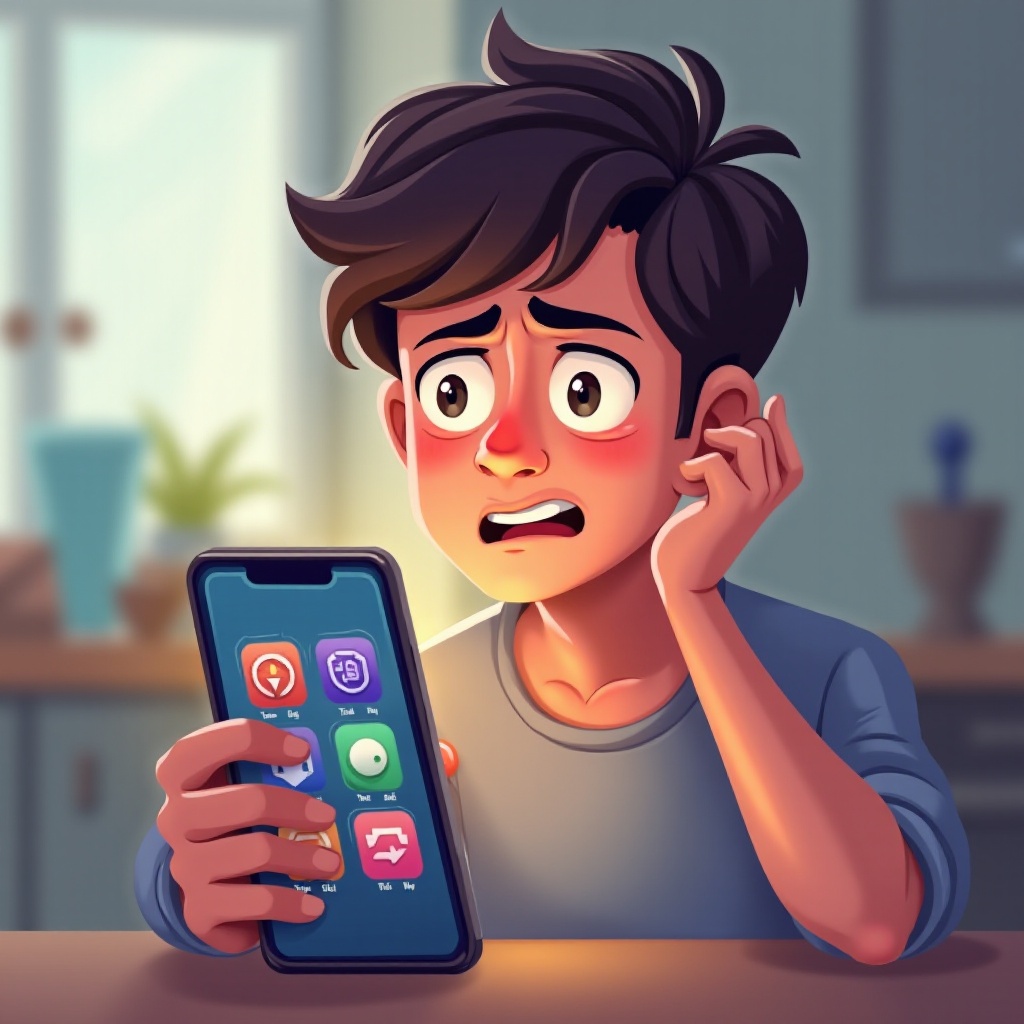
Imagine picking up your phone only to discover it has mysteriously downloaded several games you’ve never even heard of. This unwelcome surprise is more common than you might think and raises significant concerns about your phone’s security and privacy. In this article, we delve into why your phone may be downloading random games without your knowledge and what you can do to stop it and safeguard your device.

Understanding Random Game Downloads
Random downloads can be both unexpected and puzzling. They occur when applications on your device gain more access than necessary, often without your explicit consent. These unauthorized apps can eat up data and storage space and potentially compromise security.
Recognizing how these downloads happen is the first step in tackling the problem. Understanding their causes can equip you with the tools to manage and prevent them in the future. Let’s dive into the common reasons behind these unsolicited downloads and their effects on your phone’s performance.
Common Causes of Unwanted Downloads
Understanding the root of the problem is crucial. Here are several reasons random games might be showing up on your device:
- Unauthorized App Permissions: Often, apps request permissions beyond their functionality. Granting these unnecessary permissions may lead to downloads you didn’t approve.
- Malware or Adware Infections: Harmful software can infiltrate your phone through different channels, leading to unauthorized game downloads as part of their disruption.
- Pre-installed Carrier Apps: Sometimes carriers include applications with additional download capabilities, which can automatically install games or other apps on your device.
Knowing these causes can help you take preventive steps to secure your phone and ensure peace of mind.

How to Prevent Unwanted Game Downloads
Prevention is key to managing random game downloads on your phone. Here’s what you can do:
- Review and Adjust App Permissions:
- Regularly check your phone settings to control app access.
-
Restrict permissions that don’t align with an app’s main purpose.
-
Manage Background Data Usage:
- Limit background data in your settings for apps you rarely use.
-
Turn off app updates that aren’t critical.
-
Regular Antivirus Scans:
- Install a reliable antivirus program and perform scheduled scans.
- Ensure your antivirus software is up-to-date to catch new malware threats.
With these actions, you’ll stop potential unauthorized downloads and reinforce your security measures to protect your device against future threats.
Best Practices for Phone Security and Privacy
Ensuring phone security involves more than stopping unwanted downloads. Adopting these best practices will help protect your device over the long term:
- Safe Browsing Habits:
- Avoid clicking on dubious links or advertisements that might lead to malicious sites.
-
Download apps exclusively from reputable sources like the official app stores.
-
Regular Software Updates:
-
Keep your phone’s operating system and all apps updated to benefit from the latest security improvements.
-
Use Trusted Sources for Apps:
- Steer clear of third-party app sites that might offer compromised software.
- Choose apps with good user reviews and extensive installs in official stores.
By implementing these practices, you create a strong defense for your phone, ensuring both current and future security.
Conclusion
Addressing random game downloads involves identifying their origins and taking strategic actions to prevent their recurrence. By following the outlined solutions and best practices, you maintain control over your phone, ensuring it remains secure and functions without unwanted interruptions. Pay attention to app permissions, practice safe browsing, and regularly update your software to keep your device in top condition.
Frequently Asked Questions
How can I tell if my phone has a virus or malware?
Look for signs like excessive ads, frequent crashes, battery draining fast, and unauthorized app installations. Use an antivirus app for detection and removal.
Are pre-installed apps a security risk?
Not all are risks, but some can contribute to unwanted downloads. Disable or remove unnecessary pre-installed apps if possible.
How often should I run antivirus scans on my phone?
It’s recommended to perform scans weekly or whenever your device behaves suspiciously, ensuring your antivirus software is always up-to-date.