
Introduction
Smartphone cameras have evolved dramatically, especially those on iPhones, offering features that rival many stand-alone cameras. Yet, to take your mobile photography to the next level, adding specialized phone lenses can make a notable difference. These lenses provide versatility and creative options for both amateur and professional photographers, helping to capture stunning images with ease. This guide delves into the world of phone lenses for iPhones, offering top recommendations and essential usage tips.
Understanding Phone Lenses for iPhone
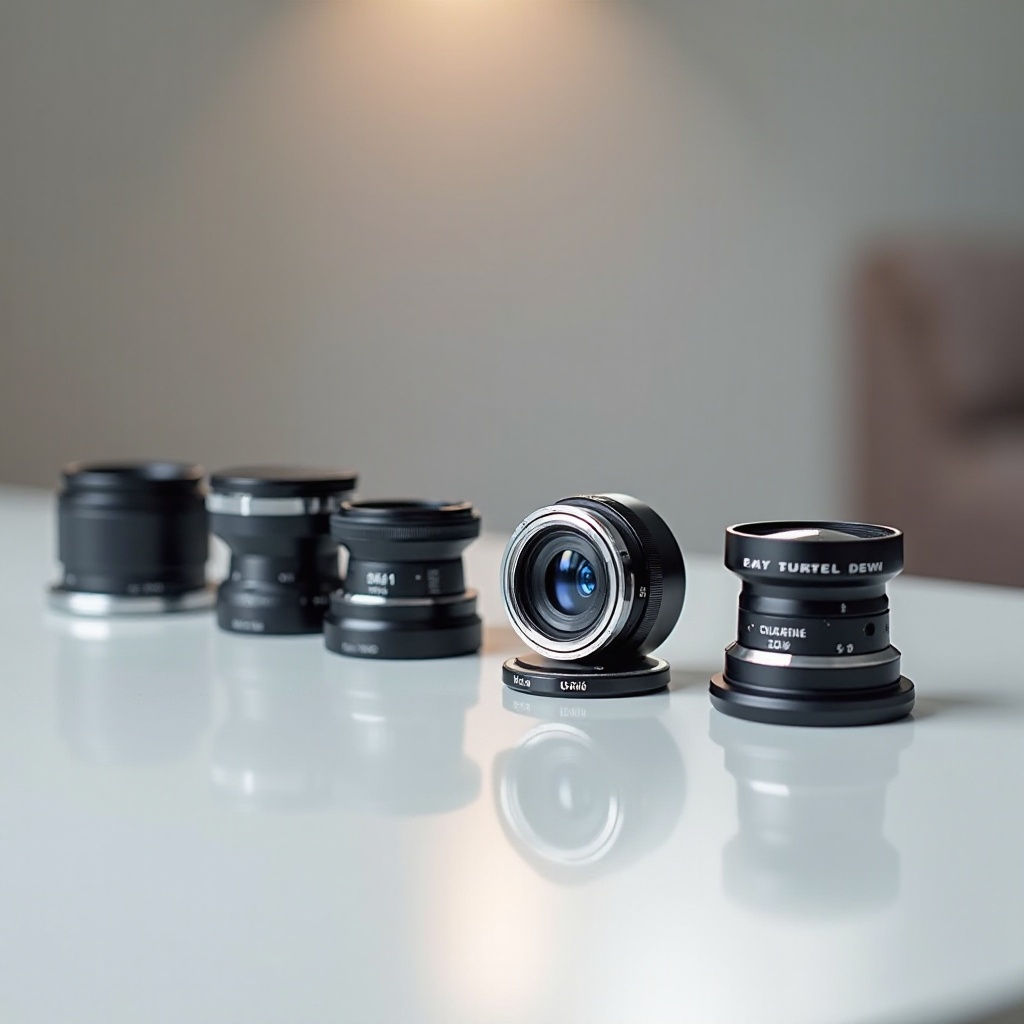
Phone lenses are external attachments that connect to your iPhone, offering enhanced optical capabilities beyond the standard camera. Each type of lens brings unique photographic enhancements, whether you’re aiming for a wider composition, capturing intricate details up close, or creating artistic distortions. With these lenses, your iPhone transforms into a more flexible and potent photographic tool.
What Are Phone Lenses?
Phone lenses are external devices that clip onto your smartphone camera, modifying its native lens capabilities. Each lens type enhances distinct aspects of mobile photography, from altering the field of view to increasing zoom effectiveness.
Benefits of Using Phone Lenses with iPhone
- Versatility: Access to various lens types provides flexibility in capturing landscapes, portraits, and macros.
- Enhanced Image Quality: High-quality optics can surpass the iPhone’s built-in capabilities.
- Artistic Creativity: Experiment with different visual styles, expanding your creative photography.
Types of Phone Lenses for iPhone
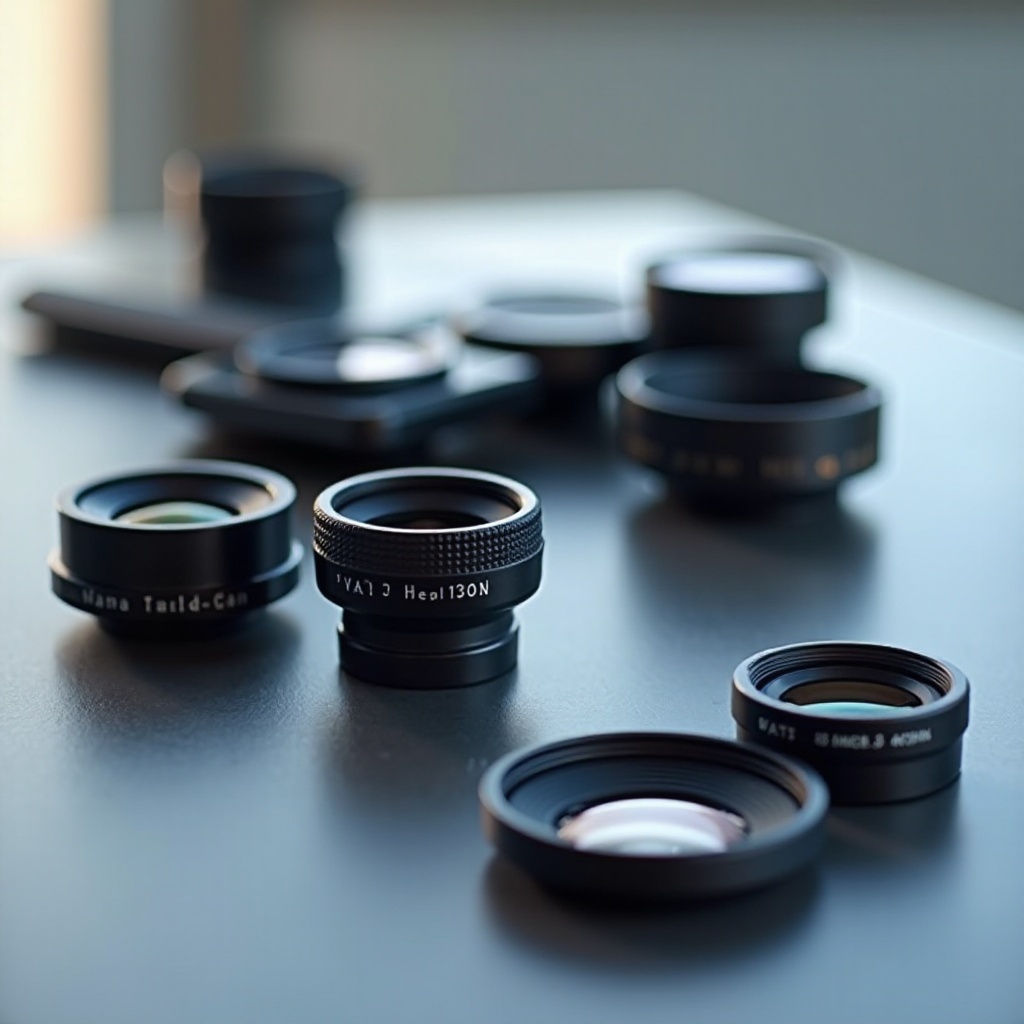
The market offers a wide variety of phone lenses, and understanding their unique characteristics helps in selecting the right lens for your photography needs.
Wide-Angle Lenses
Wide-angle lenses extend your field of view, ideal for capturing expansive landscapes or fitting large groups into the frame without needing to move back.
Macro Lenses
Macro lenses are perfect for detailed close-ups, bringing small subjects like flowers or insects into sharp focus with astonishing clarity.
Fisheye Lenses
Fisheye lenses offer a spherical, artistic distortion over a wide field, perfect for capturing unique perspectives and adding creative flair to your photos.
Telephoto Lenses
Telephoto lenses bring distant subjects closer, maintaining quality, making them invaluable for wildlife or sports photography.
Choosing the Best Phone Lens for Your Needs
Selecting the right lens involves matching your photography goals with the capabilities of the lens, ensuring you achieve the desired photographic outcomes.
Considerations for Different Photography Styles
- Landscapes: Choose wide-angle lenses for expansive horizons.
- Portraits: Telephoto lenses create stunning depth of field.
- Macro Photography: Macro lenses capture intricate details.
- Creative/Artistic: Fisheye lenses deliver unique effects.
Popular Brands and Models in 2024
Prominent brands like Moment, Olloclip, and Sandmarc offer top-quality lenses suitable for various iPhone models. Consider customer reviews and comparisons to select the best lens for your needs.
Tips for Using Phone Lenses Effectively
To get the most out of your phone lenses, apply the right techniques and care, maintaining their condition and optimizing photo quality.
Installation and Maintenance
- Ensure lenses attach securely, following manufacturer instructions.
- Clean lenses with appropriate kits to prevent scratches and damage.
Best Practices for Quality Photos
- Align the lens perfectly with the camera lens.
- Adapt lighting conditions to suit the type of lens you’re using.
Enhancing Your Mobile Photography Experience
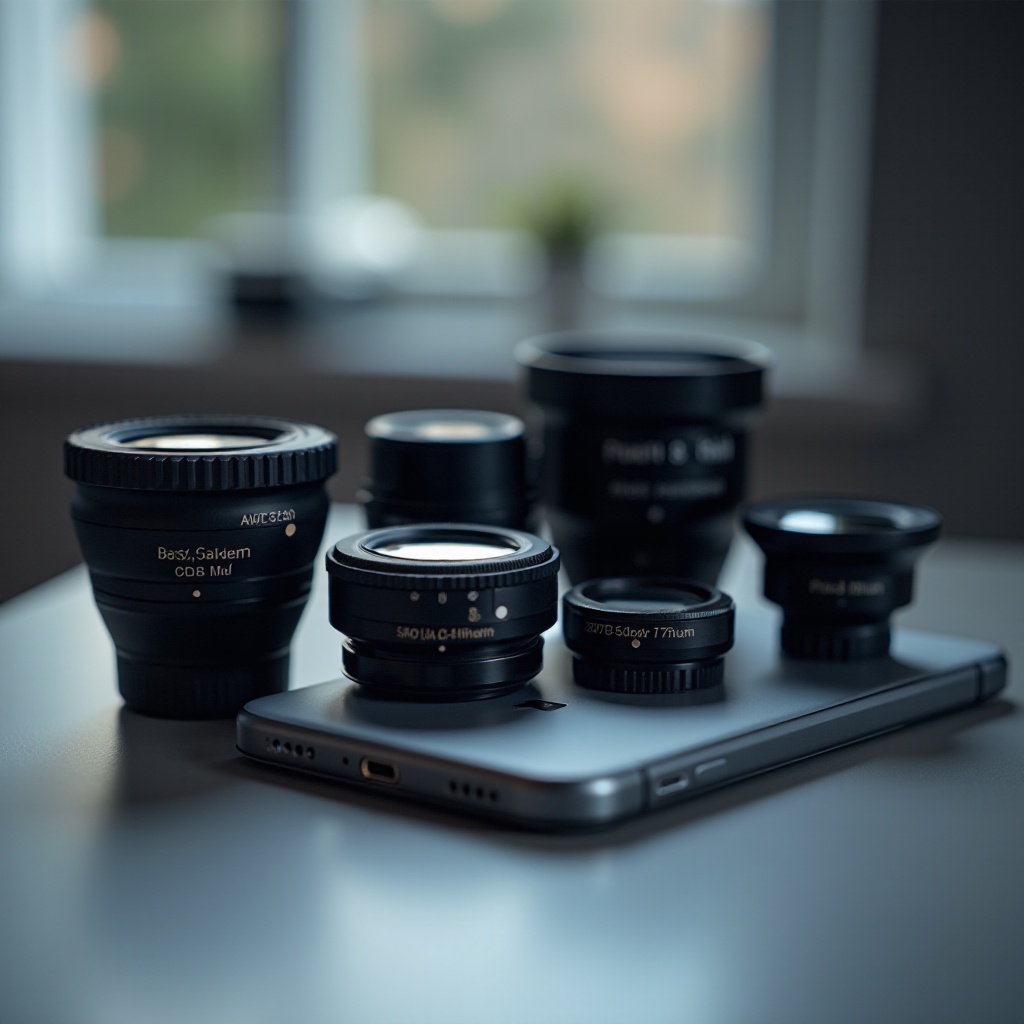
In addition to lenses, using apps can enhance your photography, offering advanced editing features and allowing greater control over your images.
Recommended Apps for iPhone Photography
- VSCO: Provides advanced editing tools and presets.
- Lightroom Mobile: Offers extensive retouching capabilities.
- Snapseed: User-friendly with a robust editing suite.
Techniques for Stunning Shots with Phone Lenses
- Composition: Use the rule of thirds and leading lines to create balanced visuals.
- Lighting: Opt for natural light and avoid flash to achieve crisp images.
Common Mistakes and How to Avoid Them
Proper use of phone lenses is crucial in avoiding common errors that can diminish photo quality. Awareness of these issues enhances your overall photography.
Missteps in Lens Usage
- Using lenses in poor lighting may reduce image quality.
- Misaligning lenses can result in blurring or vignetting.
Ensuring Consistent Photo Quality
- Clean lenses regularly to avoid dust and smudges.
- Experiment with lenses to understand their effects better.
Conclusion
Incorporating phone lenses into your iPhone photography allows for significant enhancements in photo quality and creativity. By selecting suitable lenses and following effective usage tips, you can capture stunning, professional-quality images with your iPhone.
Frequently Asked Questions
Can I use phone lenses with any iPhone model?
Most lenses are versatile but always check the compatibility with your iPhone model before purchasing.
Do phone lenses affect image quality negatively?
When used correctly, high-quality lenses improve image quality by providing better control over how the photo is captured.
How do I clean and maintain my phone lenses?
Regularly use a microfiber cloth and lens cleaning solution to remove dust and fingerprints, enhancing longevity and performance.