
Introduction
VTech phones play an essential role in our daily communication, whether at home or in the office. When the base unit loses power, it can disrupt these communications and lead to frustration. To restore effective communication, it’s crucial to identify the root cause and apply effective troubleshooting techniques.

Diagnosing Power Problems
The first step in resolving power issues is accurately diagnosing the problem. Common symptoms that suggest a power problem include the base unit not lighting up, a lack of a dial tone, or frequent loss of connection. Begin with a basic assessment: ensure the power cable is securely connected and that the outlet is working properly. These basic checks provide a foundation for further detailed troubleshooting.
Quick Solutions for Power Restoration
Once you’ve pinpointed the symptoms, try these straightforward solutions to restore power to your VTech phone base:
- Check Power Connections: Make sure the power adapter is properly plugged into both the phone base and wall outlet. Switching to a different outlet may help rule out outlet-specific issues.
- Battery Health: Verify the condition of the battery if your VTech phone uses one. Replace the battery if it appears damaged or depleted.
- System Reset: Sometimes, a simple reset can resolve the issue. Unplug the power cord, wait for a minute, and then reconnect it to reset your phone system.
These practical steps often solve minor power issues efficiently and restore the functionality of your device.
Advanced Troubleshooting Techniques
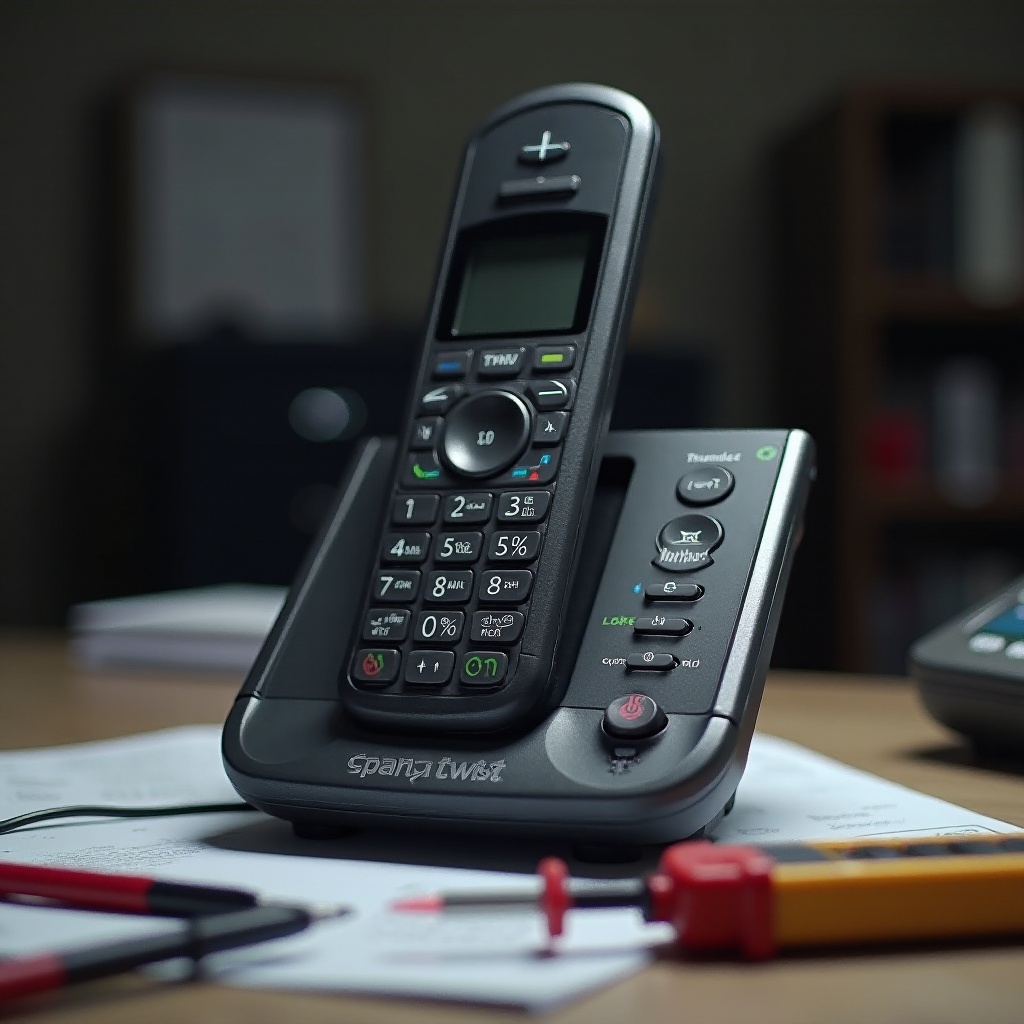
If the quick fixes have proven ineffective, it’s time to delve into advanced troubleshooting techniques. This involves inspecting the power adapter for damage or conducting a more thorough examination using tools like a multimeter:
- Inspect Power Adapter and Cord: Look for signs of wear and tear, such as frayed wires or damaged plugs, which can disrupt power supply to the base.
- Testing Voltage Output: Use a multimeter to test the voltage output from the adapter to ensure it matches your phone’s specifications.
- Environmental Factors: Consider external factors like moisture, dust, or electromagnetic interference that might affect power supply.
These advanced techniques provide a comprehensive check, often uncovering issues not easily visible, ensuring a more robust resolution.
Repair and Replacement Options
Following advanced troubleshooting, unresolved problems might require repair or replacement options. Confirm whether the fault lies with the phone base or adapter:
- DIY Fixes: Attempt minor repairs, such as replacing cords or cleaning connectors.
- Contact VTech Support: For persisting problems that seem unsolvable, reach out to VTech support for professional help, and inquire about warranties and repair services.
Knowing when to seek assistance is vital in ensuring safety and effectiveness.
Preventive Measures for Sustained Performance
Implementing preventive measures can help avoid future power problems, ensuring consistent performance:
- Routine Checks: Regularly inspect the phone base and connections for any damage.
- Cleaning Practices: Keep the base and surrounding areas clean from dust and moisture.
- Safe Usage: Adhere to manufacturer’s guidelines for installation and use.
These preventive steps contribute to long-term stability, minimizing potential future disruptions and maintaining smooth performance.
Conclusion
We’ve explored practical steps to diagnose and resolve power issues with your VTech phone base. Regular maintenance and effective troubleshooting are key to keeping your phone system operational. For persistent issues, professional help should be sought.
Frequently Asked Questions
Why does my VTech phone lose power frequently?
This can result from worn-out cables, faulty batteries, or defective power adapters. Ensure connections are secure and materials are undamaged.
Can I use any adapter with my VTech phone base?
It’s advisable to use adapters that match the original specifications to avoid power issues or potential damage.
What should I do if power issues persist after troubleshooting?
Contact VTech support for repairs or consider replacement under warranty if issues continue.