
Introduction
Frustration mounts when your JLab right earbud stops working but identifying the root of the problem can bring relief. Earbuds are essential to our daily routines, and any malfunction disrupts not only music listening but also phone calls and podcasts. If your right earbud is silent, paired incorrectly, or delivering weak sound, this guide is here to help you resolve these issues with practical solutions you can implement immediately.
Identifying Common Issues with Your JLab Right Earbud
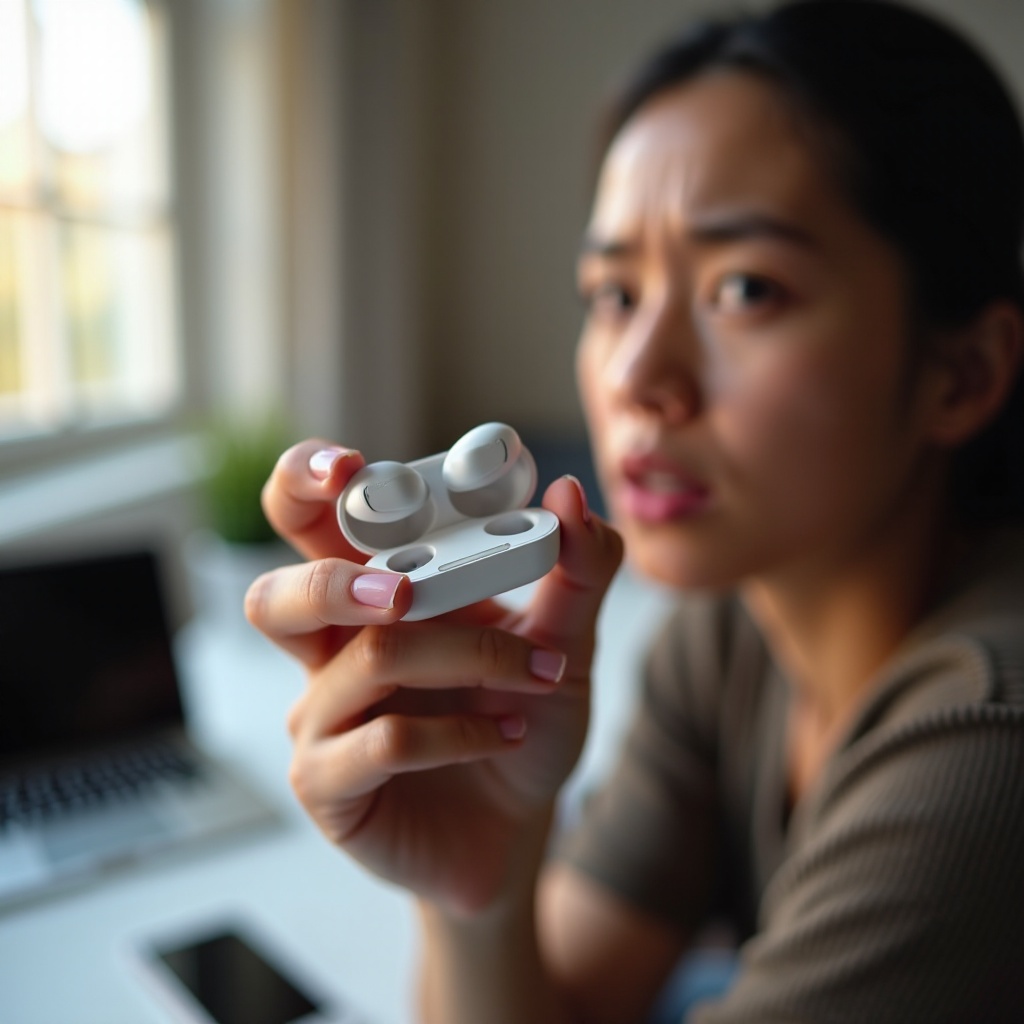
Locating the cause of the issue is crucial for a successful fix. Start with a physical inspection of your earbuds for visible damage like tears or signs of water exposure that could impede performance. After checking the exterior, conduct an auditory test to confirm if the right earbud alone is malfunctioning. Try connecting the earbuds to a different device to rule out speaker-specific issues.
Connectivity also plays a significant role in earbud performance. Double-check that your earbuds are within the functional range of your Bluetooth device. Confirm that the device’s Bluetooth is operational by pairing with alternative headphones if available. This will ensure that the problem lies with the earbuds, not the device.
Simple DIY Fixes for JLab Right Earbud
Once you’ve determined the problem source, several DIY methods can provide significant improvement:
-
Cleaning Methods: Accumulated dirt and earwax can impede sound. Gently clean the earbud mesh using a soft brush or a dry, lint-free cloth to clear blockages.
-
Power Evaluation: Don’t overlook simple solutions; an unresponsive earbud may just need charging. Ensure both earbuds and their charging case have sufficient battery power.
-
Reconnecting Bluetooth: Forget the device from your Bluetooth settings, switch off Bluetooth, and then turn it on again. Pair the earbuds once more, ensuring a secure connection.
Even if these simple techniques don’t solve your issue, exploring more advanced troubleshooting steps can often restore functionality.
Advanced Troubleshooting Steps
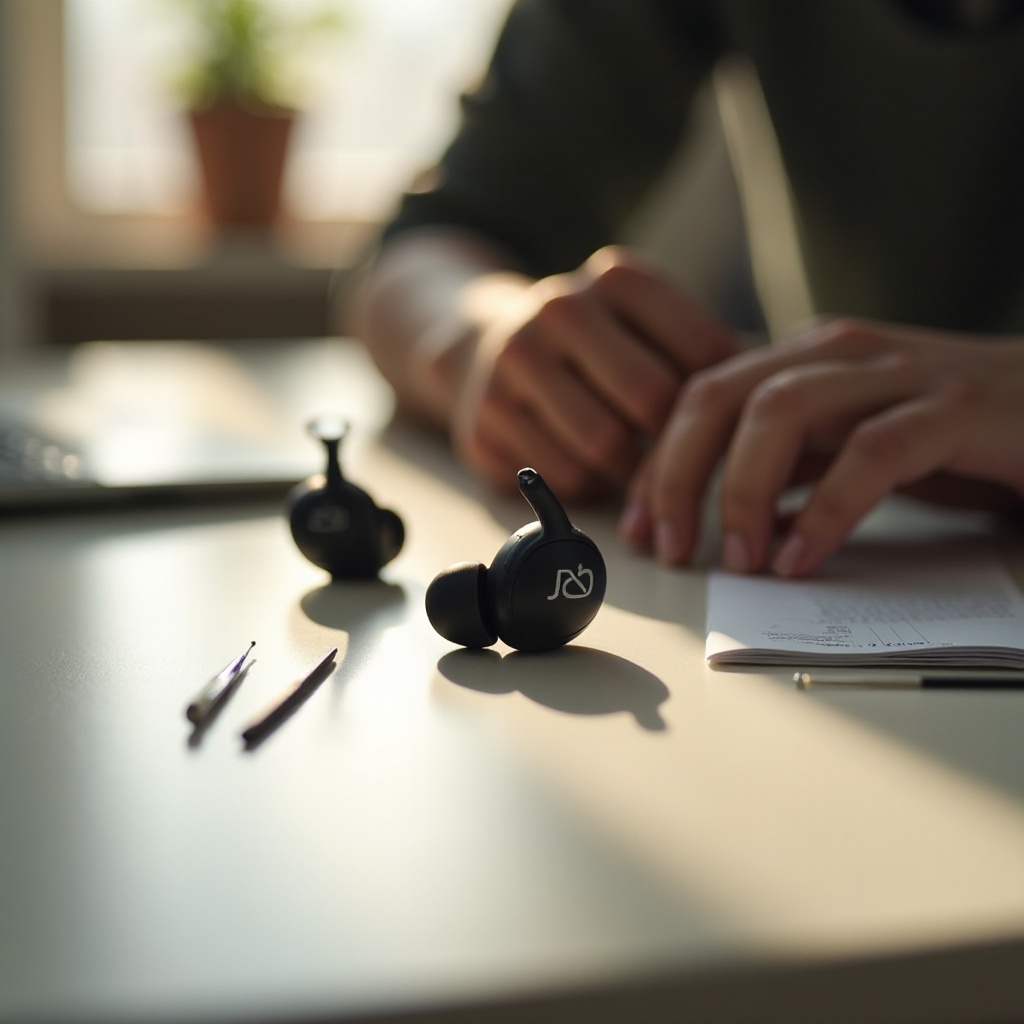
If initial fixes fail, opting for a more detailed approach is necessary:
-
Updating Firmware: Keep your earbuds current with the latest firmware updates from JLab. These updates enhance performance and resolve bugs; visit JLab’s website or app for the latest updates and follow their updated instructions.
-
Performing a Factory Reset: Restoring factory settings can resolve persistent problems. Power off both earbuds, press down on the buttons for about 10 seconds, or until lights flash. Consult the user manual for precise instructions, as this process can vary by model.
-
Testing with Alternate Devices: Connect to multiple devices to ensure your device isn’t the issue. If the right earbud functions on other devices, the original device may be the source of the problem.
Advanced methods can make a significant difference, but persistent issues might require professional evaluation for hardware faults.
When to Contact JLab Support
If neither DIY nor advanced troubleshooting resolves the problem, reaching out to JLab support is advised. Look for persistent hardware issues that can’t be fixed at home, such as irreparable physical damage. JLab offers customer service to address these situations, including warranty repairs or replacement solutions, and they provide thorough guidance through each troubleshooting step.
Preventive Measures to Avoid Future Earbud Issues
To protect your earbuds from future issues, consider regular maintenance and safe handling:
- Routine Cleaning: Clean your earbuds regularly to prevent debris accumulation.
- Proper Storage: Store earbuds in a protective case to avoid physical damage.
- Careful Handling: Avoid pulling on wires or exposing your earbuds to water.
Taking these preventive measures can enhance your earbuds’ durability and improve overall audio experiences.
Conclusion
Restoring your JLab right earbud to full function is possible with careful inspection, practical DIY methods, and keeping your earbuds updated. The steps provided in this guide are tailored to identify and resolve common issues quickly. When in doubt, remember JLab provides reliable support for more complex problems.
Frequently Asked Questions
Why is my JLab right earbud quieter than the left?
A quieter earbud could indicate dirt in the mesh or a need for balance adjustment in your audio settings.
What should I do if resetting doesn’t fix the issue?
If resetting doesn’t work, check for firmware updates, or consult customer support to rule out hardware faults.
Are JLab earbuds waterproof or water-resistant?
While some JLab models are water-resistant, they’re not waterproof. Check your model’s specifications for exact ratings.