
Introduction
JBL speakers are celebrated for their superb audio quality and portability. However, charging issues can interrupt the seamless experience these speakers offer. Resolving charging problems quickly is crucial to keep your device in top shape. This comprehensive guide explores troubleshooting techniques and preventive measures to keep your JBL speaker performing optimally.
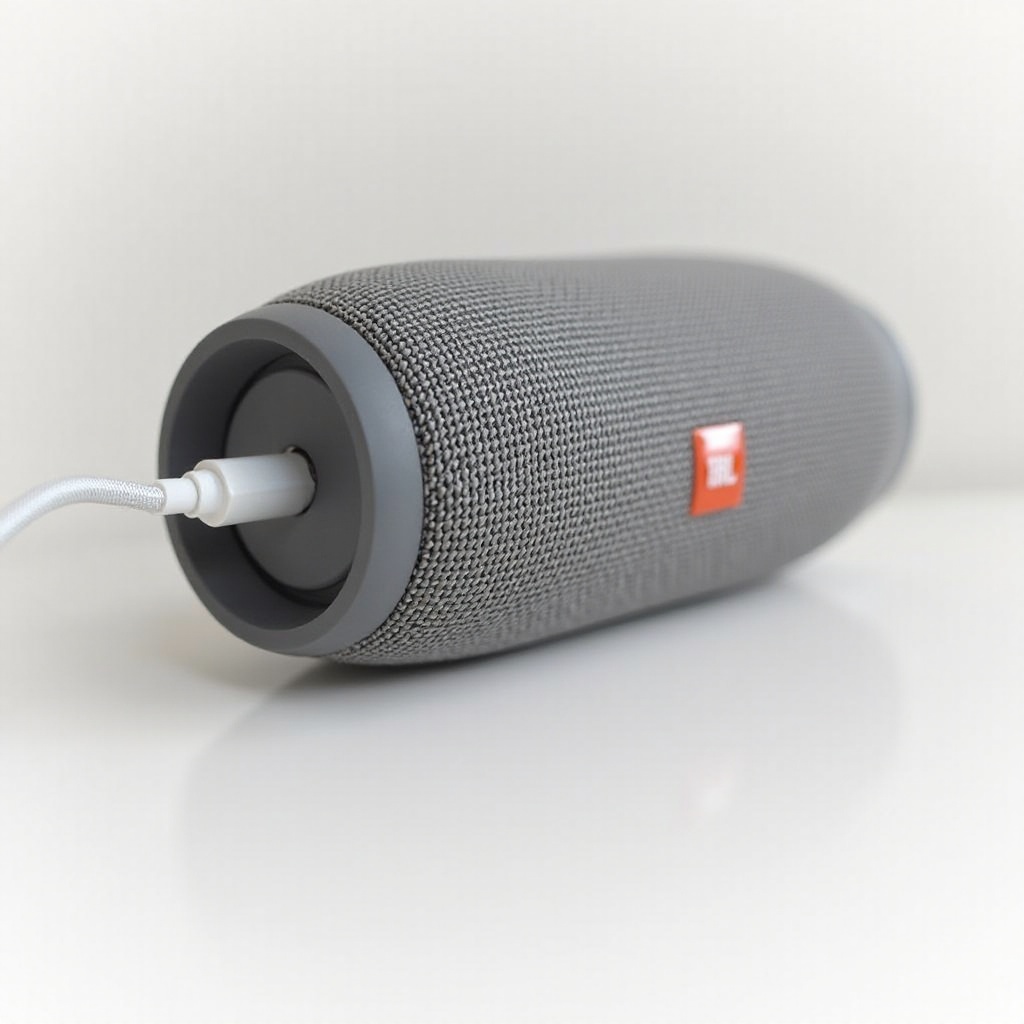
Understanding Your JBL Speaker Model
Identifying your JBL speaker model is necessary when tackling charging issues. Different models come with distinct features and might have varied charging methods. Consult your speaker’s manual to familiarize yourself with its specifications, such as recommended charging voltage and cable type.
With a clear understanding of your model, let’s move to initial troubleshooting steps to identify and resolve common charging problems.
Initial Troubleshooting Steps
Begin by conducting basic checks to determine why your JBL speaker isn’t charging:
-
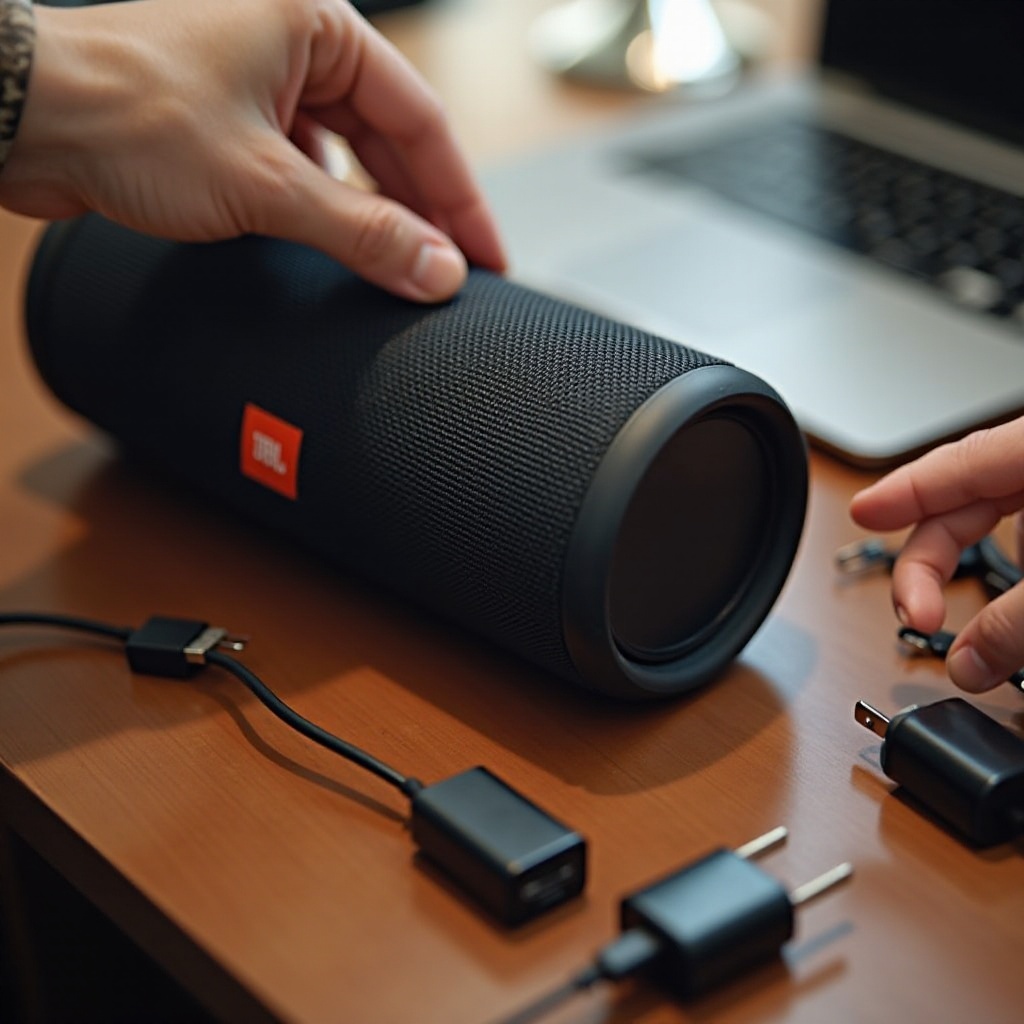
Inspect the Charging Cable and Adapter: Look for visible damage or wear on your charging accessories.
-
Test Alternative Power Sources: Try another outlet to ensure your original power source isn’t faulty.
-
Check for Overheating: If the speaker has been used heavily, let it cool before attempting to recharge.
These steps often reveal simple issues that are stopping your speaker from charging. If the problem persists, investigate deeper into potential hardware or software issues.
Common Charging Problems and Solutions
Various factors could lead to charging obstacles. Addressing these can help restore your speaker’s charging functionality:
-
Faulty Charging Accessories: Exchange your current cable and adapter to check if they’re the problem.
-
Debris in Charging Port: Use compressed air or a small tool to clear any blockage from the port.
-
Software Glitches: Perform a soft reset by pressing vital buttons as indicated in the speaker’s manual.
These habits handle most minor issues. Should they linger, explore advanced troubleshooting techniques.
Examining Hardware Connections
Hardware connections may be the charging issue culprits. Verify these links for damage or misalignment. If you’ve tried the above solutions and your device still doesn’t charge, a more in-depth reset or firmware update might be required.
Resetting Your JBL Speaker
Reset procedures differ among models but typically involve pressing a combination of power and volume buttons. This action can rectify temporary software faults and restore charging functions.
Advanced Problem-Solving Techniques
If basic troubleshooting steps don’t work, pursue these enhanced resolutions:
-
Updating Firmware: Visit JBL’s website to download the latest firmware package for your speaker. Follow the instructions to install it correctly, which could alleviate software-related charging issues.
-
Diagnosing Battery Health: Consider professional diagnostics for older models as wear could affect battery performance.
Pursuing these methods should help with more challenging charging issues. If unresolved, consulting with professional experts may be beneficial.
Performing a Hard Reset
Consult your model’s manual to understand how to undertake an intensive hard reset, tailored specifically to your speaker.
Updating JBL Firmware Manually
Locate your speaker’s firmware update on JBL’s official site, download it, and follow the detailed installation guidelines.
When to Seek Professional Help
Persistent charging troubles require expert intervention:
-
Signs of Acute Hardware Damage: If all solutions fail, it might point to internal hardware impairment.
-
Evaluate Repair vs. Replacement: Analyze if repairs are economically sound compared to purchasing a new device.
Expert technicians can often discover concealed issues and recommend efficient remedies. When persistent problems arise, investing in skilled assistance often proves invaluable.
Preventive Measures and Long-term Care Tips
Executing regular maintenance can avoid potential charging issues with your JBL speaker:
-
Routine Maintenance: Systematically clean ports and ensure connections are free of debris.
-
Quality Accessories and Good Storage: Use certified cables and preserve your speaker in environments free of extreme temperature or humidity.
Implementing these guidelines can safeguard your speaker’s performance. Let’s sum up this guide with key insights.
Extending Battery Life
To preserve battery health, refrain from plugging in your speaker constantly. Charge only when necessary.
Avoiding Common Hazards
Keep your speaker clear of climes that could damage essential electronic components or inhibit charging capacity.
Conclusion
Addressing charging issues in JBL speakers relies on understanding your specific model and applying targeted solutions. Regular maintenance and updates can prevent future difficulties. By following this guide, you can ensure your JBL speaker remains a reliable audio device.
Frequently Asked Questions
Why does my JBL speaker take longer to charge than usual?
Charging delays can be caused by the use of inadequate cords, cold temperatures, or battery degradation.
Is it safe to use third-party charging cables for my JBL speaker?
Using official or certified third-party cables is generally safer to ensure full compatibility and prevent damage.
How often should I update my JBL speaker’s firmware?
Checking for firmware updates every six months can help ensure your speaker operates efficiently with necessary enhancements.