
Introduction
Sleep tracking on your iPhone plays a vital role in understanding and improving sleep patterns, which is crucial for overall health. Many users rely on this function to monitor sleep quality, yet challenges arise when tracking issues occur, resulting in inaccurate or missing data. This guide aims to help you address these common problems with practical solutions, ensuring your device consistently captures accurate sleep data.
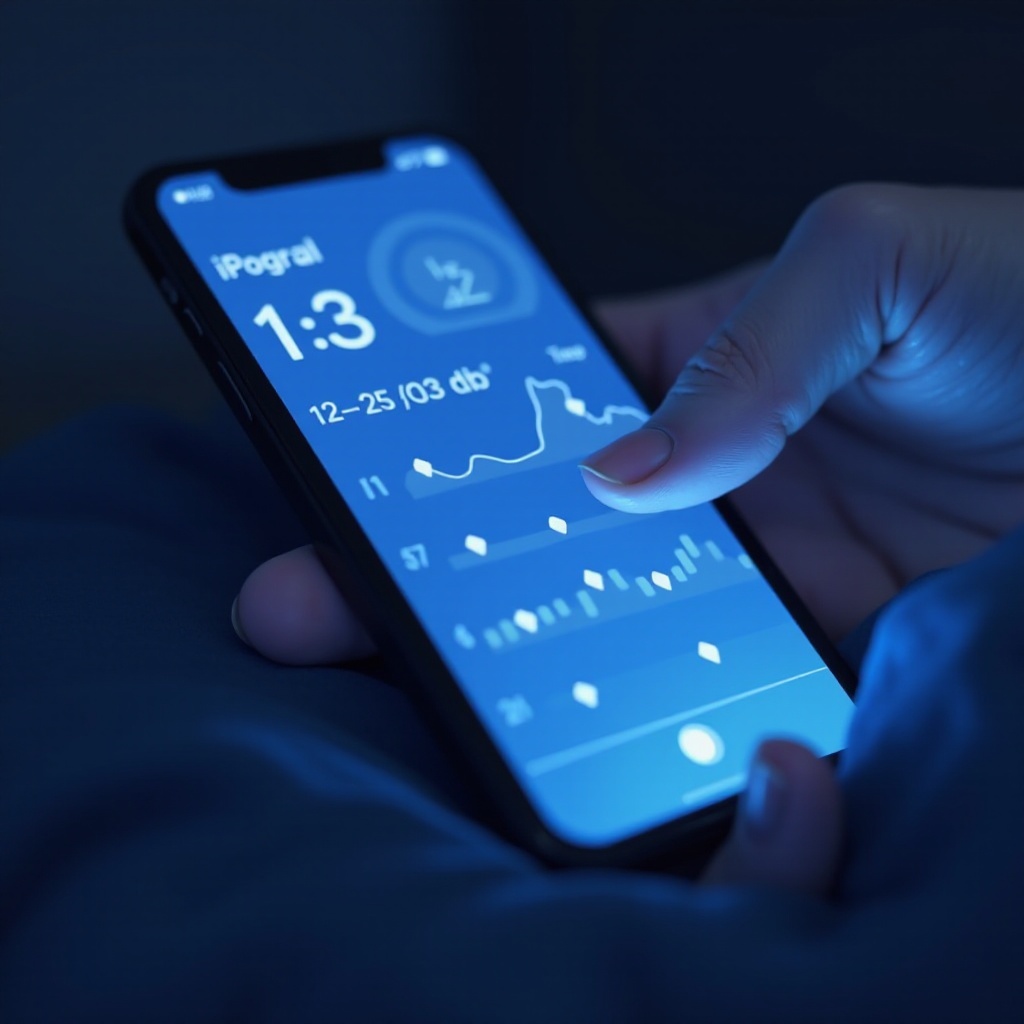
Understanding How iPhone Sleep Tracking Works
iPhone sleep tracking employs Apple’s Health ecosystem, integrating sensors to evaluate your movements and heart rate during sleep. This data helps estimate how long you sleep and the quality of each session. Grasping this process is key to recognizing why inaccuracies happen.
Your device uses the accelerometer and other sensors to interpret your sleep actions, often working alongside apps on your iPhone or Apple Watch. Malfunctions can disrupt this harmony, hindering sleep monitoring. Recognizing these elements is essential before diving into solutions.
Common Causes of Sleep Tracking Issues
Various factors can impede your iPhone’s ability to track sleep effectively. Pinpointing these causes is crucial to resolving them:
- Software Glitches: Outdated versions may introduce bugs impacting sleep tracking.
- Sensor Misalignment: Improper sensor function can misinterpret movements.
- App Conflicts: Overlapping data from multiple apps might lead to inconsistencies.
- Settings Configuration: Incorrect permissions or settings obstruct accurate tracking.
Understanding these challenges prepares you for actionable fixes tailored to these problems.
Immediate Solutions to Consider
Begin troubleshooting with quick and effective actions to restore accurate sleep data:
- Verify Software and App Updates: Ensure your iPhone is running the latest iOS and apps have been updated.
- Adjust Sensor Settings: Restart your device and clean sensors to ensure they’re functioning properly.
- Check Health App Permissions: Confirm the Health app has permissions to access and record sleep data.
With these foundational adjustments, you can mitigate basic tracking errors, paving the way for more advanced solutions.
Explore Advanced Troubleshooting Methods
If immediate tactics don’t fully resolve issues, delve into these advanced strategies:
- Recalibrate Sensors: Follow device-specific guidance to recalibrate sensors effectively, ensuring they respond accurately.
- Reset Sleep Data: In the Health app, navigate to ‘Sleep’ and opt to reset data settings to clear conflicting entries.
- Utilize Third-Party Apps: Use apps like Sleep Cycle or AutoSleep for enhanced tracking precision and reliability.
Incorporating these techniques helps correct persistent issues, connecting your efforts to preventive measures ensuring sustained accuracy.
Implementing Preventive Measures for Reliable Sleep Tracking
Proactive care guarantees your device continually delivers accurate sleep data:
- Routine Device Maintenance: Clean sensors and verify software updates regularly.
- Assess Lifestyle Factors: Recognize how habits like caffeine consumption can impact data accuracy.
- Optimize Sleep Environment: Create a calm atmosphere to assist your device in accurately monitoring sleep.
These preventive approaches solidify your effort to maintain reliable data collection, complementing the existing solutions.
Discover Alternative Sleep Tracking Solutions
If internal adjustments aren’t sufficient, seek external methods:
- Compatible Wearable Devices: Consider devices such as Apple Watch or Fitbit for heightened sensor capabilities and seamless iPhone integration.
- Recommended Third-Party Sleep Apps: Explore apps like Pillow and Sleep Watch for deeper data analysis, enriching sleep insights.
These alternatives collectively enhance your approach to tracking accuracy, expanding options beyond iPhone features alone.
Real User Insights: Addressing Sleep Tracking Problems
Learning from others provides practical wisdom:
- Troubleshooting Success Stories: Users highlight improvements after pairing Apple’s built-in tracking with third-party apps.
- Community Tips for Consistent Tracking: Forums suggest habits like device cleanliness and sustained sleep routines.
These experiences offer creative strategies and motivational boosts for ongoing improvement in sleep tracking.
Conclusion
Comprehensive understanding coupled with targeted application of solutions empowers you to confidently address sleep tracking issues on your iPhone. From immediate fixes to advanced techniques, consistent and accurate sleep data is achievable, contributing to effective health management.
Frequently Asked Questions
How do I enable sleep tracking on my iPhone?
Navigate to the Health app, find ‘Sleep,’ and set up your sleep schedule and bedtime preferences for monitoring.
Why is my sleep tracking data inconsistent on the Health app?
Inconsistencies may arise due to sensor misalignment, outdated software, or incorrect app permissions. Check settings and recalibrate sensors.
Are there any compatible devices that enhance iPhone sleep tracking?
Yes, devices such as Apple Watch or Fitbit models enhance tracking through advanced sensors, providing additional data inputs.