
Introduction
The ‘Apple Music: This device is linked to another Apple account’ error is a common obstacle that can prevent you from accessing your favorite tunes. Whether you’re switching devices or managing multiple accounts, it is crucial to address this issue to enjoy uninterrupted music streaming. This guide breaks down the causes and provides actionable solutions.
Understanding the Error Message
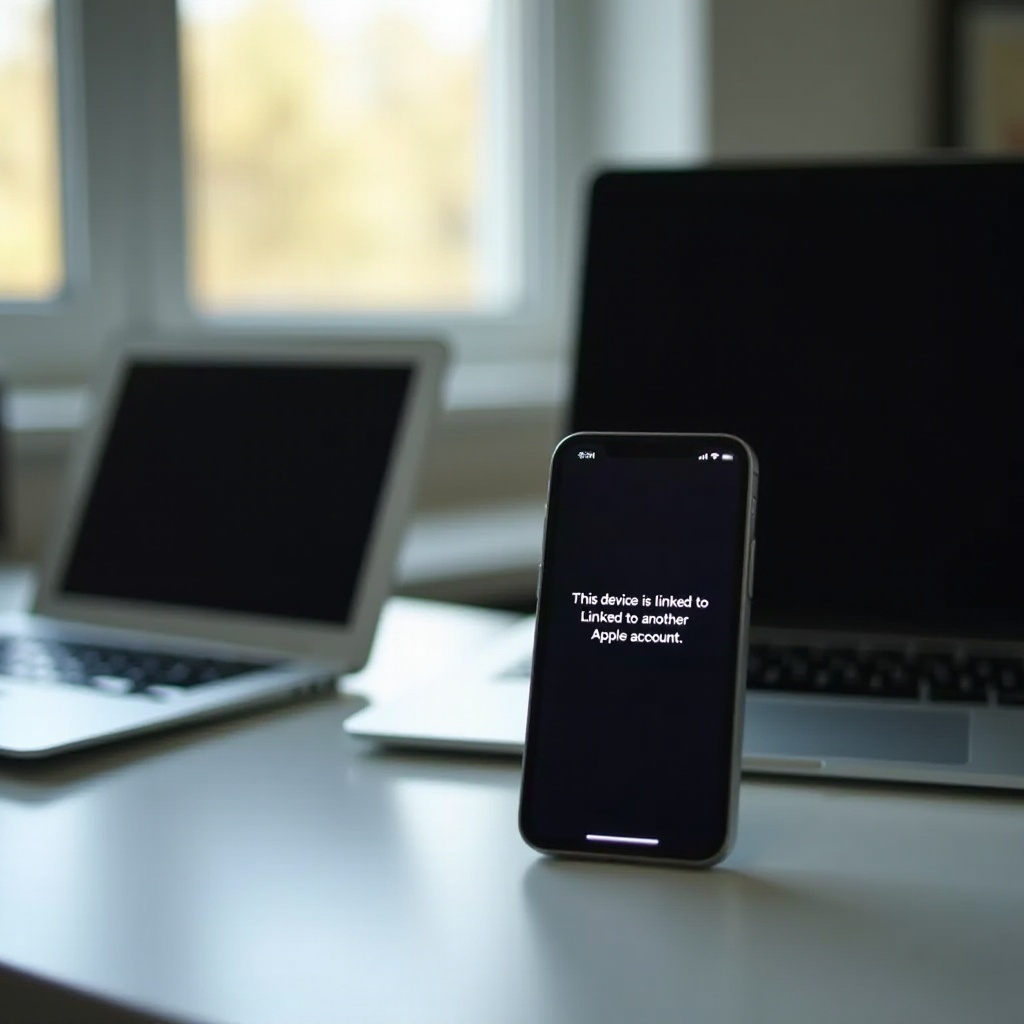
When you see the message ‘This device is linked to another Apple account’ on Apple Music, it means there is a mismatch between the Apple ID expected by the device and the one trying to connect. This usually happens in scenarios involving account switches or unauthorized device changes. Understanding this error is the first crucial step to resolving it effectively.
Common Causes of the Issue
Identifying the root cause of this error will help you tackle the correct solution effectively.
-
Multiple Apple IDs on One Device: Devices using multiple Apple IDs can often confuse Apple’s authentication system, causing this error when accessing Apple Music.
-
Device Change or Reset Issues: Recently reset or upgraded devices can trigger this issue, especially if they haven’t been properly synchronized with the current Apple ID.
-
Account Linkage from Previous Owners: Pre-owned devices might retain association traces from previous users, leading to account linkage problems.
With these causes in mind, the next step is tackling them through targeted troubleshooting methods.
Step-by-Step Troubleshooting Guide
To get your Apple Music working smoothly again, follow these troubleshooting steps:
- Checking and Verifying Your Apple ID:
- Open ‘Settings’ on your device.
- Tap your name to access Apple ID settings.
-
Ensure the displayed Apple ID matches the one set up for Apple Music.
-
Updating Your Device and Apple Music App:
- Navigate to ‘Settings,’ select ‘General,’ and choose ‘Software Update.
- Install any available updates for iOS.
-
Visit the App Store to update the Apple Music app if needed.
-
Signing Out from All Devices:
- Open Apple Music and sign out of your account from all devices.
- Once done, sign back in on your primary device.
These adjustments often resolve the issue, but if complications persist, more advanced options are at hand.
Advanced Solutions
For stubborn issues that basic troubleshooting doesn’t fix, consider these advanced methods:
- Resetting Device Settings:
- Go to ‘Settings,’ select ‘General,’ then ‘Reset.
-
Choose ‘Reset All Settings’ to clear any conflicting settings without losing personal data.
-
Reinstalling Apple Music:
- Press and hold the Apple Music app, then select ‘Remove App.
-
Reinstall the app from the App Store, and log back in with the correct Apple ID.
-
Managing Family Sharing Settings:
- In ‘Settings,’ tap your name, then ‘Family Sharing.
- Ensure Family Sharing settings are configured correctly and synced with the appropriate Apple ID for Apple Music.
These advanced solutions should rectify the issue for most users. However, preventing future errors is also essential for a seamless experience.
Preventive Measures for the Future
Avoiding future complications with Apple Music ensures consistent access to your library and subscriptions:
-
Regularly Update Software and Apps: Keeping your device’s software and apps updated prevents glitches and enhances compatibility.
-
Secure Apple ID Management: Stick to one Apple ID across devices, and avoid frequent account switches to prevent authentication errors.
These proactive strategies not only solve current problems but also help maintain a smooth Apple Music experience.
Conclusion
Addressing the ‘This device is linked to another Apple account’ issue allows uninterrupted enjoyment of Apple Music. By following the outlined solutions, most users can resolve account linkage problems. For persistent issues, contacting Apple Support remains an available option for additional assistance.
Frequently Asked Questions
How do I unlink a device from my Apple ID?
To unlink, navigate to ‘Settings’ > ‘Apple ID’ > ‘Devices,’ then select the device and tap ‘Remove from Account.’
Can I use Apple Music on multiple devices?
Yes, you can use Apple Music on multiple devices as long as they are linked to the same Apple ID and you have an active subscription.
What should I do if the problem persists after trying all solutions?
If the issue persists, contact Apple Support for further assistance. They can provide device-specific advice or investigate other account-related issues.