
Introduction
Missing essential phone calls is an inconvenience that many Android users face due to overlooked settings and connectivity issues. The task of identifying these issues and implementing fixes can significantly enhance your communication experience.
This comprehensive guide delves into common causes of missed calls on Android devices and provides actionable solutions to ensure consistent call reception. Implement these strategies to improve your mobile calling experience.

Common Causes of Missing Calls on Android
Understanding why your Android misses calls is the first step in fixing the issue. Several common factors may contribute:
- Network Connectivity Problems: A weak signal or network outages can easily result in missed calls.
- Do Not Disturb Mode: This mode might prevent notifications and sounds for incoming calls.
- Incorrect Call Settings: Misconfigurations like call forwarding and blocked numbers can divert calls elsewhere.
These causes highlight the need for a thorough review of your phone’s configurations and connectivity.
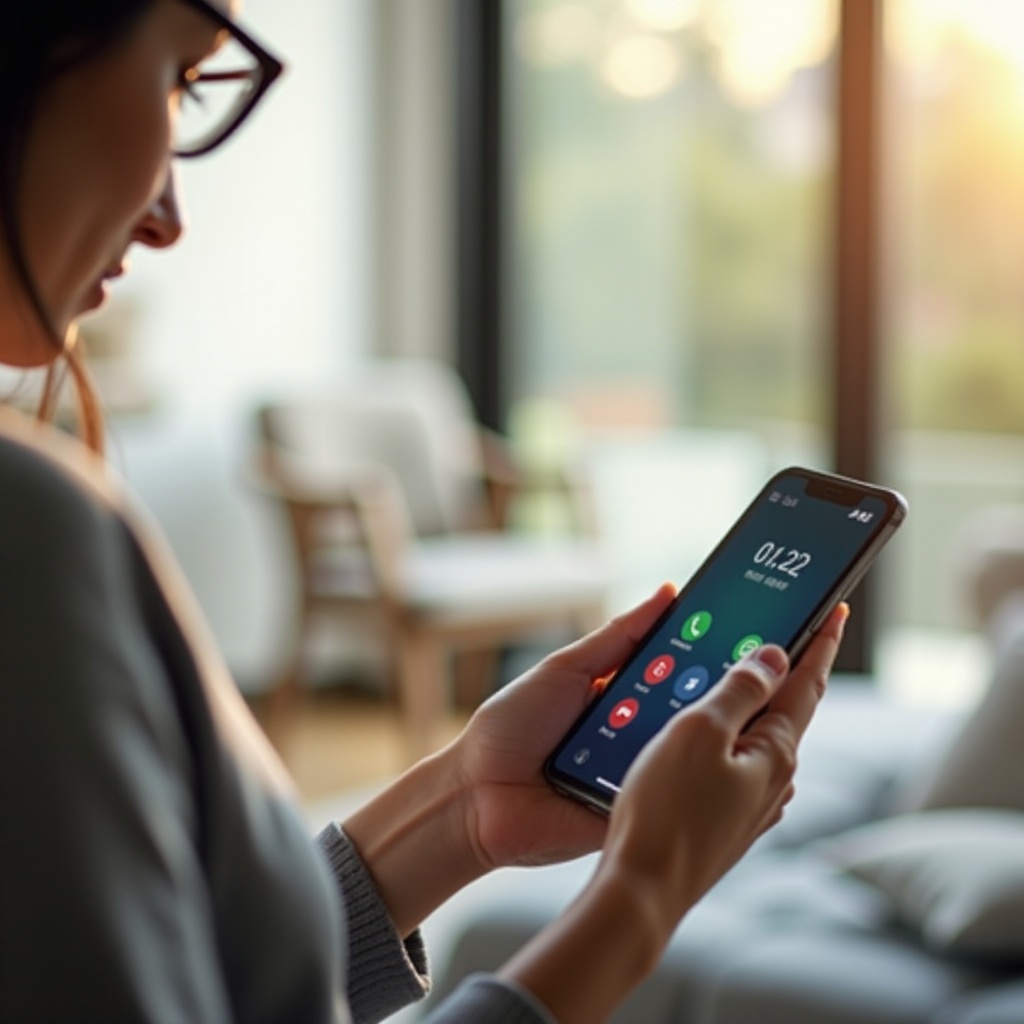
Improving Network Coverage for Better Call Reception
Weak network signals can hinder call reception. To improve your network coverage and reliability, you can take these steps:
- Check Signal Strength: Regularly observe the signal bars on your phone to ensure good reception.
- Move to a Strong Signal Area: Inside buildings, try positioning near a window or stepping outdoors for better signals.
- Contact Your Service Provider: Persistent connectivity issues can often be addressed by your carrier; they might offer solutions such as network boosters.
Addressing network issues is foundational to ensuring reliable incoming call reception.
Adjusting Phone Settings to Prevent Missing Calls
Besides network issues, your Android’s settings can also affect call reception. Here’s how to adjust them for optimal performance:
- Disable Do Not Disturb and Call Forwarding:
- Navigate to Settings.
- Locate ‘Do Not Disturb’ and ensure it’s off.
-
Review call forwarding options under Call Settings and ensure calls aren’t being misrouted.
-
Manage Notification Settings:
- Go to Settings > Sounds & Notifications.
- Verify that call notifications are enabled and the ringtone volume is suitable.
Proper configuration of these settings helps reduce call-missing incidents and ensures you don’t overlook important calls.
Understanding Battery Optimization’s Impact on Call Performance
Android’s battery optimization, while designed to extend battery life, can unintentionally impact call functionality. Here’s how:
-
How Battery Saver Affects Calls: Battery Saver may limit background activities, which can include call notifications.
-
Adjusting Settings for Consistent Performance:
- Access Settings > Battery.
- Review apps affected by Battery Saver and make exceptions for essential ones like the Phone app to ensure it functions without restrictions.
Balancing power management with functionality is key to maintaining reliable call reception.
The Role of Third-Party Apps in Missed Calls
Third-party apps sometimes interfere with your Android’s calling capabilities:
- Identifying and Managing Disruptive Apps:
-
Check recently installed apps; uninstall any that coincide with the onset of missed calls to determine their impact.
-
Ensuring App Permissions Are Set Correctly:
- Visit Settings > Apps & Notifications.
- Select an app, then check Permissions to ensure calling features aren’t restricted by these apps.
Effective app management ensures they don’t unintentionally block or mute calls.

Regular Phone Maintenance for Optimal Performance
Routine phone maintenance prevents a wide array of issues, including missed calls:
- Importance of Software Updates:
-
Regularly update your Android to incorporate bug fixes and improvements.
-
Clearing Cache and Unnecessary Data:
- Use Settings > Storage to clear cache and delete unused files, optimizing your phone’s performance.
Keeping your device in peak condition is crucial for seamless communication and uninterrupted call reception.
Conclusion
Identify and resolve the factors causing missed calls on your Android device to maintain reliable communication. Whether it’s improving your network connection or managing settings and apps, taking these steps will enhance your phone’s performance and ensure you don’t miss important calls. For persistent issues, professional assistance from your service provider or a technician can provide further solutions.
Frequently Asked Questions
Why are my calls going straight to voicemail?
Calls may go directly to voicemail due to activated Do Not Disturb, network issues, or battery saver settings. Adjust these settings to resolve the problem.
How do I check if Do Not Disturb is affecting my calls?
Go to Settings > Do Not Disturb to see if it’s enabled. If so, turn it off or allow exceptions for calls to ensure you’re notified.
Can poor Wi-Fi connections cause missed calls?
Yes, if you’re using Wi-Fi calling, an unstable connection can disrupt incoming calls. Ensure a stable Wi-Fi or switch to mobile data.