
Introduction
Plugging in your iPhone only to find it stuck at an 80% charge can be frustrating. This common issue often arises from Apple’s optimized battery charging feature, designed to protect battery longevity. Understanding this feature and exploring the underlying reasons can lead to effective solutions, ensuring your device charges efficiently.
Understanding Optimized Battery Charging
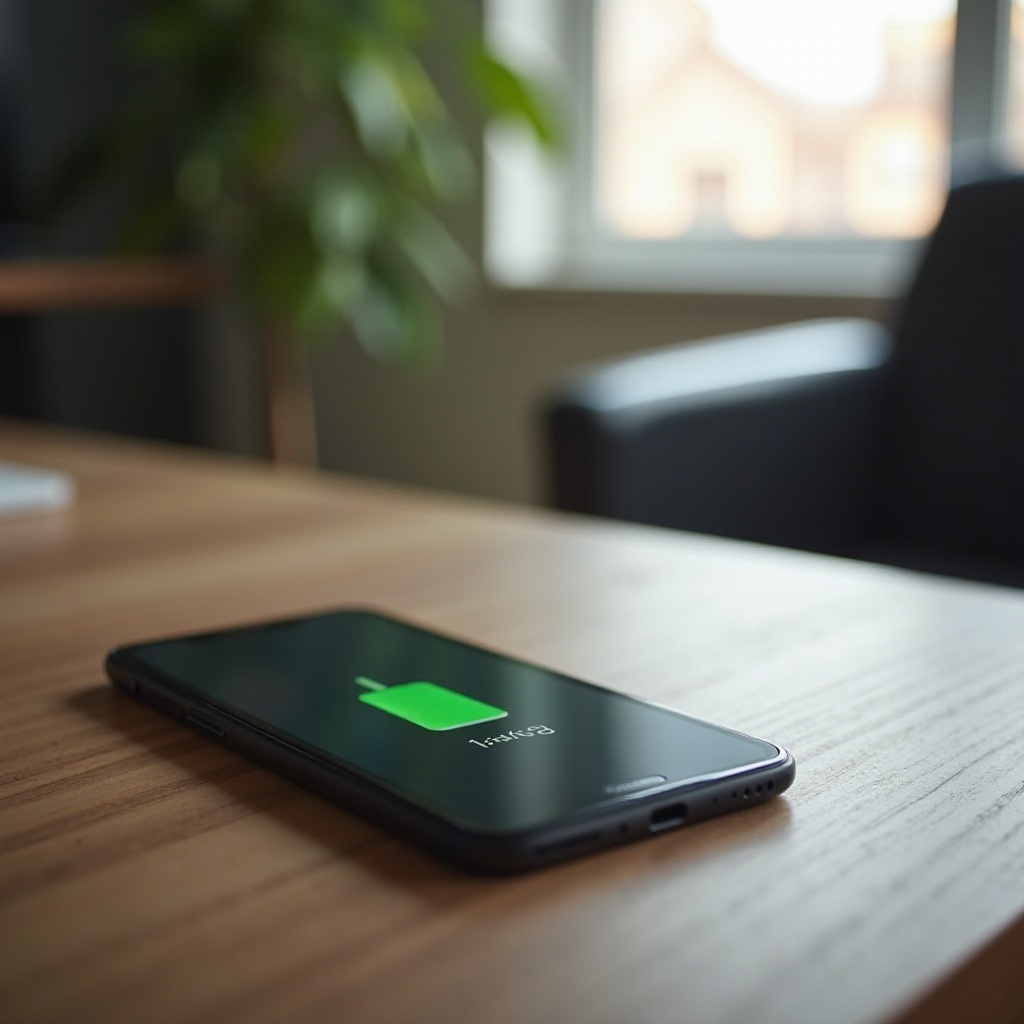
Apple’s optimized battery charging feature aims to extend the lifespan of lithium-ion batteries. By learning your daily charging patterns, the system limits the period when the battery is fully charged, usually keeping it under 80% until it anticipates extended use. This thoughtful design reduces battery aging but may occasionally interfere with charging expectations. Recognizing how this mechanism operates is crucial for addressing the issue proactively and ensuring your iPhone charges as anticipated.
Common Causes for Charging Issues
Several factors might prevent your iPhone from charging beyond 80%, and identifying these causes is essential:
-
Temperature and Environment: Extreme temperatures can initiate protective measures that halt charging to prevent damage.
-
Software Bugs and Updates: Software glitches or pending updates can disrupt charging. Regular software updates can eliminate these bugs.
-
Charger and Cable Problems: Using unofficial or faulty accessories can impair charging consistency. Opting for certified chargers ensures reliability.
With these causes in mind, connecting each factor to potential solutions is vital. Taking a systematic approach to resolve these obstacles ensures your iPhone functions as expected.
How to Check Your iPhone’s Battery Health
Checking your battery health is key to identifying charging issues. Here’s how you can do it:
-
Open Settings: Launch the Settings app on your iPhone.
-
Navigate to Battery: Select the ‘Battery’ option.
-
Explore Battery Health: Tap ‘Battery Health’ to view maximum capacity and peak performance capability.
It’s important to note that a battery capacity below 80% suggests it might be deteriorating, potentially affecting charging. By monitoring these metrics, you can decide whether you need a battery replacement or adjust your charging habits.
Disabling Optimized Battery Charging: What to Consider
Disabling optimized battery charging might be necessary if immediate full charges are a priority. Here’s how to disable it and what to consider:
- Steps to Disable:
- Access Settings: Open the Settings app.
- Select Battery: Choose ‘Battery’ options.
- Toggle Off Optimized Charging: Tap ‘Battery Health’ and deactivate ‘Optimized Battery Charging.
While disabling this feature can facilitate quicker charging, it may impact long-term battery health. Weighing these implications against your immediate needs is important to ensure balanced usage.
Troubleshooting and Solutions for Charging Past 80%
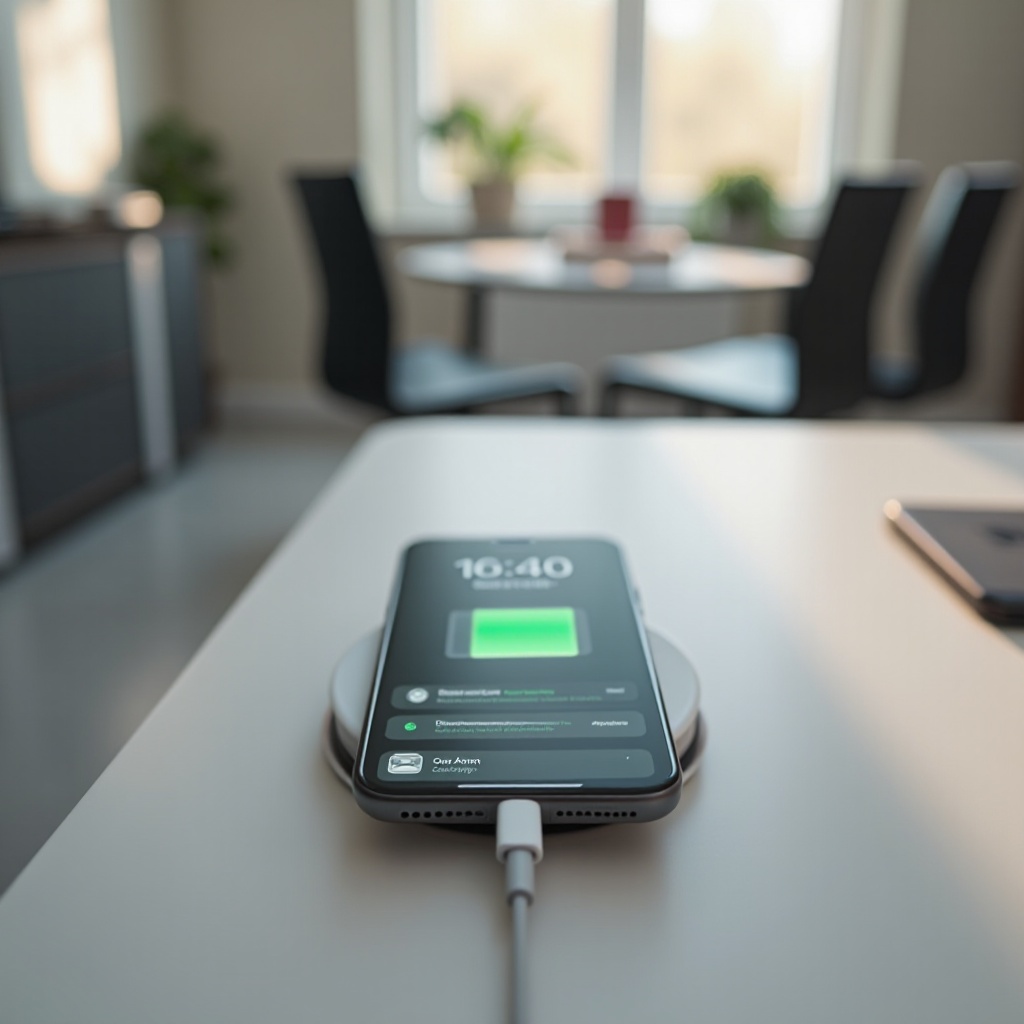
Solving charging issues requires strategic troubleshooting. Consider these methods:
-
Reset Settings: Implementing a factory reset via ‘General’ settings can address software-related barriers.
-
Switch Accessories: Employing certified cables and chargers ensures stable charging performance.
-
Update Software: Regular iOS updates address bugs that affect charging, ensuring system efficiency.
Applying these solutions can resolve charging limitations and maintain device functionality. Being vigilant with accessories and software updates is crucial for seamless operation.
Conclusion
Charging difficulties at 80% can impede your device’s usability. Understanding the causes, particularly Apple’s optimized battery charging setting, and implementing practical solutions enables efficient charging. Regular monitoring and appropriate troubleshooting will maintain your iPhone’s battery health and daily performance, providing uninterrupted use.
Frequently Asked Questions
Why does my iPhone stop charging at 80% even when plugged in all night?
This is due to optimized battery charging, which restricts full charges to protect battery health.
Can charging my iPhone overnight damage the battery?
Modern iPhones manage charging cycles to prevent harm, but enabling optimized battery charging is recommended for better longevity.
Is it safe to disable optimized battery charging on my iPhone?
Disabling is safe for short-term needs, but may decrease battery lifespan over time if used extensively without optimized settings.