
Introduction
The shutter sound on a smartphone camera can often be an unnecessary noise, unintentionally drawing attention when you’re capturing a photo. Whether you are attending a quiet event or simply prefer a discreet photo session, knowing how to turn off the camera sound is essential. This guide provides straightforward methods to mute the camera on both iOS and Android devices, enhancing your photography experience without compromising respect for privacy and local regulations.
Why Switch Off Camera Sound?
Turning off the camera sound can be incredibly beneficial in various situations. Imagine attending a concert and wanting to capture memories without adding to the noise, or visiting a museum where silence enhances the experience—a quiet camera ensures you won’t disturb others. Additionally, a silent camera enables you to take candid shots, capturing natural expressions without alerting your subjects. However, bear in mind the legal implications in certain regions where audible camera sounds are mandated for privacy and security reasons.
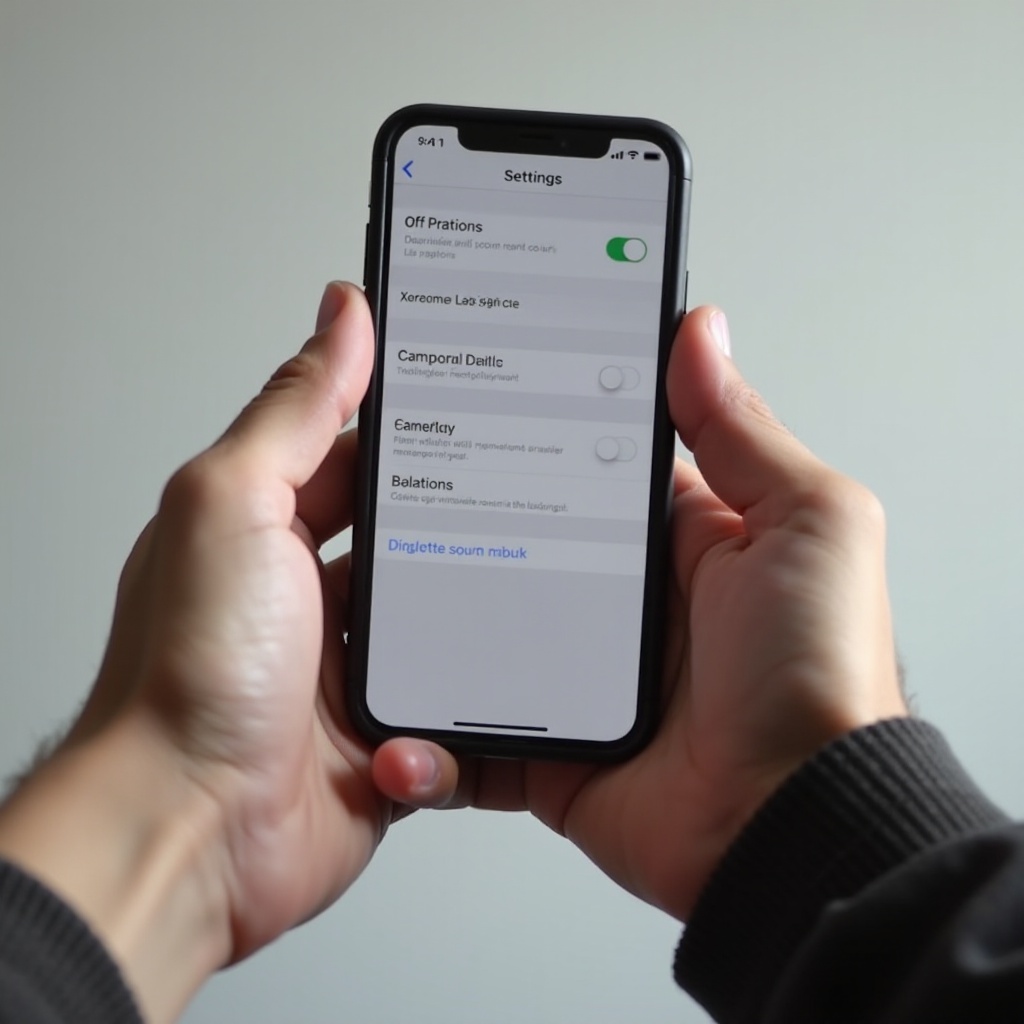
Disabling Camera Sound on iOS Devices
Apple provides seamless ways to mute your camera’s sound.
- Using the Silent Mode Switch:
- Find the silent mode switch on the left side of your iPhone.
-
Slide it down toward the back, revealing an orange strip—this places your iPhone in silent mode, muting all sounds, including the camera.
-
Adjusting Settings in the Camera App:
Direct sound settings for the camera aren’t available on iOS. However, controlling the device’s overall volume or using the silent mode effectively mutes the shutter sound. -
Exploring Third-Party Camera Apps:
Several third-party apps available on the App Store offer customizable settings, including the ability to mute the shutter sound. Ensure these apps have good reviews and maintain photo quality.
Navigating these options on iOS not only makes your photography more flexible but also allows for better adherence to local legal requirements. As you consider iOS devices, take note of any exceptions that might apply if you’re traveling overseas.
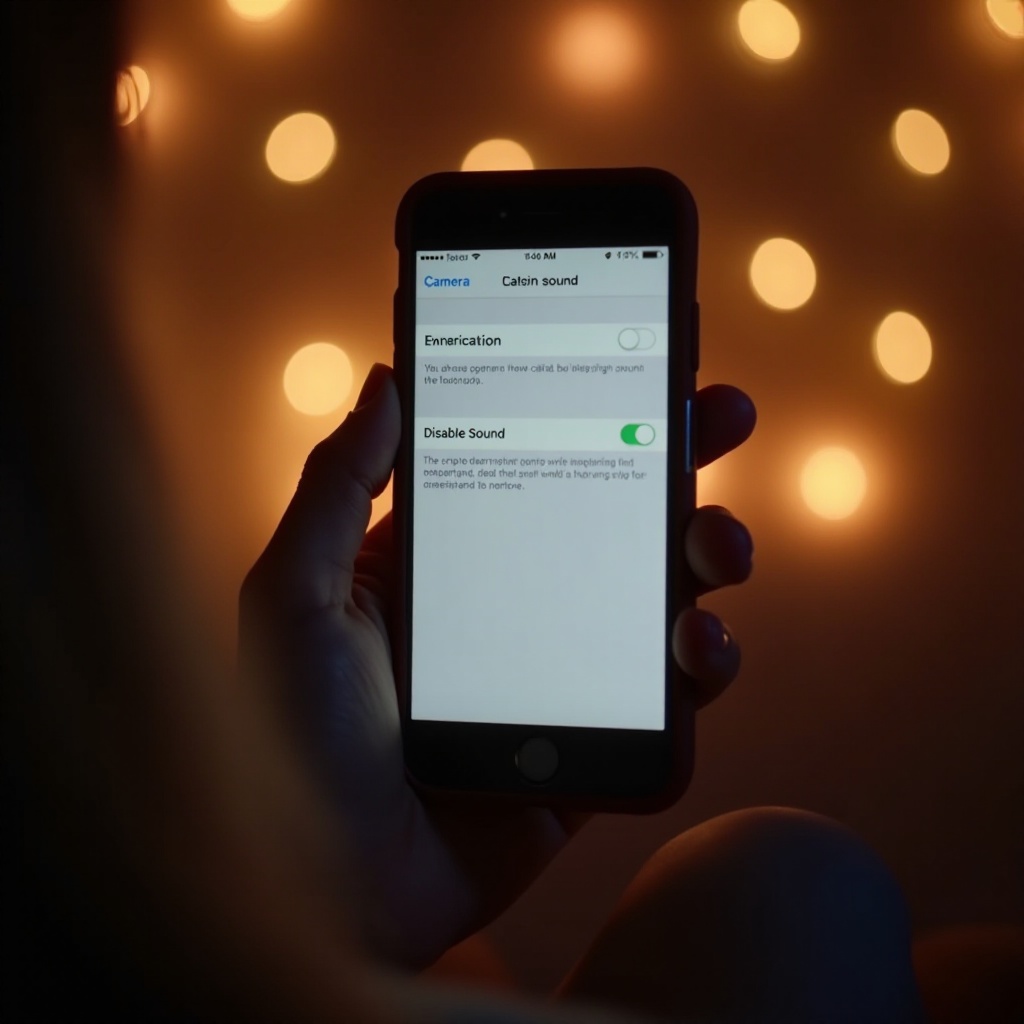
Turning Off Camera Sound on Android Phones
Android offers various solutions due to its diverse range of devices and customization levels.
- Accessing Sound Settings in the Camera App:
- Launch your camera app.
- Tap on the settings icon, typically a gear symbol.
-
Locate the shutter sound option and toggle it off.
-
Third-Party Applications for Sound Control:
Android’s variety allows users to download different camera apps from the Google Play Store. These often come with additional features, including sound control. Check app ratings and permissions to ensure your choice is safe and effective. -
Managing Region-Specific Restrictions:
In certain regions, law demands an audible shutter sound to prevent covert photography. Should standard options not suffice, you may need specific apps to comply with these laws without sacrificing functionality.
Transitioning from iOS to Android, it’s clear that Android gives more open configuration options. However, users must be diligent with app security and permissions to avoid privacy risks.
Common Issues and Troubleshooting
Occasionally, toggling the settings might not silence your camera, due to software updates or deep-seated settings that reset adjusted preferences. Here’s how to tackle common issues effectively:
- Ensure your device is up-to-date with the latest software; updates often resolve background bugs affecting sound settings.
- Restart your device post-settings adjustment to apply changes effectively.
- Consult user manuals or online forums specific to your phone model—they’re invaluable for resolving persistent issues.
These troubleshooting measures help maintain a seamless photography experience, ensuring the settings you apply remain intact over time.
Legal and Ethical Considerations
Understanding legal obligations regarding camera shutter sounds is crucial, especially if you’re someone who travels frequently. Nations like Japan and South Korea enforce mandatory shutter sounds on all phones sold within their borders—an effort aimed at minimizing invasions of privacy. Beyond just legal requirements, ethical consideration is equally vital. Respect personal and communal privacy whether you’re at home or abroad.
Conclusion
Switching off your smartphone’s camera sound enhances your ability to enjoy discreet photography. By understanding how to adjust these settings across iOS and Android devices, you better appreciate the flexibility technology offers while maintaining awareness of different regional laws. As you continue to explore new photographic opportunities, remember to employ these settings responsibly, respecting the boundaries of those around you.
Frequently Asked Questions
Can I turn off the camera sound on all smartphone brands?
While many smartphones allow you to mute the camera sound, specific brands and regions have restrictions. Check your phone settings or guidelines from the manufacturer.
Do third-party apps affect camera quality?
Most reputable third-party camera apps do not compromise photo quality. Always read app reviews and check permissions to ensure optimal performance and security.
Are there any risks of voiding the warranty when using third-party apps?
Using third-party apps typically doesn’t void device warranties, but altering system settings beyond what’s recommended by the manufacturer might. Review your warranty terms carefully.