
Introduction
Canceling subscriptions can often feel overwhelming, especially when navigating through various apps on your phone. If you’ve decided to cancel your Fubo subscription, whether to save money or switch to another service, you’re in the right place. This guide breaks down the process into simple, actionable steps for both iPhone and Android users. By the end, you’ll be confident in managing your Fubo subscription directly from your phone.
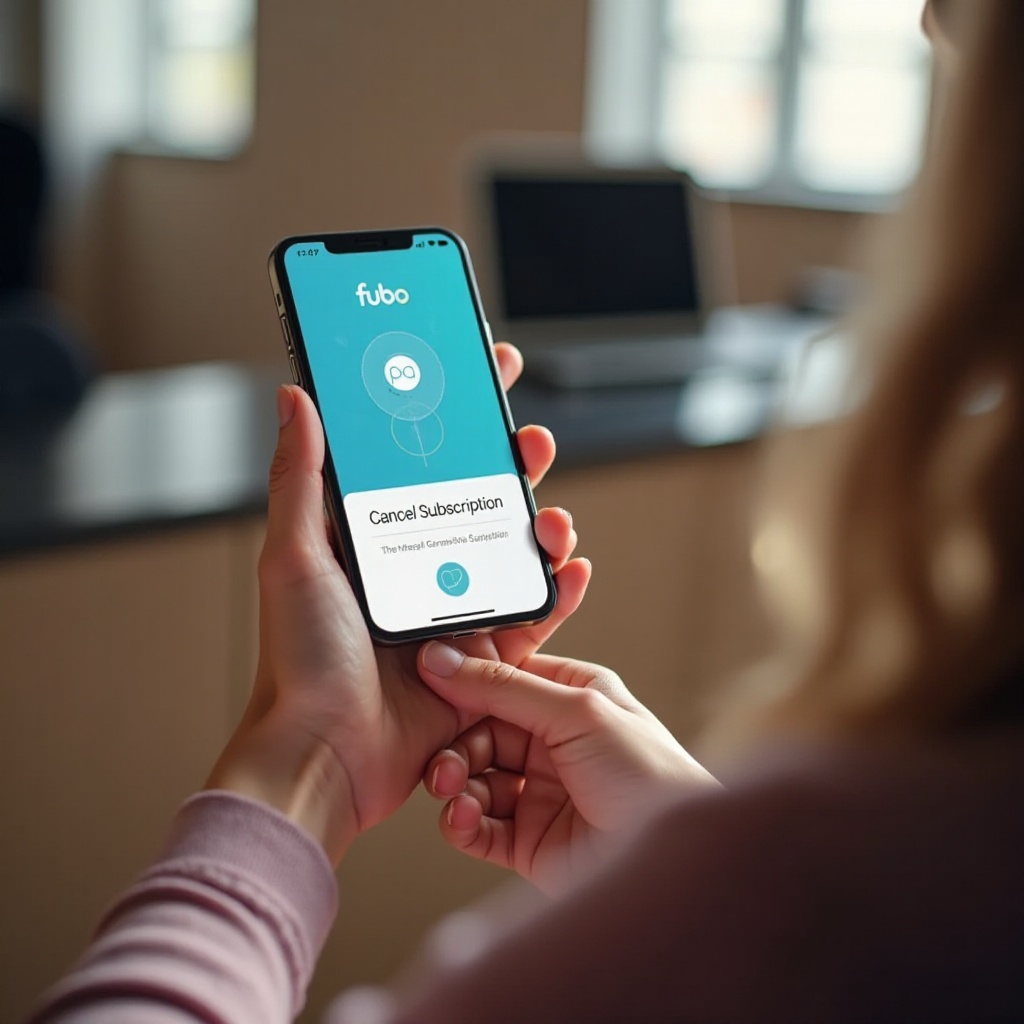
Understanding Fubo’s Cancellation Policy
Before proceeding with the cancellation, it’s crucial to familiarize yourself with Fubo’s cancellation policy. Knowing this information can save you from unexpected charges and help plan your next move.
- Subscription Terms: Fubo subscriptions renew automatically. To prevent additional charges, cancel before the start of your next billing cycle.
- Refund Policy: Fubo generally doesn’t issue refunds for unused portions of subscriptions. After cancelling, you’ll continue to have access to the service until the end of your current billing period.
These points lay the groundwork for a seamless cancellation. With this awareness, you can move on to the specifics of canceling based on your device type.
Preparing for Cancellation on Your Phone
To ensure a smooth cancellation process, it’s best to take a few preparatory steps.
- Check Your Subscription Details: Log into your Fubo account to review your plan and billing cycle.
- Decide on Timing: Aim to cancel a day or two before your subscription renews to avoid charges.
- Verify Device Settings: Ensure your phone is updated to the latest software to avoid any app issues during the process.
With these steps complete, you’re ready to go through the cancellation process.
Canceling Fubo on iPhone
iPhone users can follow these steps to cancel the Fubo subscription efficiently:
- Access the Fubo App: Open the Fubo app on your iPhone and log in.
- Navigate to Account Settings: Tap your profile icon at the top-right corner, then choose ‘Account Settings.
- Select Subscription: Locate the ‘Subscription’ or ‘Manage Subscription’ section.
- Confirm Cancellation: Tap ‘Cancel Subscription’ and follow the prompts to confirm.
After confirming, a notification will confirm your subscription cancellation, ensuring you won’t be billed again.
Canceling Fubo on Android
Android users have a slightly different process to follow. Here’s how to do it:
- Open the Fubo App: Launch the app and access your profile.
- Use Google Play: Android subscriptions are managed through Google Play. Access ‘Subscriptions’ in your Play Store account settings.
- Manage Subscriptions: Find your Fubo subscription in the list.
- Finalize Cancellation: Choose ‘Cancel Subscription,’ then confirm your cancellation in the pop-up window.
This process will ensure your subscription does not renew in the next billing cycle.
Troubleshooting Common Issues
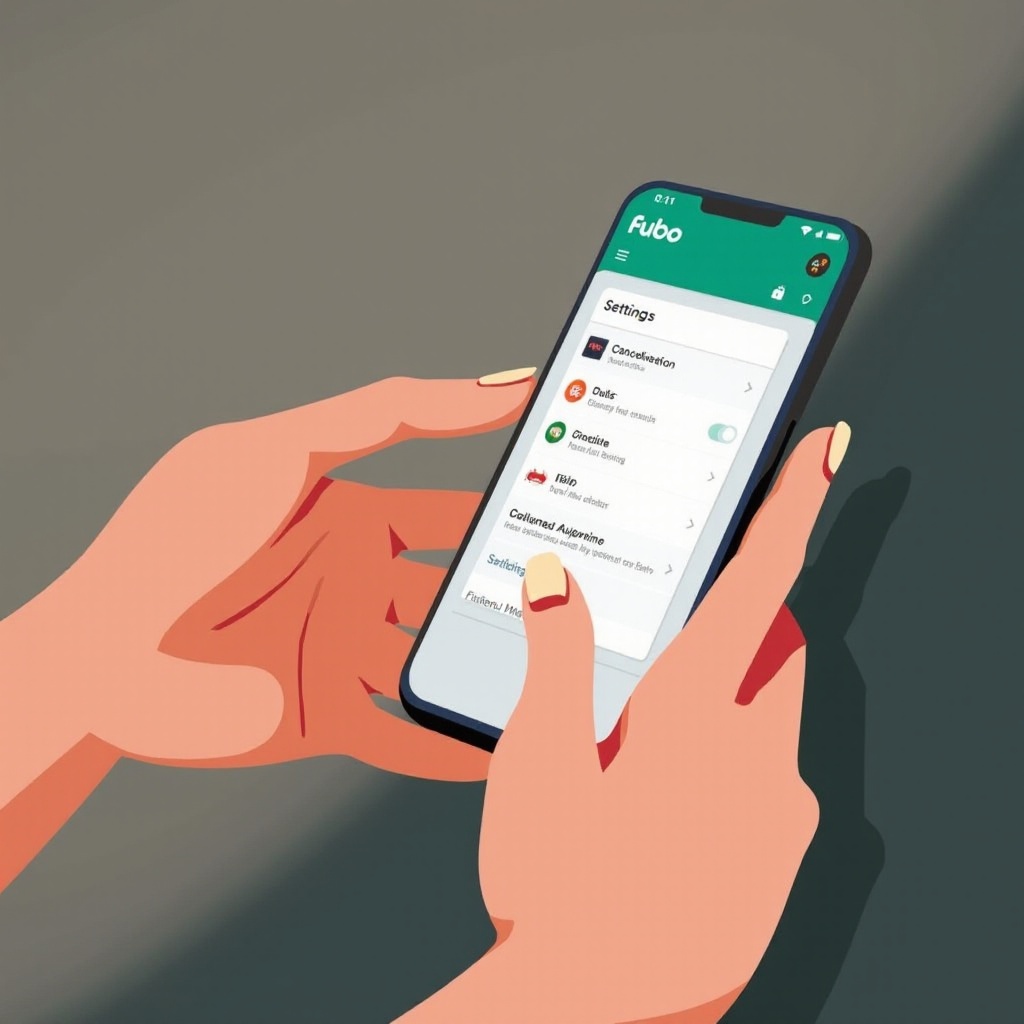
Sometimes, issues occur during cancellation. Here’s how to tackle them:
- Can’t Find the Cancellation Option: Ensure you’re logged into the account linked to your subscription.
- Error Messages: Restart your device or update the Fubo app, then retry. Persistent issues may require contacting support.
- Verification Problems: Make sure all payment information on your account is accurate.
Troubleshooting these common problems ensures your cancellation experience remains smooth.
Alternative Methods for Cancellation
If you encounter persistent issues with app-based cancellation, consider these alternatives:
- Using the FuboTV Website on Mobile Browser: Log in via a mobile browser and navigate to the ‘Account’ section for cancellation options akin to the app.
- Contacting Customer Support: Directly request cancellation assistance through online chat or by calling customer support.
Having these alternatives ensures you’re never stuck with an unwanted subscription.
Conclusion
By following these guidelines, you can easily cancel your Fubo subscription directly from your phone, whether you’re using an iPhone or Android device. Understanding Fubo’s policies and methods of cancellation helps you navigate the process confidently, guaranteeing you only pay for services you enjoy. Make sure to check the confirmation to avoid surprises in your billing statement.
Frequently Asked Questions
What happens if I cancel Fubo mid-subscription?
Your access will continue until the end of the current billing period. You will not be charged in the next cycle.
Can I pause my Fubo subscription instead of canceling?
Currently, Fubo does not offer an option to pause subscriptions. You will need to cancel and resubscribe when ready.
How do I confirm my Fubo subscription has been canceled?
After canceling, you should receive an email confirmation. Check your account settings for confirmation that your subscription is canceled.