
Introduction
Unwanted texts from unknown numbers can pose privacy issues and annoyances. These messages may include spam or even scams, disrupting your daily life. Fortunately, you can reclaim control over your communications with effective techniques to block these texts. This guide provides detailed methods for blocking unknown texts on both iPhones and Android devices, helping ensure a disturbance-free digital environment.
Understanding Unknown Texts
Blocking messages effectively starts with understanding what qualifies as an unknown text. Typically, these come from numbers not saved in your contacts or ones that employ tools like number spoofing. These texts often originate from telemarketers, scammers, and malicious entities with intentions to steal personal data.
By recognizing the sources, you can take more precise actions. Distinguishing between harmless and potentially hazardous messages is crucial. This clarity forms the groundwork for efficiently blocking unwanted communications.
Blocking Texts on iPhone
iPhone users have several inbuilt and app-based options for blocking texts:
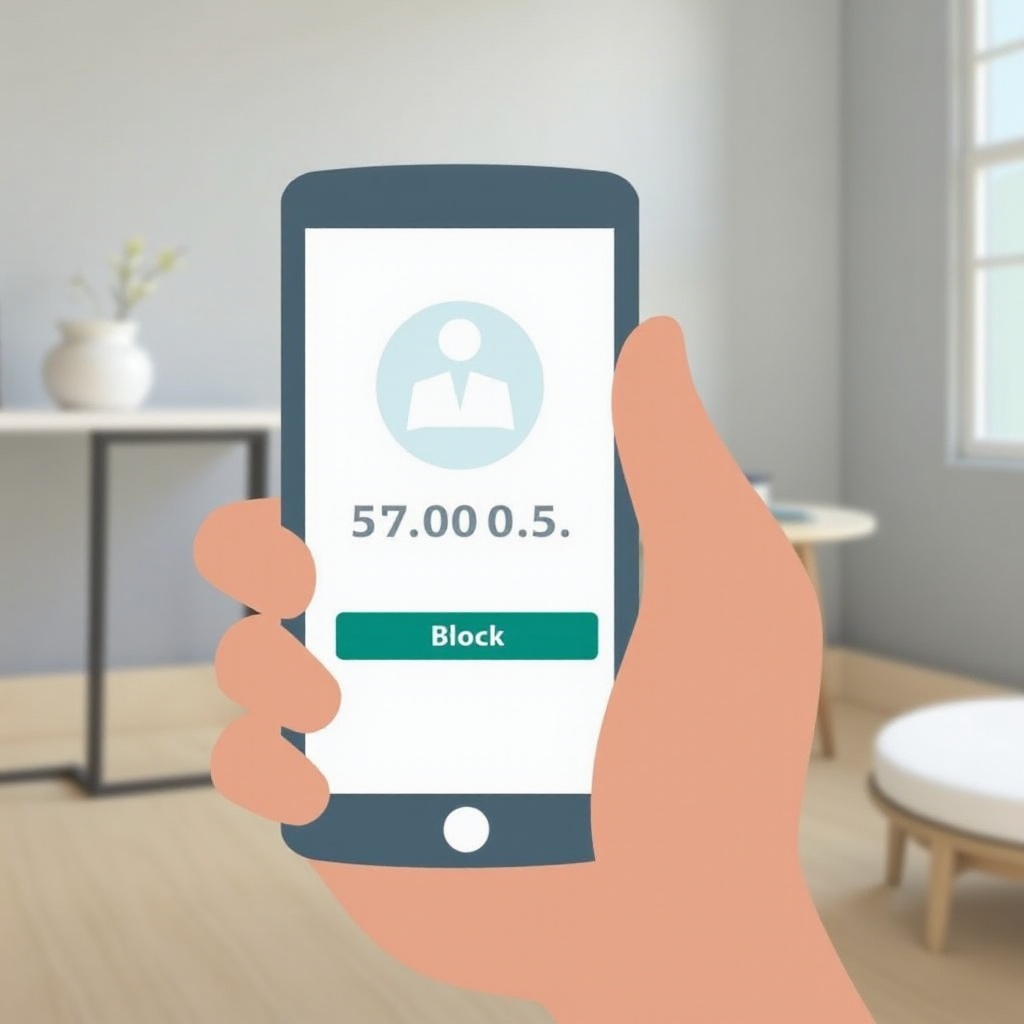
- Block Contacts Directly:
- Open the Messages app.
- Select the message from the number you wish to block.
- Tap the contact at the top, then tap ‘Info’.
- Choose ‘Block this Caller’ to stop future texts.
- Use the ‘Do Not Disturb’ Feature:
- Go to Settings > Do Not Disturb.
- Activate the feature to silence calls and texts from unknown numbers.
- Use Third-party Apps:
- Download apps like Truecaller or RoboKiller, which offer enhanced blocking features and identify spam messages based on your preferences.
Apple provides regular updates to increase security, improving its ability to filter unknown texts effectively.
Blocking Texts on Android Devices
Android phones, known for their versatility, offer excellent tools for message blocking:
- Use Built-in Features:
- Open the Messages app.
- Tap the three-dot menu, select ‘Settings’.
- Go to ‘Blocked numbers’ or ‘Spam protection’, add numbers to the block list.
- Helpful Apps for Blocking Texts:
- Apps such as Hiya and Call Blocker from Google Play assist in handling and blocking unknown texts efficiently.
- Manage Message Filtering Settings:
- These settings differ by phone model; explore them to customize how unknown texts are managed.
Android devices enable users to adjust settings according to their requirements, enhancing their control over spam and unwanted messages.
Enhancing Your Phone Security
Beyond blocking specifics, overall phone security helps in mitigating unwanted text reception:
- Protect Personal Information: Avoid posting your number on public sites. Use secondary numbers for sign-ups and forms.
- Utilize Security Settings: Keep your phone software updated to access new patches that improve security.
Enhancing phone security ensures that you prevent many unsolicited texts before they reach your device.
Legal and Safety Considerations
In tackling unwanted texts, be cognizant of the legal aspects and safety implications:
- Understand Privacy Laws: Familiarize yourself with regulations like the Telephone Consumer Protection Act, affecting how companies reach out.
- Report Spam Messages: Use your carrier or app features to flag spam. Many carriers have codes to streamline spam reporting.
Understanding your rights empowers you to take effective steps against those aiming to exploit texting.
Proactive Measures to Prevent Spam
Preventing spam texts involves several proactive practices:
- Safeguard Your Phone Number: Share it only with trusted contacts; always opt out of marketing communications.
- Adjust Settings for Maximum Privacy: Regularly review and configure your privacy settings in messaging apps to prevent auto-downloading from unknown contacts.
These practices reduce the likelihood of receiving unwanted and potentially harmful texts.
Conclusion
Effectively blocking texts from unknown numbers is crucial for maintaining the sanctity of your smartphone’s privacy. By grasping the origins of such messages and employing built-in and third-party tools, you gain the upper hand in communications management. Stay informed about the latest features to maximize your efforts in reducing unwanted interactions.
Frequently Asked Questions
How can I report spam texts?
You can report spam texts directly through your messaging app’s report features or contact your service provider for assistance.
Are there specific apps for blocking unknown texts?
Yes, apps like Truecaller, RoboKiller, and Hiya are designed to help block and manage texts from unknown numbers.
What should I do if spam texts continue after blocking?
If spam texts persist, update your phone’s security settings and clear your block list to ensure it’s current. You may also contact your carrier for additional solutions.