
Introduction
The emergency call feature, present on many smartphones, is strategically designed to offer quick access to emergency services directly from the lock screen. While the intent behind this feature is universally positive—ensuring safety and responsiveness in critical situations—it can occasionally lead to unintended consequences such as accidental calls or privacy breaches. This comprehensive guide aims to equip you with the necessary steps and considerations to disable this feature across Android and iOS devices, while also exploring alternative solutions.

Understanding the Emergency Call Feature on Smartphones
Before diving into the methods of disabling the emergency call feature, it’s paramount to grasp its operational mechanics. Both major platforms, Android and iOS, provide an integrated system within their lock screens to facilitate instant communication with emergency services.
What is the Emergency Call Feature?
The emergency call feature is a function on your smartphone that allows users to contact emergency services without unlocking the device. Its primary aim is to offer a quick response mechanism during crises, ensuring individuals can reach out for help instantly.
How It Works on Android and iOS
-
Android: On Android devices, the lock screen typically includes an emergency button or swipe functionality that instantly connects to emergency services. The specifics may vary slightly depending on the manufacturer and version, but the core function remains consistent.
-
iOS: For iPhone users, the Emergency SOS feature activates via a series of button presses or a slider on the lock screen, permitting a direct connection with essential services without needing to unlock the device.
Understanding these operational aspects prepares users to make informed decisions about managing the emergency call feature.
Reasons to Disable Emergency Call from Lock Screen
The emergency call feature, while essential, is not always suited to all users. Recognizing situations where disabling it could be beneficial helps balance security with functionality.
Privacy Concerns
An enabled emergency call function can lead to privacy issues if a phone is mistakenly handled or accessed by unintended users. Accidental initiation of an emergency call can inadvertently share a user’s location or create unnecessary alarm.
Security Implications
Beyond privacy, keeping this feature active might expose the phone to potential security risks. Disabling emergency calls limits who can access certain critical areas of the phone, protecting sensitive data from potential misuse.
Addressing these concerns reveals the importance of managing the emergency call setting appropriately.
Step-by-Step Guide to Disabling Emergency Call on Android Devices
For Android users, here’s how to disable the emergency call feature:
- Open the ‘Settings’ app on your Android smartphone.
- Scroll down and select ‘Security & Privacy’.
- Locate and tap on ‘Emergency SOS’ or any related settings.
- Toggle off the ‘Emergency Call’ button.
- Confirm any warnings or prompts to complete the action.
Following these steps ensures minimized accidental or unauthorized access, maintaining your device’s integrity.
Step-by-Step Guide to Disabling Emergency Call on iOS Devices
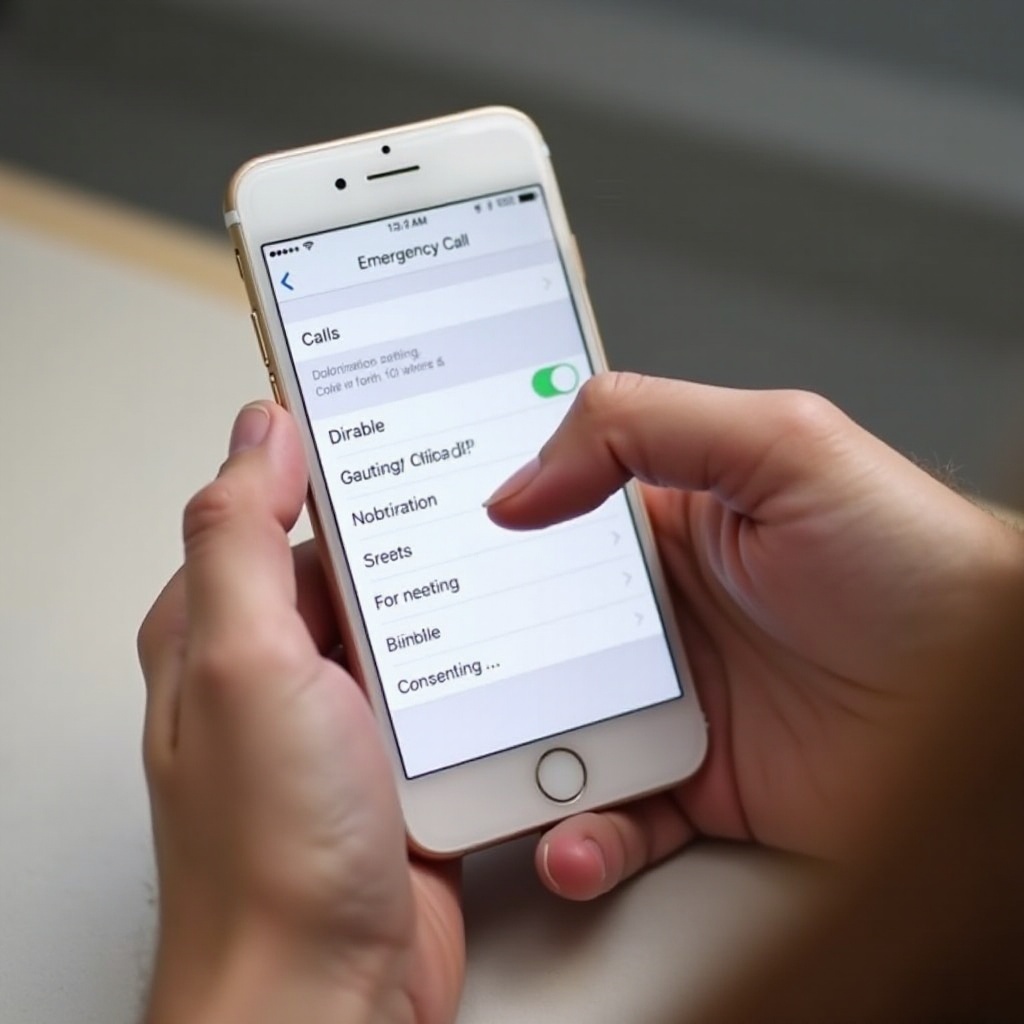
Disabling the emergency call feature on iOS involves:
- Accessing ‘Settings’ on your iPhone.
- Navigating to ‘Face ID & Passcode’ or ‘Touch ID & Passcode’.
- Entering your passcode to proceed.
- In the ‘Allow Access When Locked’ section, turn off ‘Emergency SOS’.
These steps provide iOS users with control, aligning device use with personal security preferences.
Alternative Solutions and Best Practices
Even if you choose to disable the emergency call feature, maintaining device security and readiness is paramount. Consider these alternatives and best practices.
Using Third-Party Apps
Third-party apps can offer customizable options for managing emergency call functionalities, creating a balance between accessibility and privacy. Explore app stores for apps that align with your security standards.
Contacting Customer Support
If difficulties arise or you require a more tailored solution, contacting your phone’s customer support can be beneficial. They can offer guidance specific to your device model and configuration.
Employing these strategies ensures ongoing safety while respecting personal security needs.
Conclusion
Disabling the emergency call feature on your smartphone requires careful consideration of your privacy and security needs. By following detailed guides and alternate solutions, you can tailor your device settings to safeguard against accidental or unauthorized usage, while still retaining essential safety measures.
Frequently Asked Questions
Can disabling emergency call affect phone security?
Disabling emergency calls can enhance security by preventing unauthorized access, although it may limit direct access to emergency services. Consider other safety measures.
How can I re-enable emergency call if needed?
To re-enable, return to the settings where you disabled emergency calls and toggle the function back on. Confirm any prompts to ensure the feature is active.
Is there an app to manage emergency calls effectively?
Yes, there are third-party apps available that provide enhanced control over emergency call settings, allowing customized solutions for privacy and security concerns. Explore app stores for options that fit your needs.