
How to Fix iPhone Stickers Not Saving: A Comprehensive Guide
Introduction
Frustrated with iPhone stickers that won’t save? Don’t worry, you’re in the right place. Countless users encounter challenges when their cherished stickers disappear, disrupting messaging fun. This detailed guide untangles the mystery of why iPhone stickers may not save and provides effective methods to reclaim your creative flair.
Understanding iPhone Stickers
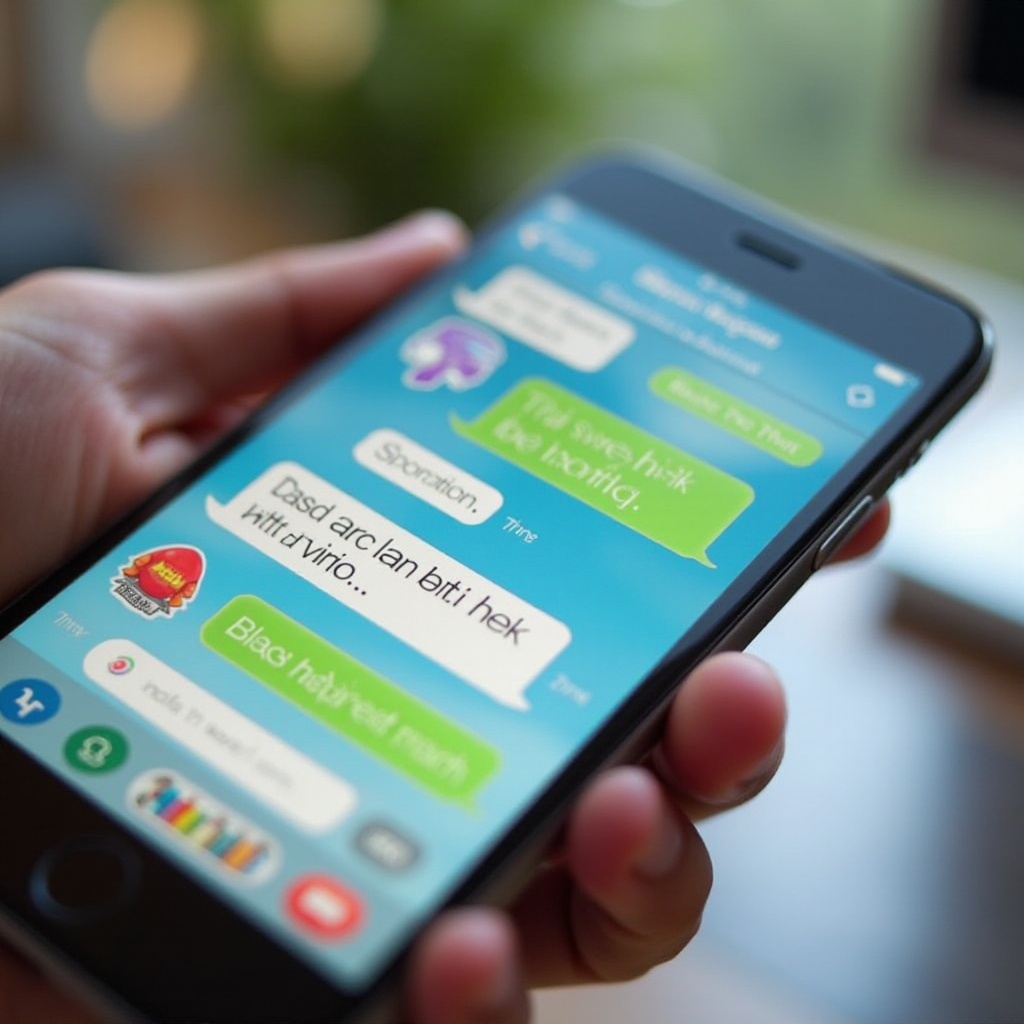
iPhone stickers are engaging visuals used to enrich messaging interactions. They inject personality and color into conversations, serving as digital expressions of emotions or shared humor. As users immerse themselves in unique sticker packs, knowing what stickers are and their benefits aids in diagnosing issues that prevent proper saving.
Common Reasons iPhone Stickers Aren’t Saving
Several obstacles can hinder sticker saving, leading to user dissatisfaction. Recognizing these factors is critical for troubleshooting.
Storage Limitations
Lack of sufficient space on your iPhone can obstruct sticker saving. Regularly clearing out unnecessary files is essential to maintain space for new data.
Software Bugs
Software glitches may arise from using outdated iOS versions. Such disruptions can interfere with your phone’s normal app operations, including stickers.
App-Specific Issues
Problems may arise from applications housing the stickers—compatibility issues or older versions can block sticker saving.
Armed with this knowledge, we can now delve into practical steps targeting specific causes of sticker saving trouble.
Basic Troubleshooting Steps
Start with simple solutions that often resolve sticker-saving issues:
Check iPhone Storage
– Access ‘Settings,’ proceed to ‘General,’ and view ‘Storage.
– Delete files or apps that are no longer in use to free up space.
Update iOS and Apps
– Tap ‘Settings,’ then ‘General,’ followed by ‘Software Update.’ Install available updates.
– Open the App Store and update all your installed apps.
Restart Your iPhone
– Press and hold the power button until ‘Slide to power off’ appears. Power off, wait, and restart your device.
Having tackled basic troubleshooting, move on to more sophisticated strategies if issues persist.
Advanced Solutions to Save iPhone Stickers
Explore deeper fixes for persistent saving issues:
Reinstall Messaging Apps
– Remove the existing messaging app.
– Download the latest version from the App Store and reinstall it.
Reset App Permissions
– Open ‘Settings,’ tap ‘Privacy,’ then review app permissions.
– Ensure necessary permissions for messaging apps are activated.
Backup and Restore Procedures
– Backup your iPhone using iCloud or iTunes.
– Follow Apple’s guides to restore your device, remedying software conflicts.
Should basic steps fall short, advanced solutions ensure apps connect and save stickers seamlessly.
Using Third-Party Apps for Sticker Management
Consider third-party apps that enhance sticker management. Many offer increased customization and robust storage options compared to default functions.
For example:
– Search the App Store for renowned sticker apps like ‘Sticker Maker,’ which provide tailored management capabilities.
Integrating third-party applications can instill broader sticker saving solutions.
Ensuring Future Sticker Data Safety
To prevent future sticker saving issues, regular device maintenance is pivotal.
Regular Backups
– Schedule automatic backups via iCloud, ensuring data protection.
Keeping iOS Updated
– Implementing routine updates corrects glitches, fostering device stability.
By sustaining your device’s health, you safeguard all digital content, including your treasured stickers.
Conclusion
By mastering sticker-saving solutions, you reinvigorate your digital communications. Whether through straightforward fixes or intricate strategies, this guide equips you with knowledge to overcome saving hurdles and enhance your iPhone experience. Maintain device updates and monitor storage to uphold sticker performance effectively.
Frequently Asked Questions
Why are my stickers disappearing after updating iOS?
Recent iOS updates can temporarily disrupt app performance. Ensure that app versions are updated post-upgrade to prevent sticker issues.
How can I manage storage effectively to ensure stickers save properly?
Regular storage checks and clearing out unused files are vital. Consider utilizing cloud services to free up local space.
Are there any apps recommended to manage stickers better?
Yes, apps like ‘Sticker Maker’ are recommended for enhanced sticker management, offering customization and better storage control.