
Introduction
An alarm’s dependability is vital for keeping our daily routines intact. When your Android alarm fails to go off, it disrupts your plans and can cause stress. In this guide, we delve into the common reasons behind Android alarms not sounding, offering practical solutions to restore their reliability.

Understanding Android Alarm Failures
Before addressing the solutions, let’s explore the typical reasons alarm failures occur:
-
Software Glitches and Updates: Occasionally, new updates to your Android OS can trigger bugs affecting app functionality, including the alarm app. These errors might be temporary but can severely impair alarm performance.
-
Incorrect Alarm Settings: Mistakes in setting the alarm can lead to it not going off. Always double-check the time, day, and sound options to ensure proper configuration.
-
Impact of Power-Saving Modes: Android devices incorporate power-saving features that can limit apps from operating effectively while idle. Alarms might not sound if these modes disrupt the app’s functionality.
Understanding these potential issues paves the way for effective troubleshooting.

Effective Steps to Fix Alarm Problems
With the causes identified, let’s discuss steps to resolve alarm sound issues:
-
Verify Alarm Settings: Check that the alarm is set for the correct time with appropriate days selected, and ensure the alarm volume is audible.
-
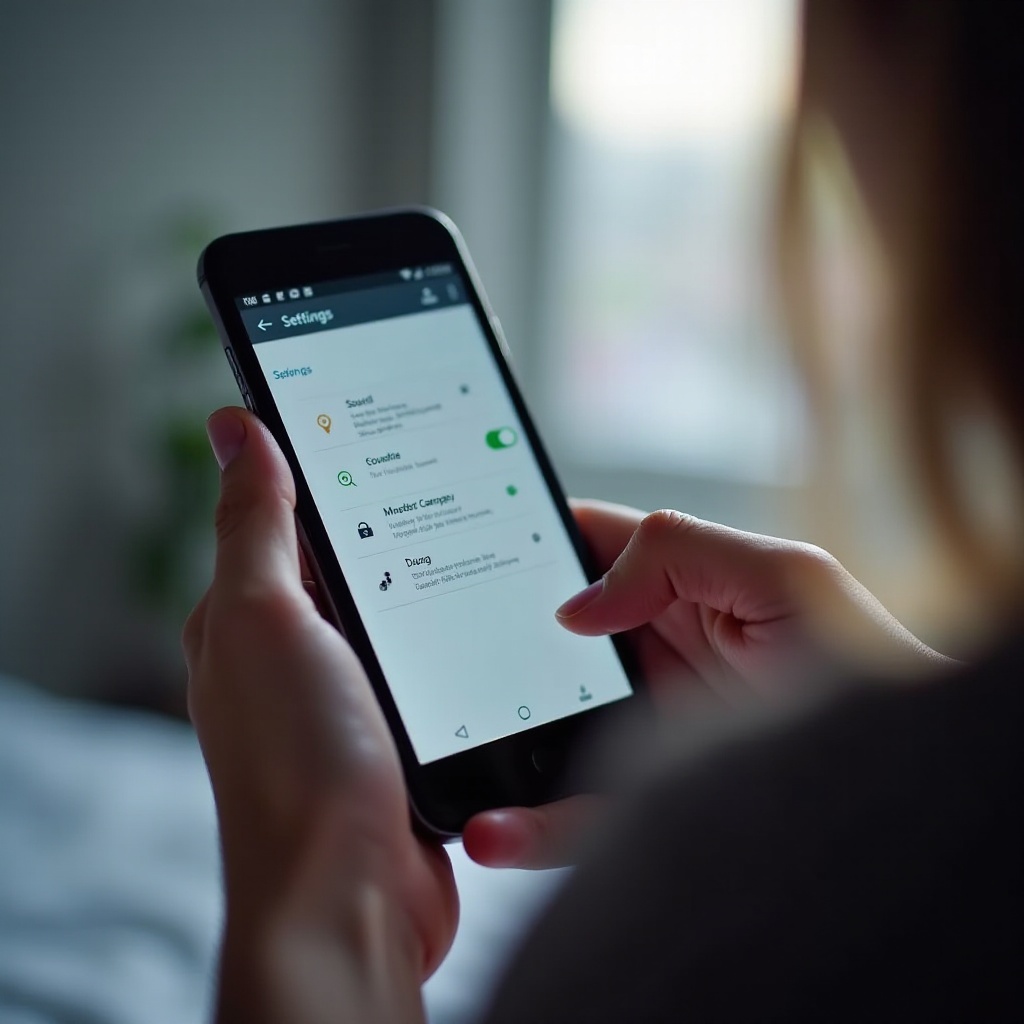
Check Do Not Disturb and Sound Settings: Inspect device settings to confirm Do Not Disturb mode isn’t affecting the alarm. Review sound settings to avoid having the device on mute during set alarm times.
-
Update Your Android OS: Ensuring your OS is up-to-date can help fix software glitches. Visit the device settings to check for available updates and install them.
These steps offer initial remedies; next, consider advanced options for persistent issues.
Advanced Troubleshooting Methods
For ongoing problems, advanced solutions can secure alarm reliability:
-
Investigate App-Specific Bugs: The alarm app itself might be at fault due to bugs. Check for updates in the Google Play Store and apply them to address such issues.
-
Consider Alternative Alarm Applications: If problems persist with the native alarm app, third-party options could offer improved reliability and features.
-
Reset App Preferences and Clear Cache: Use the device settings to locate the alarm app and clear its cache. Resetting app preferences can resolve lurking malfunctions.
These advanced methods build on earlier fixes, equipping users with more robust solutions.
Preventative Strategies to Ensure Alarm Reliability
To minimize future alarm glitches, regularly applying preventative strategies is key:
-
Regularly Update Apps and System: Keeping your software updated reduces the chance of bugs and compatibility concerns that affect performance.
-
Routine Checks on Sound and Notification Settings: Regularly verify sound and notification settings to prevent unnoticed changes from muting alarms.
These approaches complement previous solutions, ensuring alarms remain functional.
Conclusion
Reliable alarms play a significant role in maintaining punctuality and organization. By understanding typical issues, applying targeted solutions, and adopting preventative practices, you ensure your Android alarm works seamlessly. Use this guide as a troubleshooting reference, enabling swift action when alarm problems arise.
Frequently Asked Questions
Why does my Android alarm not sound at full volume?
System settings may have lowered the volume. Check your sound settings to ensure the alarm volume is set appropriately.
How can I stop my alarm from being affected by battery saver?
Whitelist the alarm app from battery optimization in your battery settings to ensure it functions during power-saving modes.
Are third-party alarm apps more reliable on Android?
Third-party alarm apps can provide additional features and regular updates, potentially offering more reliability than native apps.