
Introduction
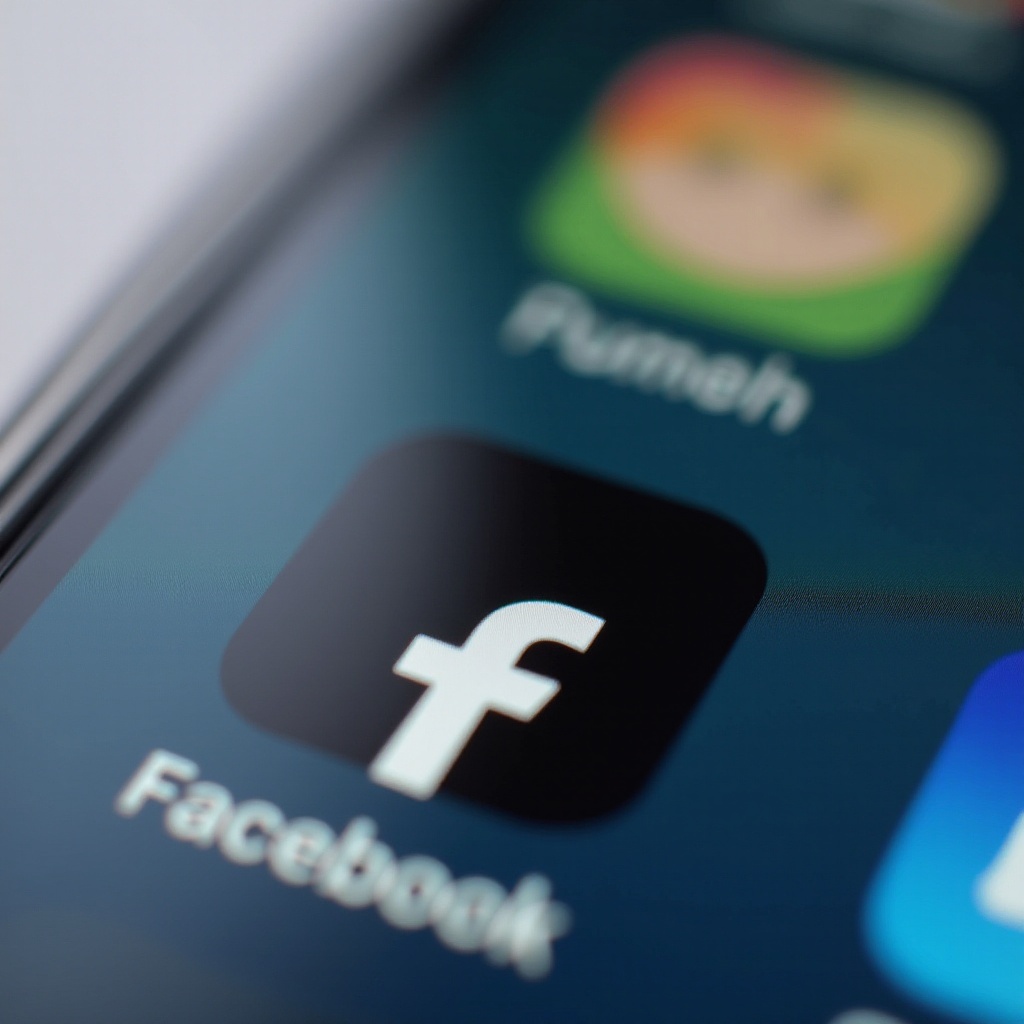
Your iPhone connects you to the world with its array of applications, most prominently, Facebook. However, users occasionally notice an unexpected change: the Facebook icon on their iPhone home screen turns black. This can be more than an aesthetic issue; it suggests underlying changes in your device. Understanding why this happens and how to remedy it is essential in maintaining your device’s optimal functioning.
The iPhone Facebook Icon: What You Need to Know
The iconic blue Facebook app icon is immediately recognizable. A sudden change to black can disrupt the visual unity of your home screen and may indicate an issue with your iOS settings or app configurations. Knowing the specific triggers that cause this color shift is crucial in resolving it swiftly and efficiently.
The change can result from something as routine as an automated update that modifies icon displays, or it might stem from specific setting adjustments on your device. In the following sections, we explore the most common causes and guide you through actionable solutions.
Common Causes of Icon Color Changes
System Updates and Their Effects
When Apple releases iOS updates, they typically enhance security and functionality. Occasionally, these updates alter how app icons are displayed, including Facebook’s. These changes might be intentional tests or optimizations that lead to visual anomalies on your screen.
Impact of Display Settings
Your iPhone’s display settings can also lead to the black icon appearance. High contrast or accessibility settings might unintentionally darken icons. For example, the ‘Increase Contrast’ feature is intended to improve readability but might affect icon appearance, including Facebook’s.
The Role of Dark Mode
The introduction of Dark Mode aimed to reduce eye strain and conserve battery life. However, it can alter app icon aesthetics, sometimes leading to darker or black appearances.
These indicators help guide your troubleshooting approach. Let’s explore specific strategies to fix the black icon issue.
Fixing the Black Icon Issue
If your Facebook icon turns black, here are steps to restore its original color:
Checking and Applying iOS Updates
- Open ‘Settings’.
- Go to ‘General’ and tap ‘Software Update’.
- If an update is available, select ‘Download and Install’.
Updating your software can often remedy icon inconsistencies as updates address known bugs.
Adjusting Display and Theme Settings
- Access ‘Settings’.
- Navigate to ‘Display & Brightness’ and toggle ‘Dark Mode’ on/off.
- If necessary, enter ‘Accessibility’ in Settings and modify ‘Display & Text Size’ options to ensure correct icon display.
Reinstalling the Facebook App
- Long-press the Facebook icon on your screen.
- Select ‘Remove App’ and confirm.
- Open the App Store, search for Facebook, and reinstall it.
These fixes should normalize your icon’s appearance and enhance your iPhone experience.
Customization Options for Your iPhone
For those interested in further personalization, there are ways to customize app icons on your iPhone.
Using the Shortcut App for Icon Changes
- Launch the ‘Shortcuts’ app.
- Tap ‘+’ to start a new shortcut and choose ‘Add Action’.
- Under ‘Apps’, select ‘Open App’, then choose Facebook.
- Tap the three dots in the corner, select ‘Add to Home Screen’, and pick a custom icon image.
Third-Party Apps for Enhanced Customization
Several third-party apps in the App Store offer extensive customization options for themes and styles beyond default iOS settings.
Personalizing your icons can make your device reflect your unique style, offering more than just a functional improvement.
User Experiences and Community Feedback
The issue of the black Facebook icon is a hot topic across tech forums and communities. Users frequently share experiences and potential solutions on peers-support platforms like Reddit. Such community discussions are invaluable resources for gathering insights and discovering quick fixes for persistent icon issues.
Individuals sharing their solutions create a shared pool of knowledge that aids others facing similar concerns, fostering a community of collaborative smartphone users.
Conclusion
Resolving the issue of the black Facebook icon on your iPhone doesn’t have to be challenging. By recognizing the causes and implementing simple fixes, you can quickly restore the icon’s color and enhance your device’s functionality. Customization options further offer a way to make your iPhone your own, contributing to an enjoyable and tailored user experience.
Frequently Asked Questions
Why does the Facebook icon turn black on my iPhone?
It often changes due to iOS updates, altered display settings, or the activation of Dark Mode.
How can I change app icons on my iPhone?
You can use the Shortcuts app or third-party apps to personalize app icons.
Does Dark Mode affect app icon colors?
Yes, Dark Mode can alter the appearance of app icons, potentially making them appear darker or black.