
Samsung smartphones are generally reliable, but the issue of a phone restarting by itself can cause significant inconvenience. This guide dives into potential causes and provides fixes to help you manage and prevent this problem.
Introduction
When your Samsung phone starts acting up by constantly restarting, it disrupts your daily activities and might result in data loss. Understanding the root causes is essential for developing effective solutions. Let’s examine why your phone might behave this way and what steps you can take.
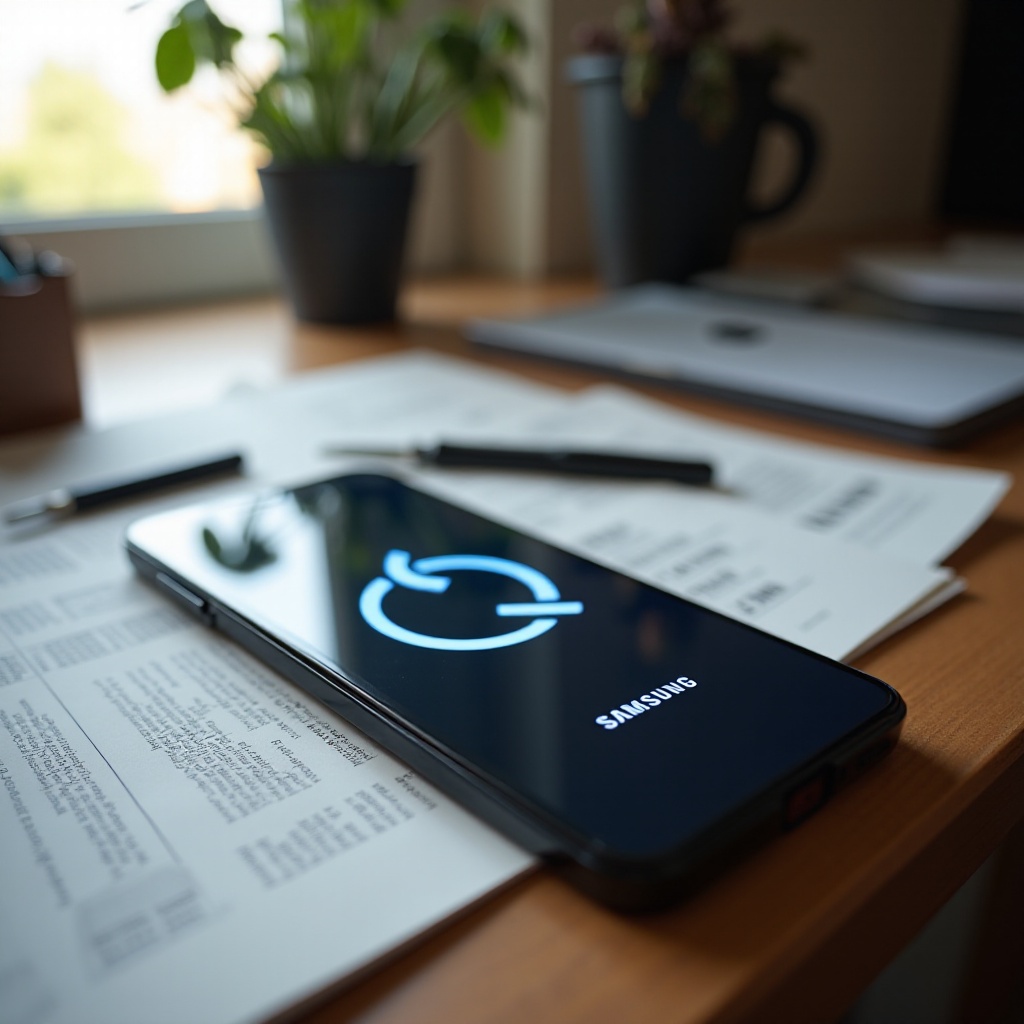
Common Causes for Samsung Phones Restarting
Several factors can lead to your Samsung phone restarting repeatedly:
- Software Glitches: Unstable apps or failed updates might cause software interference, leading to restarts.
- Outdated Operating System: An old Android version can introduce bugs and vulnerabilities, potentially causing reboots.
- Corrupted Applications: Faulty apps can disrupt the phone’s operations, triggering unexpected restarts.
- Hardware Failure: Internal damage or faulty components can lead to performance issues, including restarts.
Understanding these causes will help guide your troubleshooting process. Next, we’ll look at some basic steps you can use to tackle this problem.
Basic Troubleshooting Steps
If your Samsung phone keeps restarting, begin with these foundational solutions:
- Restart Your Phone: Simply turning off your phone and powering it back on can fix minor software glitches.
- Check for Software Updates: Navigate to Settings > Software Update > Download and Install. Keeping your phone’s software current ensures optimal performance.
- Uninstall Problematic Apps: If issues began after a particular app installation, remove that app. Go to Settings > Apps > Select the app > Uninstall.
- Clear Cache Partition: Cached data can sometimes be the culprit. To clear it, switch off the device, press the Volume Up and Power buttons together, choose Wipe Cache Partition, and confirm.
Should these steps fail to resolve the issue, it may be necessary to pursue advanced solutions.
Advanced Solutions for Persistent Problems
For ongoing issues, deeper interventions might be required:
- Boot in Safe Mode: Safe mode can help isolate whether third-party apps are causing the problem. Hold the Power button, and when you see the Samsung logo, release it and press Volume Down.
- Perform a Factory Reset: As a last resort, resetting your phone to its factory settings can help eliminate persistent issues. Ensure your data is backed up before proceeding. Go to Settings > General Management > Reset > Factory data reset.
- Consult Professional Repair Services: Should none of the above techniques work, a hardware issue might be to blame. Reach out to Samsung support or visit a certified repair center.
Now that we’ve tackled solutions, let’s discuss how you can prevent this issue from arising in the future.

Preventive Measures to Avoid Future Issues
Regular maintenance can go a long way in ensuring your phone’s smooth operation:
- Regular Software Updates: Always update your software to the latest version available to maintain optimal device performance.
- Manage Apps and Storage: Regularly review and remove unused apps and files to avoid conflicts and free up valuable storage space.
- Physical Protection of Your Device: Protect your Samsung phone with a robust case and avoid exposing it to harsh environments to reduce the risk of physical damage impacting performance.
Implementing these practices will help maintain your device’s stability and longevity.

Conclusion
Addressing why your Samsung phone keeps restarting involves identifying the underlying cause and applying the appropriate solution. This guide provides you with the tools to fix the issue and prevent future occurrences. Routine updates and app management are key to maintaining your device’s performance. Stay proactive to enjoy a hassle-free smartphone experience.
Frequently Asked Questions
What should I do if my Samsung phone keeps restarting after an update?
If your phone restarts frequently after an update, try safe mode and uninstall any new apps. If the problem persists, consider performing a factory reset.
Can a faulty battery cause my Samsung phone to restart repeatedly?
Yes, a faulty battery can cause your phone to reboot repeatedly. If your phone’s battery drains rapidly or won’t hold a charge, you might need to replace it.
How do I backup my data before performing a factory reset on my Samsung phone?
To backup your data, use Samsung Cloud or Samsung Smart Switch. These tools allow you to save contacts, media, and settings quickly and efficiently.