
Introduction
Struggling with your JLab earbuds not turning on is more than an annoyance when you’re eager to enjoy your favorite music or podcasts. JLab earbuds, known for their high-quality sound and reliable performance, occasionally face issues that stop them from powering on. To help you navigate this problem, we present a troubleshooting guide covering common causes and effective solutions.
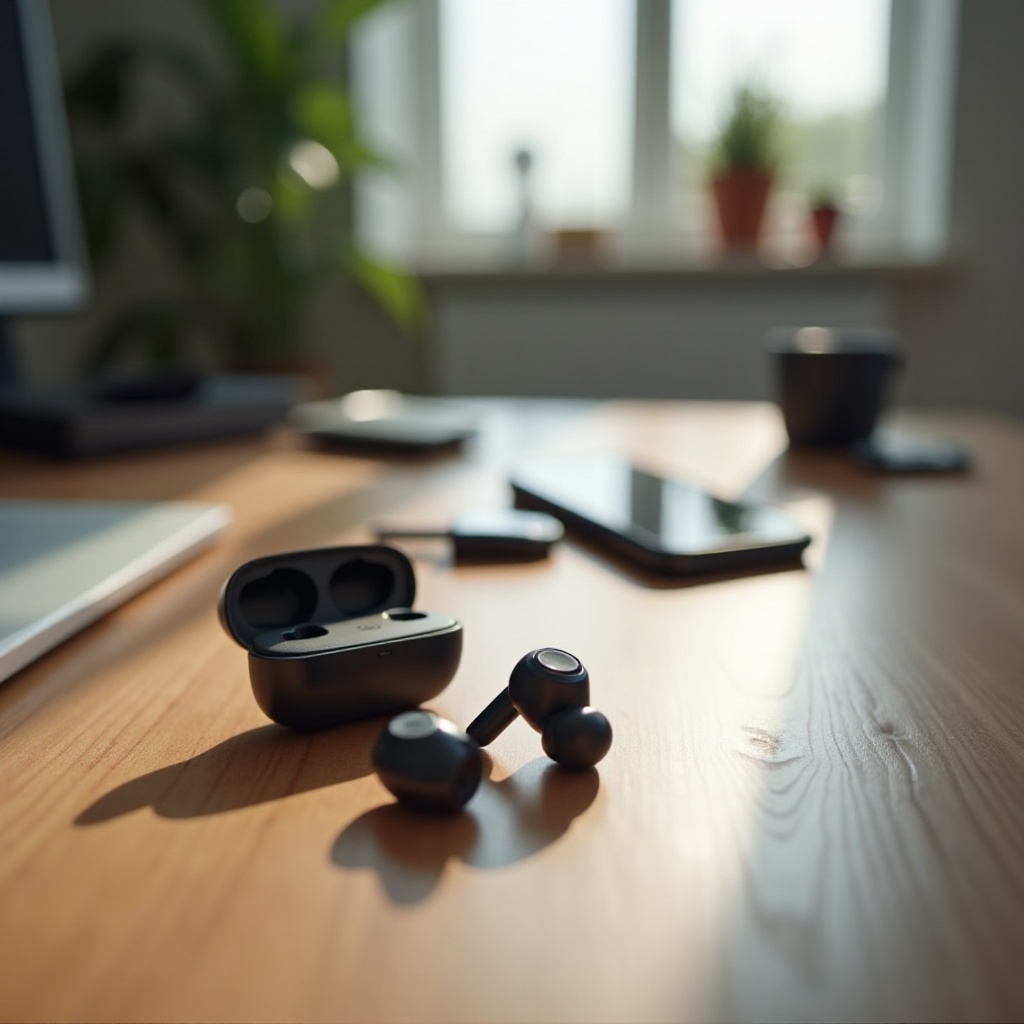
Common Reasons Your JLab Earbuds Won’t Turn On
Several factors might prevent your JLab earbuds from powering on. Identifying these issues is crucial for applying the right solution.
-
Battery and Charging Problems:
Power issues often stem from battery depletion or charging malfunctions. Ensure both the earbuds and charging case are charged and functioning well. -
Hardware Malfunctions:
Defective internal components can impact functionality. Physical or manufacturing defects might require further inspection. -
Software Glitches:
Operating or firmware glitches may need resetting or updating to restore normal operations.
Understanding these potential hurdles helps streamline the troubleshooting process, allowing you to address the core problem quickly. Let’s start with some simple solutions to try first.
Easy Fixes to Try First
Begin by applying these initial fixes to determine if they resolve your issue without further intervention.
- Check and Replace Charging Accessories:
- Inspect your current charging cable and adapter for damage or faults.
-
Try using a different charging cable or adapter to test if the old ones were defective.
-
Secure Proper Earbud and Case Alignment:
- Confirm each earbud is positioned correctly within the charging case.
-
Remove any dirt or debris obstructing proper contact.
-
Inspect for Physical Damage:
- Examine your earbuds and case for visible damages affecting functionality.
- Any obstructed connections should be cleaned or repaired.
If these steps don’t yield results, it might be necessary to perform a hard reset.
How to Perform a Hard Reset
Performing a hard reset can often resolve persistent problems by refreshing your earbuds’ software.
- Detailed Steps for Hard Reset:
- Place both earbuds in their charging case.
- Leave the case open and tap the touch sensor on each earbud seven times quickly.
-
Observe the earbuds’ LED indicators for a series of flashes that signal a reset.
-
Importance of Resetting Your Earbuds:
- A reset helps eliminate temporary glitches in the software.
- Ensures connections and settings are refreshed for proper functionality.
If the reset doesn’t help, proceed with advanced solutions, which may require more technical adjustments.
Advanced Troubleshooting Techniques
When basic troubleshooting doesn’t work, advanced solutions can tackle more complex issues.
- Updating Firmware and Software:
- Use the JLab app to check for any firmware updates available for your earbuds.
-
Follow the in-app instructions to complete the update process without disconnecting the earbuds.
-
Diagnosis of Complex Hardware Issues:
- Check for frequent Bluetooth disconnections, which might indicate deeper hardware issues.
- Internal damage may necessitate technical support or replacement services.
Using these advanced methods, you can explore deeper technical problems when other solutions don’t suffice. If problems persist after these steps, it may be time to contact JLab support.
When to Contact JLab Support
If self-troubleshooting methods have been exhausted, involving professionals can be the key.
- Assessing If It’s Beyond DIY Repairs:
- Persistent issues post full troubleshooting signify a need for expert intervention.
-
Hardware defects often require professional diagnosis and handling.
-
Preparing for Customer Service Interaction:
- Gather details like your earbuds’ model number and proof of purchase.
- Have a detailed account of all troubleshooting steps you’ve taken ready to share.
Consulting with JLab support gives access to more tailored solutions, repairs, and potential replacements, helping minimize downtime and restore your listening experience.
Conclusion
By understanding and applying these steps and techniques, you can effectively restore your JLab earbuds to full working order. Whether fixing through quick tweaks, thorough resets, or seeking professional support, this guide ensures that heavy-handed interruptions to your audio experience become a thing of the past.
Frequently Asked Questions
How do I know if my JLab earbuds are charging?
When correctly placed in the charging case, the earbuds’ LEDs should show a steady or pulsing light indicating they are charging.
What should I do if resetting doesn’t solve the problem?
If a reset doesn’t work, check for firmware updates and inspect charging accessories. Persistent issues may require contacting JLab support.
Can I replace the battery in my JLab earbuds?
Most JLab earbuds have non-replaceable batteries. Repair or replacement options through JLab support should be explored for battery issues.