
Introduction
Experiencing the hassle of a JLab case not charging can disrupt your routine, especially if earbuds are essential for your music or work needs. Pinpointing and solving this issue quickly ensures your earbuds continue to operate optimally. In this guide, explore common causes and effective troubleshooting methods, from straightforward solutions to in-depth techniques, along with preventive tips to avoid future problems, ensuring your device’s longevity and readiness.
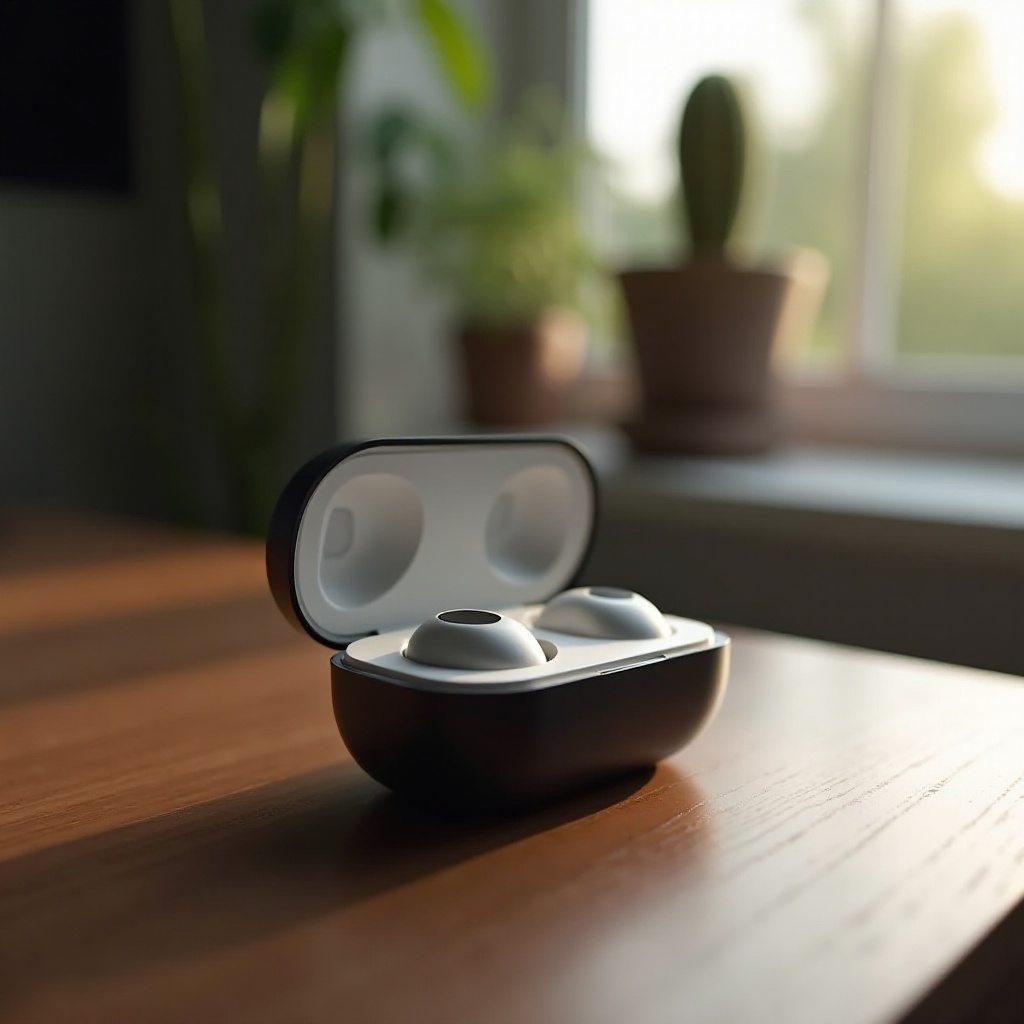
Common Reasons Why Your JLab Case Might Not Charge
To tackle the charging problem, begin by identifying its causes:
1. Faulty Charging Cable or Adapter: Over time, cables or adapters may become defective, causing connectivity issues.
2. Dirty or Blocked Charging Ports: Accumulation of dust can prevent proper contact between the case and charger.
3. Incorrect Placement of Earbuds: If earbuds aren’t seated correctly, they might not connect for charging.
Understanding these common issues sets the stage for implementing quick and effective fixes. Next, we will discuss some immediate actions you can take.
Quick Fixes to Try First
Before delving into complex solutions, attempt these simple remedies:
1. Testing with a Different Cable and Adapter: Swap out your current cable and adapter to see if a different set improves the connection.
2. Cleaning the Charging Ports: Use a soft brush or compressed air to clear debris from the ports for better contact.
3. Ensuring Proper Earbud Placement in the Case: Verify that the earbuds align with charging pins inside the case.
If these quick fixes do not resolve the problem, it may be necessary to consider more advanced troubleshooting tactics.
Advanced Troubleshooting Steps
For persistent issues, consider these advanced solutions:
1. Resetting Your JLab Earbuds: Correct software glitches by resetting the earbuds; follow the steps in your manual or on JLab’s site.
2. Updating Firmware: Check for firmware updates that can resolve known issues; follow instructions given by the manufacturer.
3. Inspecting for Battery Malfunction: If the case or earbuds have physical damage or battery swelling, seek professional help.
By addressing the problem with these in-depth steps, you are more likely to find a lasting solution. It’s equally essential to adopt habits that help prevent such issues from recurring.
Preventive Measures for Optimizing Charging
Long-term functionality is achievable through routine maintenance:
– Regular Cleaning and Maintenance: Establish a cleaning routine for ports and earbuds to avoid buildup.
– Avoiding Extreme Temperatures: Protect your earbuds by keeping them out of very hot or cold environments.
– Best Charging Practices: Use original chargers and disconnect once fully charged to prevent overheating.
Incorporating these practices can help prolong the life of your earbuds, ensuring they remain functional and reliable.
When to Seek Professional Help
If none of these solutions work, it might be time to contact JLab customer support or seek professional repair services. This ensures the problem is correctly and safely resolved.
Conclusion
Troubleshooting JLab charging issues effectively combines knowing the causes, attempting quick solutions, and taking preventive measures for optimal performance. Regular upkeep will not only fix current issues but also help prevent future disruptions.
Frequently Asked Questions
How can I reset my JLab earbuds?
To reset your JLab earbuds, consult the manual or JLab’s website for steps involving holding specific buttons until the LED changes.
What should I do if cleaning the charging port doesn’t work?
If cleaning is ineffective, try a different cable and adapter. Persisting issues may require contacting JLab support or professional repair.
How often should I update the firmware on my JLab earbuds?
Check for updates every few months or if issues arise. Firmware updates fix bugs and improve performance.