
Introduction
JBL Tune Beam earbuds are praised for their superior sound quality and comfort. But like any electronic gadget, charging issues may arise, disrupting your listening experience. If your JBL Tune Beam earbuds aren’t charging, it’s a common issue that can be addressed. This article provides a comprehensive look at the reasons behind charging failures and guides you through actionable steps to regain their functionality. Understanding these essentials ensures your earbuds remain a reliable accessory.
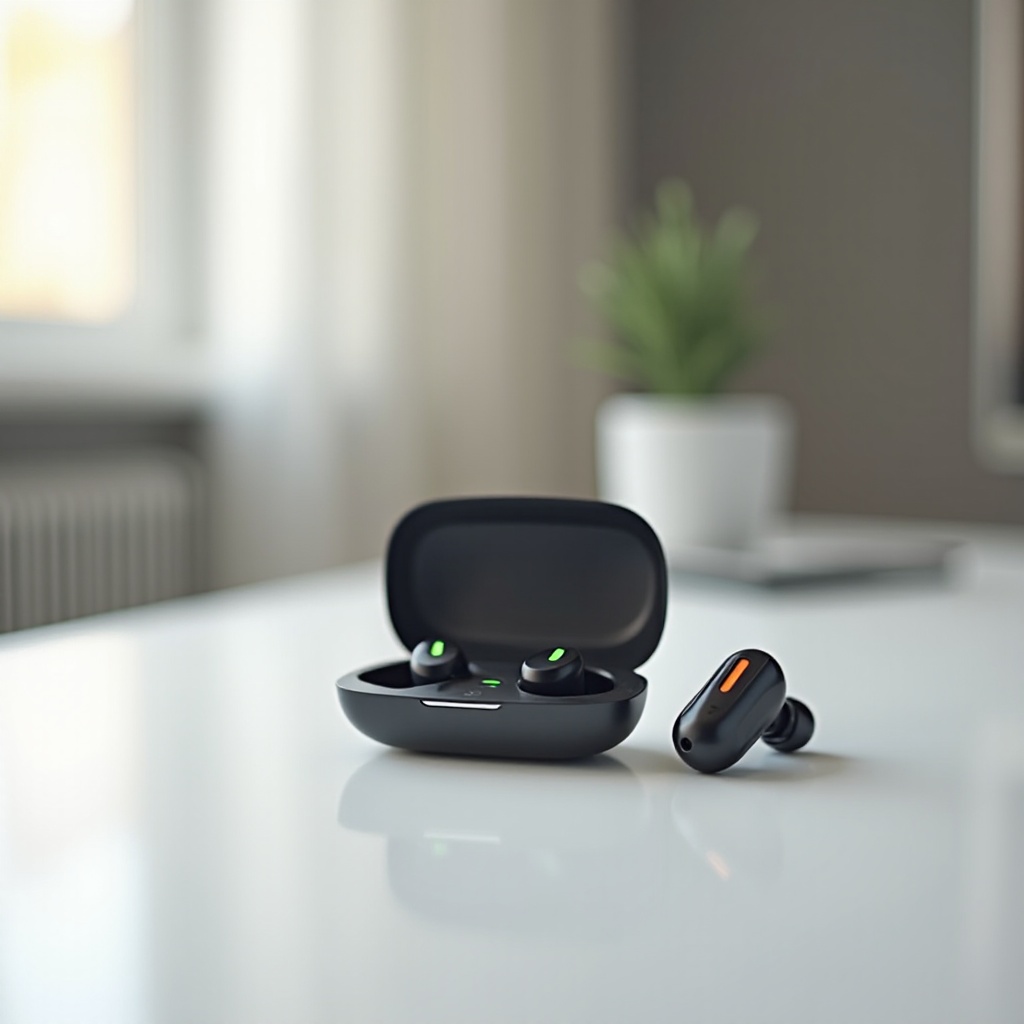
Common Reasons for JBL Tune Beam Earbuds Not Charging
Several factors can prevent your earbuds from charging effectively. Knowing these can help you quickly identify the problem and apply the appropriate fix.
-
Battery Life and Health: Batteries can degrade over time, affecting their ability to hold a charge. Monitoring battery life is key to diagnosing charging problems.
-
Faulty Charging Equipment: Chargers and cables can wear out or become incompatible. Ensure that your charging gear is in good condition and suitable for your earbuds.
-
Software and Firmware Bugs: Sometimes charging issues stem from software bugs. Updating your device can fix these glitches, ensuring proper charging functions.
Now that you’ve identified possible culprits, it’s time to delve into solving these issues step-by-step.
Step-by-Step Troubleshooting Guide
Follow these steps to address any charging issues effectively:
-
Inspect Charging Equipment: Use a different, known-working cable and adapter to test if hardware is the issue. Damaged or incompatible accessories can often be problematic.
-
Examine the Charging Case: Carefully check the charging case for debris or physical damage. Clean connectors to ensure they make proper contact with the earbuds.
-
Reset the Earbuds: Performing a reset can resolve software-related issues. Follow the specific reset instructions from the JBL manual and try re-pairing the earbuds afterward.
Follow these measures to see if your earbuds begin charging again. However, if issues persist, it’s time to explore more advanced troubles.
Advanced Solutions for Persistent Charging Issues
Should basic steps fail, these advanced solutions can help resolve prolonged charging problems:
-
Update Firmware: Check for any available firmware updates. Manufacturers often release patches to address bugs impacting performance. Visit the JBL website for update instructions.
-
Seek Professional Help: JBL customer support can offer detailed guidance if you’re unable to fix issues by yourself. They might offer repair or replacement solutions under warranty.
Addressing persistent problems can ensure longer-term relief from charging woes. Let’s ensure we keep these issues from reoccurring with preventive practices.
Prevention Tips for Better Charging Performance
Applying preventive techniques will enhance your earbuds’ lifespan and maintain their performance:
-
Engage Proper Charging Practices: Disconnect earbuds once fully charged to prevent battery strain. This habit will maintain battery health over time.
-
Dedicate Time for Regular Maintenance: Regular cleaning of your earbuds and charging case prevents debris accumulation, ensuring efficient charging connections.
Understanding and implementing these measures will keep your earbuds functioning optimally. Let’s summarize our findings to solidify your troubleshooting knowledge.
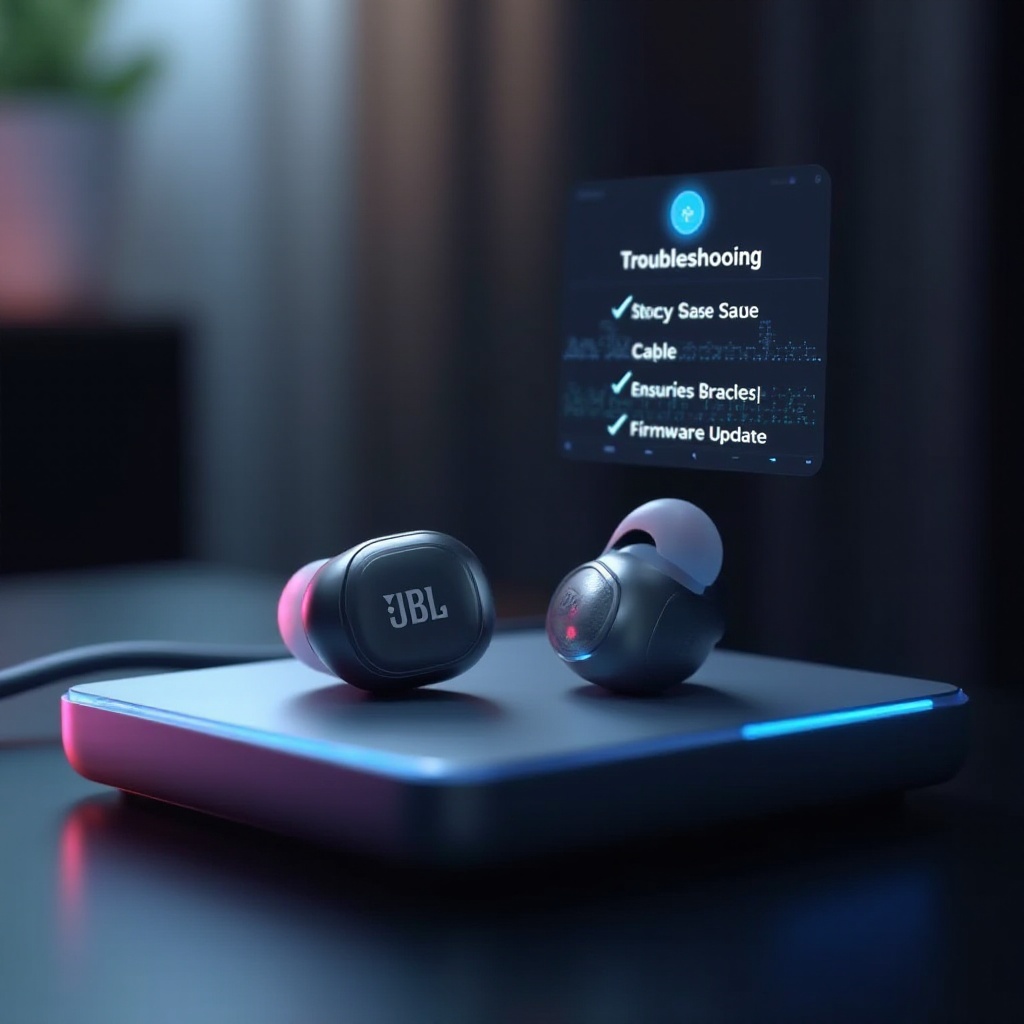
Conclusion
Effectively resolving charging issues means being aware of common problems, applying straightforward troubleshooting steps, and practicing preventive care. With this information, you’re equipped to ensure your JBL Tune Beam earbuds remain in top condition, offering uninterrupted audio enjoyment.
Frequently Asked Questions
How long should I charge JBL Tune Beam earbuds?
Ideally, JBL Tune Beam earbuds charge fully in about 2 hours.
Can software updates fix charging issues?
Yes, updating your earbuds’ firmware can resolve bugs affecting charging.
What do I do if my earbuds still won’t charge after troubleshooting?
If the issues persist, contact JBL customer support for further assistance.