
Introduction
Green lines can appear unexpectedly on your phone screen, disrupting your device’s functionality and aesthetics. Addressing these issues swiftly can prevent further complications and restore your device. In this guide, we’ll explore the causes of green lines and effective fixes.
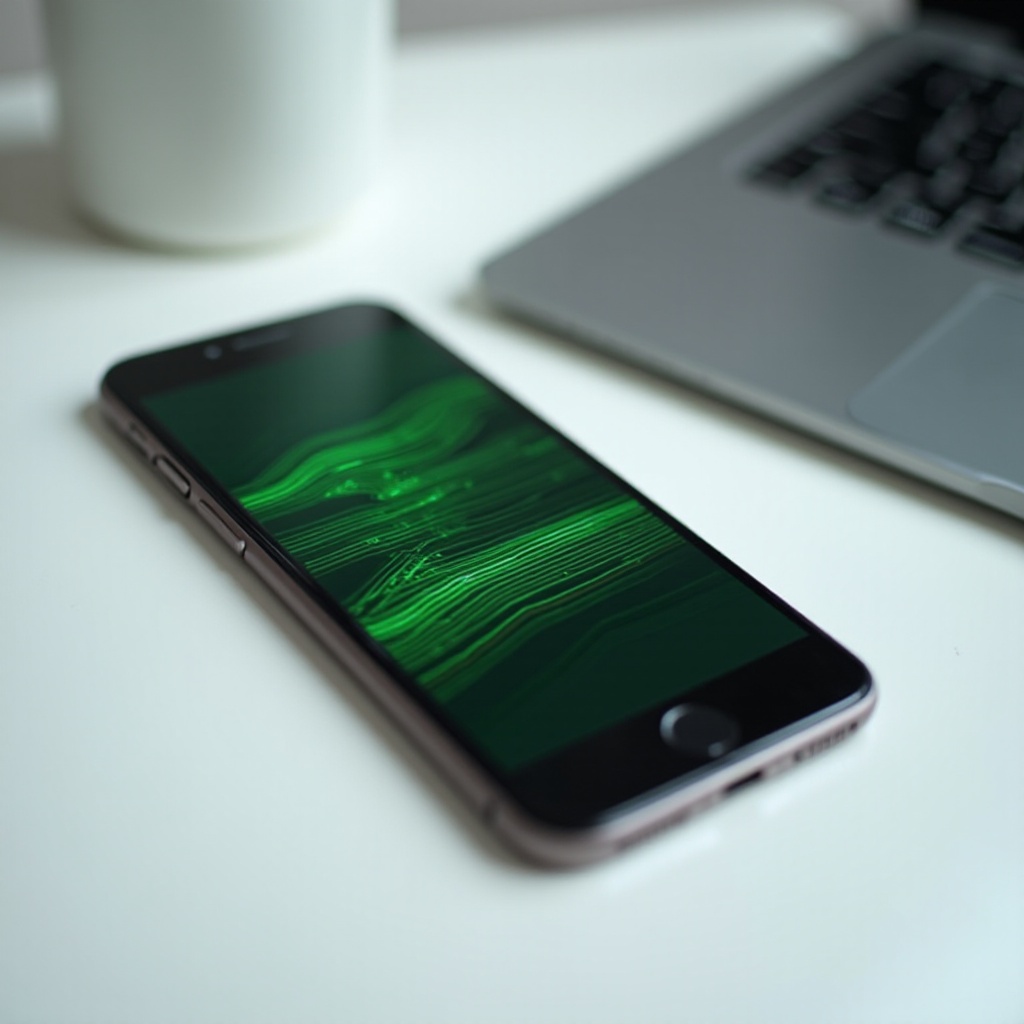
Understanding Green Lines on Phone Screens
Green lines typically signal internal issues, which can arise from software or hardware conflicts. Diagnosing the problem requires knowing common causes and affected models.
- Causes of Green Lines: These lines often result from pixel damage, faulty display connectors, or software glitches.
- Affected Devices: Usually, older models or phones recently dropped are more susceptible to this issue.
Understanding the root causes enables informed decisions in the next troubleshooting steps.

Preliminary Troubleshooting Steps
When green lines first appear, basic troubleshooting may suffice to resolve temporary glitches.
- Restart Your Device: Initiate a simple restart to clear any errant software processes. Press the power button and select ‘Restart’ or ‘Reboot.
- Check for Software Updates: Updates may contain fixes for screen issues. Access Settings > Software Update > Download and install.
These initial steps build a foundation for more comprehensive software solutions.
Software Solutions
Persistent green lines might require deeper software interventions. Addressing them systematically can help clear underlying software issues.
- Safe Mode Diagnostics: Entering safe mode can isolate problematic third-party apps. Hold the power button, tap ‘Power off,’ then press until ‘Safe Mode’ appears.
- Adjust Display Settings: Access Settings > Display > Screen resolution to experiment with different settings that might affect resolution.
By tackling software sources, you prepare for more intricate fixes if needed.
Advanced Fixes for Persistent Issues
If green lines continue, explore advanced solutions that might resolve deeper issues.
- Factory Reset Procedures: If software solutions don’t work, consider a factory reset. Backup your data first as this erases all device content. Go to Settings > System > Reset > Factory data reset.
- Reconnecting the Display Connector: For those familiar with hardware repairs, gently re-seat loose connectors.
Having addressed software solutions, these steps tackle potential hardware origins.
Seeking Professional Help
Professional assistance becomes necessary when software and hardware interventions fail to resolve the problem.
- Signs of Hardware Problems: Evaluate your phone for physical damage. Preferring professional repair when you notice screen malfunctions or unresponsive areas can save both time and frustration.
- Choosing a Repair Technician: Opt for certified technicians familiar with your device. Research their credentials and reviews to ensure quality service.
These guidelines highlight when expert help is best for persistent issues.
Preventative Measures for Screen Health
Implementing preventive measures post-repair guards against future screen issues, prolonging your device’s clarity.
- Use of Screen Protectors: Screen protectors shield against scratches and drops. Tempered glass protectors offer additional robustness.
- Regular Software Updates: Continually update software to leverage security updates and patch fixes for optimal device operation.
Ending the repair process with these tips ensures proactive screen care and device longevity.
Conclusion
Addressing green lines on a phone screen promptly can save your device from long-term damage. By following the outlined steps—from preliminary checks to professional repair—you can restore both function and peace of mind.
Frequently Asked Questions
Can green lines be fixed without professional help?
Yes, many green line issues are resolved through simple troubleshooting and software fixes.
How much does it cost to repair a phone screen with green lines?
Depending on the severity, costs can vary from $50 to $300 for professional repairs.
Are green lines on phone screens always a hardware issue?
Not necessarily. Software bugs and app issues can also lead to green line appearances.