
Introduction
Stickers are a delightful way to add personality to our messages. Yet, when they vanish unexpectedly, the fun diminishes and frustration mounts. This article delves into the reasons your iPhone stickers might disappear and offers a comprehensive guide to solving the issue. We’ll explore the underlying causes, suggest quick remedies, and provide advanced troubleshooting techniques to recover your digital expression.
Common Reasons Why Stickers Disappear on iPhone
Understanding why stickers disappear can help you address the problem promptly. Several factors may contribute to this issue:
-
Software Glitches: Sometimes, bugs within the iOS interferes with sticker functionality. These glitches become more apparent after updates when system changes may not align perfectly with existing apps.
-
iOS Updates: With every new iOS update, there can be compatibility shifts that affect app performance, leading to disappearing stickers.
-
Third-Party App Issues: Sticker apps created by third-party developers might lack updates or optimizations for your current iOS version.
Recognizing these common causes allows you to take corrective action. Users may need to address these issues promptly with efficient solutions.
Quick Solutions to Retrieve Missing Stickers
Addressing the disappearance of stickers requires prompt action. Try these quick solutions to recover your stickers:
-
Restart Your iPhone: Often, a simple restart can eliminate minor software conflicts. Hold down the power button, then swipe to power off your device and reboot.
-
Check for iOS Updates: Ensure your device runs the latest iOS version by navigating to Settings > General > Software Update.
-
Ensure App Compatibility: Review your sticker apps for compatibility. Visit the App Store to update outdated apps or reinstall any that malfunction.
After applying these straightforward solutions, you should find improvement. If the problem remains, further investigation may be necessary.
Advanced Troubleshooting Steps
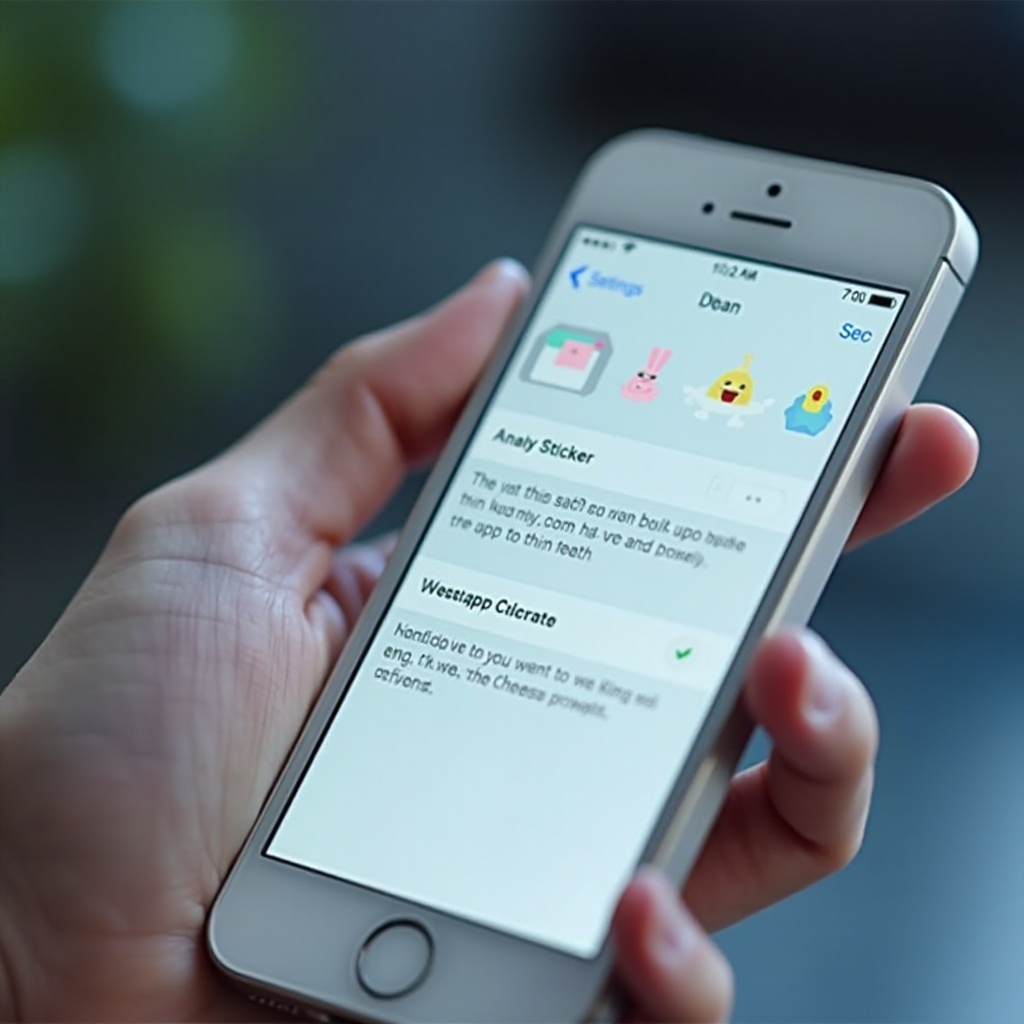
For persistent sticker issues, advanced troubleshooting might be required:
-
Reinstall Sticker Apps: Removing and then reinstalling sticker apps can clear corrupted files causing performance issues. Delete the app and download afresh from the App Store.
-
Reset Network Settings: Network problems can affect sticker functionality. Head to Settings > General > Reset > Reset Network Settings. Remember, this action removes saved Wi-Fi networks.
-
Adjust App Permissions: Ensure sticker apps have the necessary permissions under Settings > Privacy, guaranteeing their operational performance.
Employing these advanced methods should restore full sticker functionality. Moving forward, preventive strategies can help avoid recurring glitches.

Strategies to Prevent Sticker Disappearance
Preventive measures maintain the reliability of your sticker apps, ensuring they won’t vanish unexpectedly.
-
Regular Software Updates: Keep your iOS and apps updated routinely. This practice ensures compatibility and minimizes glitches leading to sticker issues.
-
Backup Your Settings: Enable iCloud backups to protect your data, including sticker settings. Access Settings > [Your Name] > iCloud > iCloud Backup.
-
Monitor App Performance: Regularly evaluate app performance for signs of malfunctions. A sluggish app indicates potential problems needing intervention.
With these strategies in place, your iPhone should preserve sticker visibility, maintaining vibrant messaging experiences.
Conclusion
Sticker disappearance can be a nuisance, disrupting your communication flow. By understanding the reasons and implementing both basic and advanced solutions, you can regain control of sticker accessibility. Future prevention ensures continued enjoyment of this expressive medium.
Frequently Asked Questions
Why do my stickers disappear after iOS updates?
Updates can introduce compatibility issues, causing sticker apps to malfunction temporarily.
Can third-party apps cause my stickers to disappear?
Yes, especially if they haven’t been updated to align with the current iOS version.
How can I back up my stickers on iPhone?
Use iCloud backup to regularly save app data and settings, ensuring sticker security.