
Introduction
iPhone mirroring offers a remarkable way to project your phone’s content onto larger screens, making it ideal for presentations, entertainment, and more. However, users often face frustrating interruptions that disrupt this seamless experience. In this guide, we will explore effective solutions to tackle connection interruptions in iPhone mirroring to ensure a smooth and uninterrupted streaming experience.
Understanding iPhone Mirroring
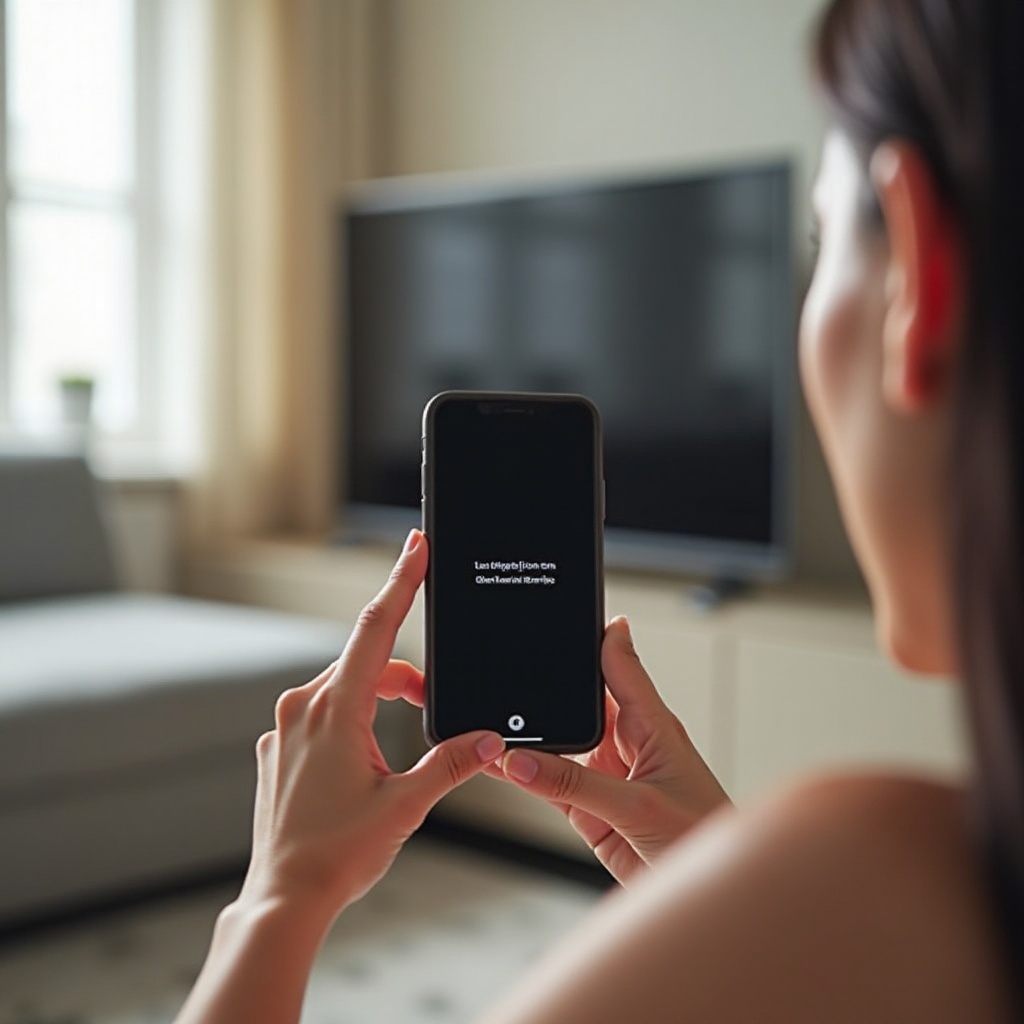
Mirroring allows you to transform your iPhone into a media hub, projecting various content such as videos and presentations onto compatible devices effortlessly.
What is iPhone Mirroring?
iPhone mirroring essentially streams your iPhone’s content, including videos, images, and presentations, onto a larger screen or smart TV. This feature proves essential for individuals seeking a larger and more immersive display.
Common Applications for iPhone Mirroring
People frequently rely on iPhone mirroring for:
– Delivering presentations at work or school
– Streaming movies or shows
– Enhancing gaming experiences on a bigger screen
– Sharing memories and photos with family and friends
Understanding how mirroring functions enables users to better diagnose issues when the connection falters, facilitating more effective resolution.
Common Causes for Connection Interruptions
Identifying the root cause of mirroring interruptions is crucial for quickly restoring a seamless experience.
Wi-Fi Interference and Signal Strength
A weak Wi-Fi signal is often the primary culprit for interrupted mirroring. Dense walls, interference from other electronic devices, and long distances from the router can significantly weaken your connection.
Software and Compatibility Glitches
Ensuring compatibility between your iPhone and the receiving device is vital. Additionally, unresolved software glitches or pending updates can cause unwanted disruptions in mirroring.
Device and Network Configurations
Incorrect configurations on either your device or network may hinder the mirroring process. Be sure to double-check that all involved devices are set up correctly and connected to the same network.
Armed with this understanding, users are better equipped to tackle the right fixes and mitigate future interruptions.
Initial Steps to Diagnose the Issue
Diagnosing the problem accurately prevents unnecessary steps, making way for a swift and effective solution.
-
Verify Wi-Fi Connection and Signal
Ensure your internet connection is stable. A strong and consistent Wi-Fi signal is vital for successful iPhone mirroring. -
Restarting Devices as a Quick Fix
Reboot both your iPhone and the receiving device. A simple restart often resolves basic mirroring issues. -
Checking for Software Updates
Install any pending updates on all devices involved. Updated software ensures compatibility with fewer bugs.
Addressing these initial steps can resolve basic issues effectively. If problems persist, further troubleshooting may be necessary to achieve seamless mirroring.
Advanced Troubleshooting Solutions
If basic checks don’t solve the problem, advanced solutions can often provide the resolution you need.
Adjusting Router and Network Settings
-
Switch to a Less Crowded Channel
Overcrowded channels contribute to interference. Altering your router’s channel can enhance the connection. -
Optimize Bandwidth Use
Minimize the use of high-bandwidth applications during mirroring to ensure smooth streaming.
Utilizing Third-Party Applications for Stability
Third-party applications like ApowerMirror offer alternative solutions for stable mirroring. These apps come equipped with enhanced features and better compatibility.
Resetting Network Settings on iPhone
Sometimes, resetting network settings on your iPhone can resolve stubborn connection issues. Navigate to Settings, then General, followed by Reset, and opt for Reset Network Settings.
Implementing these steps helps maintain stable mirroring with reduced disruptions, vastly improving user experience.
Enhancing Your Mirroring Experience
Beyond simply fixing interruptions, there are effective ways to enhance your overall mirroring experience for future use.
Improving Hardware Setup
-
Use High-Quality Cables and Adapters
Invest in original or certified accessories to maintain a stable connection. -
Upgrade Your Router
Consider upgrading to a higher-quality router to significantly bolster Wi-Fi signal strength.
Exploring Alternative Mirroring Options
For users experiencing continuous issues, investing in hardware solutions like Apple TV can offer assured stable connections.
Preventing Future Disruptions
-
Regularly Update Devices
Routine updates for your devices can avert many software-related issues that lead to interruptions. -
Optimize Device Placement
Position devices closer together and reduce physical obstructions to facilitate better connectivity.
By incorporating these strategies, users enjoy a more reliable and enjoyable mirroring experience with long-term effectiveness.
Conclusion
Connection interruptions during iPhone mirroring can be frustrating, but with the right knowledge and tools, you can restore a seamlessly uninterrupted connection. By identifying common causes, undertaking practical diagnostic steps, and employing advanced troubleshooting solutions, users can confidently enhance their mirroring experience. Keeping preventive measures in mind also contributes to a more robust, future-proof setup.
Frequently Asked Questions
What should I do if my iPhone mirroring still disconnects frequently?
Ensure that your network is stable, update all devices involved, and consider using third-party apps for more reliable connections.
Can certain apps cause more interruptions in mirroring?
Yes, apps with high data demands or those not optimized for mirroring may cause disruptions. Regularly updating apps can help mitigate this issue.
How can I maintain a stable mirroring connection in a setup with multiple devices?
Minimize interference by adjusting router settings and prioritizing mirroring devices on the network.