
How to Fix Apple ID Terms and Conditions Not Accepting on Your iPhone
Introduction
Encountering issues with Apple ID terms and conditions not accepting can be frustrating, especially when it restricts access to essential apps and services on your iPhone. This guide provides a comprehensive approach to understanding and resolving this issue, ensuring you can continue enjoying your Apple device without interruptions.
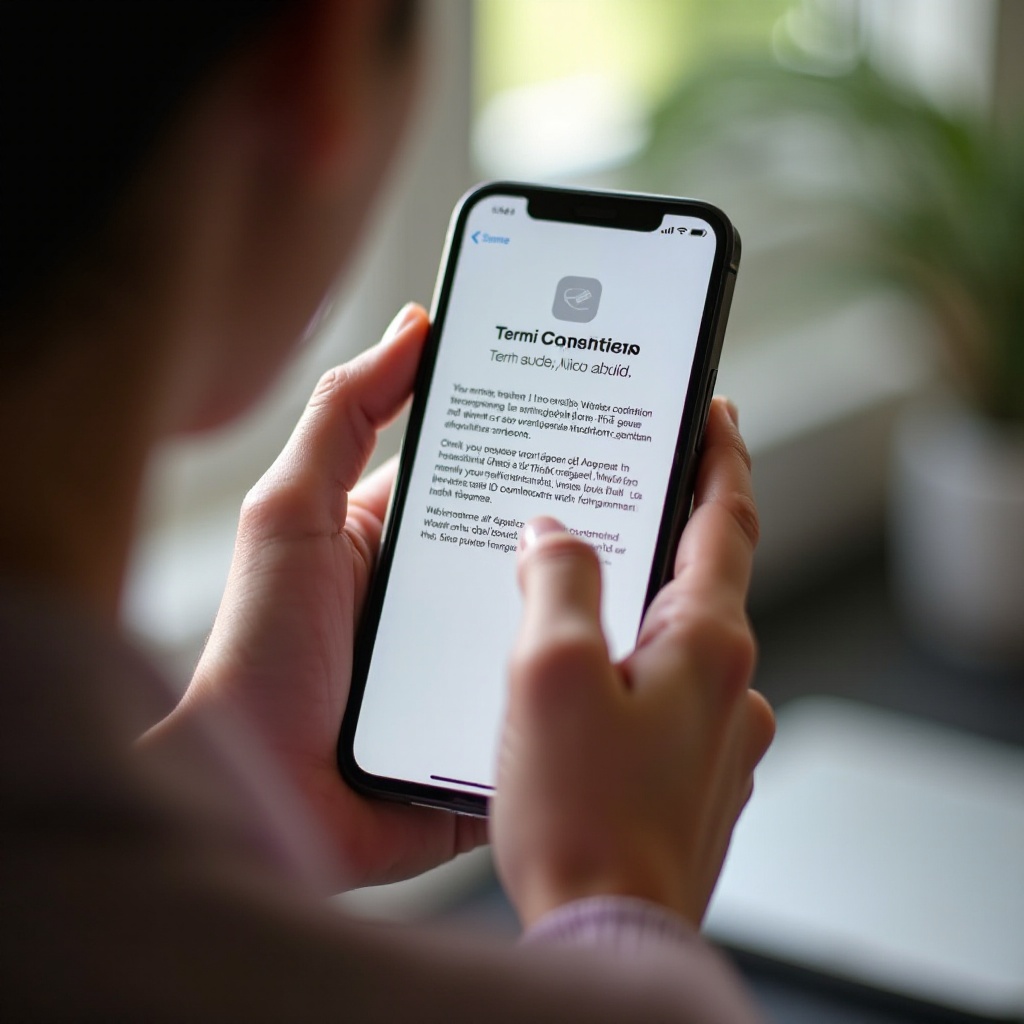
Understanding Apple ID Terms and Conditions
Apple ID terms and conditions comprise the rules and agreements users must accept to access Apple services. These terms are periodically updated to reflect new policies or features. Accepting these terms is obligatory for continuing to use Apple’s ecosystem efficiently.
When Apple updates its terms and conditions, it’s vital for users to update their devices to the latest iOS version to ensure compatibility. Failure to do so can result in non-acceptance, hindering access to services and apps.
Common Causes for Non-Acceptance Issues
Several issues might cause your Apple ID terms not to be accepted. Understanding these can help direct your troubleshooting efforts effectively:
- Software Glitches: Often these are related to outdated iOS versions that do not synchronize with the latest terms.
- Network Connectivity Problems: A weak or unstable internet connection can prevent proper communication with Apple servers.
- Account-Related Errors: Incorrect information or settings associated with your Apple ID account can interfere with acceptance.

Basic Troubleshooting Steps
Addressing Apple ID acceptance problems can often be managed through straightforward troubleshooting steps:
- Ensure a Stable Internet Connection: Verify that your Wi-Fi or mobile data connection is active and robust. A reliable network is critical for seamless server communication.
- Restart Your Device: Simple device resets can resolve transient software glitches that obstruct term acceptance.
- Update iOS Software: Regular updates ensure your device remains compatible with Apple’s evolving terms.
If basic solutions do not resolve the issue, advancing to more detailed troubleshooting methods can help.
Advanced Solutions to Resolve Acceptance Issues
Advanced techniques are necessary when basic solutions don’t yield results. Consider the following methods:
- Sign Out and Re-sign Into Your Apple ID: This process often resolves account-related glitches by refreshing your device’s link to Apple services.
- Reset Network Settings: Navigate to your Settings, select General, then Reset, and choose Reset Network Settings. This can fix connectivity barriers preventing term acceptance.
- Restore the Device as New: For persistent issues, restoring your iPhone to factory settings may resolve software troubles. Always back up your data before proceeding.
These advanced steps are more rigorous but can efficiently address stubborn acceptance problems.
Preventive Measures to Avoid Future Issues
Preventive strategies significantly reduce the likelihood of encountering acceptance issues in the future:
- Maintain Updated Software: Continuously update your iOS to ensure compatibility with ongoing Apple ID terms.
- Regular Account Checks: Periodically review your Apple ID settings and payment details to prevent errors that could block acceptance.
Implementing these strategies will help ensure a hassle-free experience and prevent disruptions in accessing Apple services.
Conclusion
Resolving Apple ID terms and conditions acceptance issues is essential for maintaining your iPhone’s functionality and ensuring uninterrupted service access. Implementing both basic and advanced troubleshooting solutions will guide you toward resolving these frustrations. For ongoing challenges, seeking professional support from Apple remains a wise course. With preventive measures, maintaining your device’s seamless operation becomes significantly easier.
Frequently Asked Questions
Why does my iPhone need me to accept these terms and conditions again?
Apple updates its terms periodically, requiring users to accept new changes for continued service access.
What should I do if accepting terms and conditions doesn’t work even after troubleshooting?
Contact Apple Support for specialized assistance tailored to persistent issues.
Can Apple Support permanently resolve such issues?
Yes, Apple Support provides comprehensive assistance, especially for account-specific or device-related problems.