
Introduction
Getting up on time can be challenging, especially if you’re a heavy sleeper. The right alarm sound on your iPhone can be crucial in ensuring a timely start to your day. While iPhone offers a variety of alarm tones, the loudest ones are particularly effective in waking even the deepest sleeper. In this article, we explore the possibilities of setting the loudest alarm sound on your iPhone and how to customize it for an optimal wake-up experience.
Exploring iPhone Alarm Sound Options
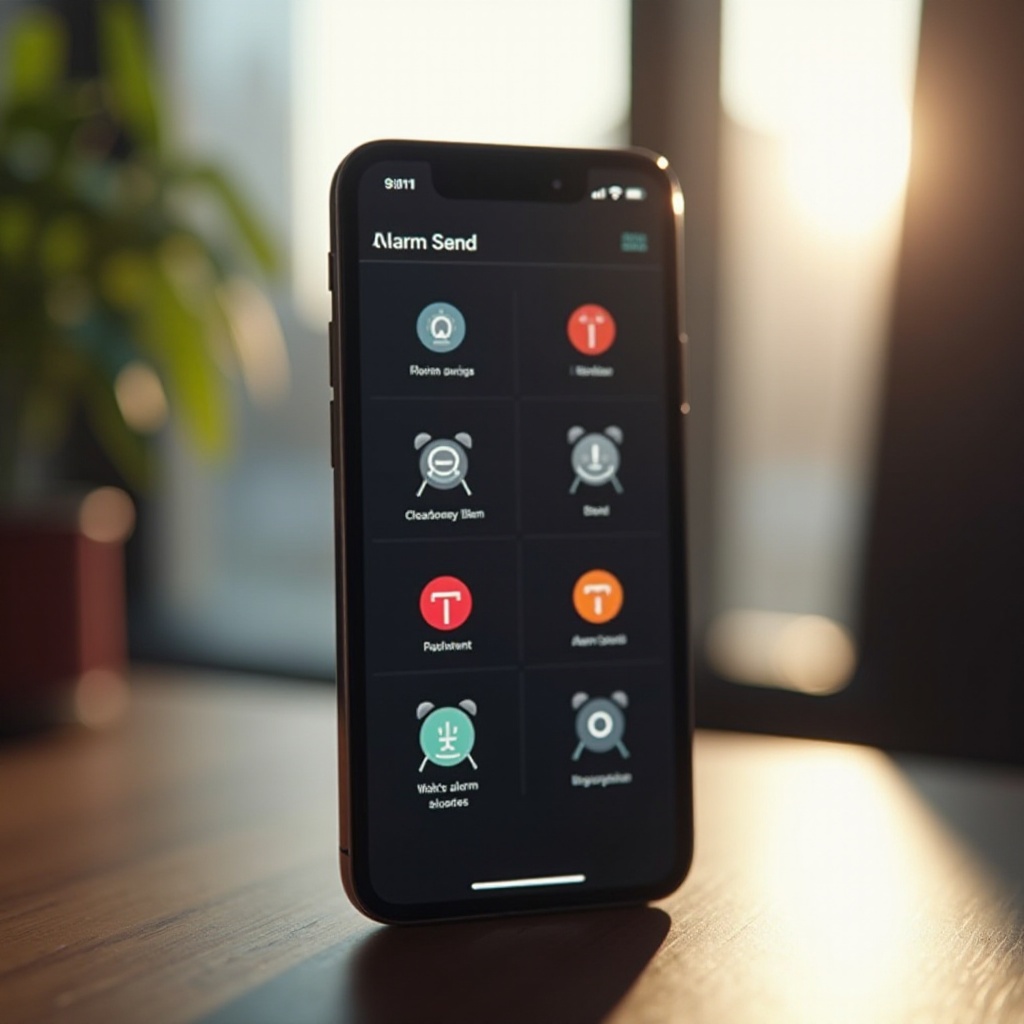
Your iPhone comes equipped with a range of default alarm sounds, each with distinct volume levels and pitches.
Overview of Default Alarm Sounds
Apple has pre-installed several alarm tones designed to suit different preferences. Whether you prefer softer melodies or loud, attention-grabbing tones, there is a sound for you. Among these, ‘Radar’ and ‘Alarm’ are notable for their volume and ability to cut through morning grogginess.
Identifying the Loudest iPhone Alarm Tones
While exploring your settings, you might find that certain tones stand out for their volume. ‘Radar’ is often considered the loudest and most effective, making it popular among users who need an intense wake-up sound. However, how loud you perceive these sounds can vary depending on your environment and hearing.
Configuring the Loudest Alarm on Your iPhone
Choosing the loudest alarm sound is just the first step; setting it up correctly is equally important. Here are some steps to configure your alarm for maximum effectiveness:
- Adjust the Volume: Make sure your phone’s volume is at its maximum. Go to Settings > Sounds & Haptics and adjust the Ringer and Alerts slider.
- Select the Tone: Open Clock > Alarm > Edit, choose your alarm, and tap Sound to select the loudest tone, such as ‘Radar’.
- Enable Vibrations: For added effect, pair the loud tone with vibrations. Go to Settings > Sounds & Haptics > Vibration and choose a pattern.
Using Vibrations to Enhance Alarm Effectiveness
In addition to sound, enabling vibrations can provide an extra cue to wake you up. This dual-sensory approach—combining sound with tactile vibrations—creates a more compelling wake-up experience, increasing your chances of not oversleeping.
Customizing Alarms with Personal Sounds
If the default sounds aren’t meeting your needs, consider customizing your alarm with personal sounds. This can make the waking experience more enjoyable and personalized.
Importing and Using Custom Alarm Sounds
To enhance your alarms with personal flair, consider importing a custom sound. Here’s how:
- Import Music: Connect your iPhone to iTunes and import a song or sound clip from your music library.
- Set as Alarm: Navigate to Clock > Alarm > Sound, and select your imported file under the Ringtones section.
Exploring Third-Party Apps for Creative Alarm Options
There are various third-party apps available that offer additional alarm functionalities. Apps like Alarm Clock HD or Smart Alarm Clock provide unique sounds ranging from nature sounds to classical ringtones. Some apps allow you to record your voice or other sounds, creating a completely personalized alarm.
Tips for Effective Alarm Usage
Setting a loud alarm is essential, but optimizing how you use it ensures better wake-up results.
Optimal iPhone Placement for Sound Projection
The placement of your iPhone can significantly impact the alarm’s effectiveness. To amplify sound:
– Place your iPhone on a hard surface close to your bed.
– Ensure the speaker is unobstructed to allow for clear sound projection.
Combining Multiple Alarms for Heavy Sleepers
If one alarm isn’t enough, consider setting multiple alarms:
– Set alarms at 5-minute intervals to maintain persistence until you wake up.
– Pair alarms with both sounds and vibrations for added stimulation.
Additional Methods to Ensure Waking Up
Beyond using iPhone’s internal settings, integrating additional devices can solidify your wake-up process.
Integrating Smart Devices with iPhone AlarmsSmart home devices can enhance your iPhone’s alarm. For instance, smart lights can be set to gradually illuminate your room, simulating a natural sunrise and helping wake you gently.
Recommended Gadgets for Reinforced Alarm SystemsGadgets like vibrating alarm clocks or bed shakers are excellent for those who need extra assurance. Working alongside your iPhone, they provide a multifaceted approach to ensure you never oversleep.
Conclusion
Discovering and setting the loudest alarm sound on your iPhone can revolutionize your morning routine. By utilizing iPhone capabilities and supplementary tools, waking up on schedule becomes a reality. Now is the perfect time to optimize your device settings and integrate new gadgets to meet your specific needs.
Frequently Asked Questions
What is the loudest possible alarm sound on an iPhone?
‘Radar’ is generally regarded as the loudest default sound, but perception can vary.
Can I use my music as an alarm sound on iPhone?
Yes, you can import songs from your library and set them as your alarm sound.
How can I make my iPhone alarm sound louder than the maximum setting?
Combine the loudest tone with vibrations or integrate smart devices for additional volume.