
Introduction
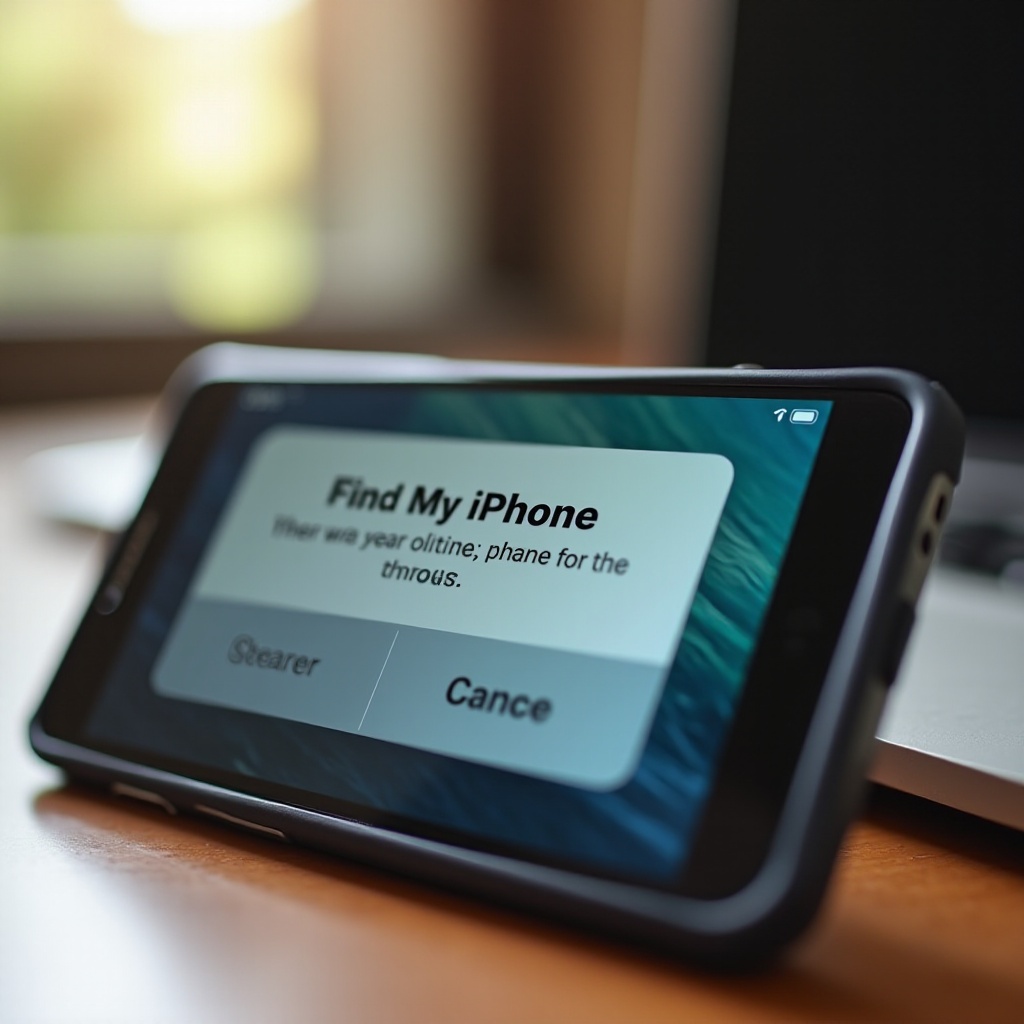
Find My iPhone is crucial for tracking your Apple devices, adding security in case of theft or loss. However, sometimes it leads to constant alerts that frustrate users. Understanding and tackling these alerts can restore your peace of mind. Let’s explore effective methods to eliminate these notifications and maintain your device’s security.
Understanding Find My iPhone Alerts
These alerts typically warn of suspicious activity or sudden location changes. Identifying the root of these alerts is vital for addressing them appropriately, ensuring your device functions without interruptions.
Understanding the alert system helps transition into identifying causes and rectifying them.
Common Causes of Persistent Alerts
Alerts can emerge from various issues, initially seeming challenging but often straightforward to resolve.
-
Account Issues: Unauthorized attempts to access your Apple ID can trigger alerts. Regularly updating your password can prevent this.
-
Device Misconfiguration: Improper settings might continuously generate alerts. Reviewing and resetting settings can fix these issues.
-
Software Bugs: Outdated software may carry bugs leading to alerts. Timely updates often rectify these software-related problems.
Resolving alerts involves scrutinizing configurations, progressing naturally into troubleshooting procedures.
Step-by-Step Methods to Disable Find My iPhone Alerts
Unaffected by understanding and common cause remedies? These structured steps can help.
-
Access iCloud Settings: Open Settings, tap your name, and select iCloud. Verify and confirm your device is linked correctly to your Apple ID.
-
Turn Off Find My iPhone: Disable the Find My iPhone feature within iCloud settings. Enter your Apple ID password when required. Note, disabling prevents location tracking.
-
Ensure Proper Account Linking: Verify your device is associated with the correct Apple ID, averting unauthorized linkages that provoke alerts.
With alerts dealt with, it’s essential to proceed seamlessly to troubleshooting further.
Troubleshooting Tips for Persistent Alerts
Implemented the steps but require additional help? Consider these troubleshooting recommendations.
-
Software Updates: Ensure your device runs the latest iOS version. Updates often contain fixes essential for alert resolution.
-
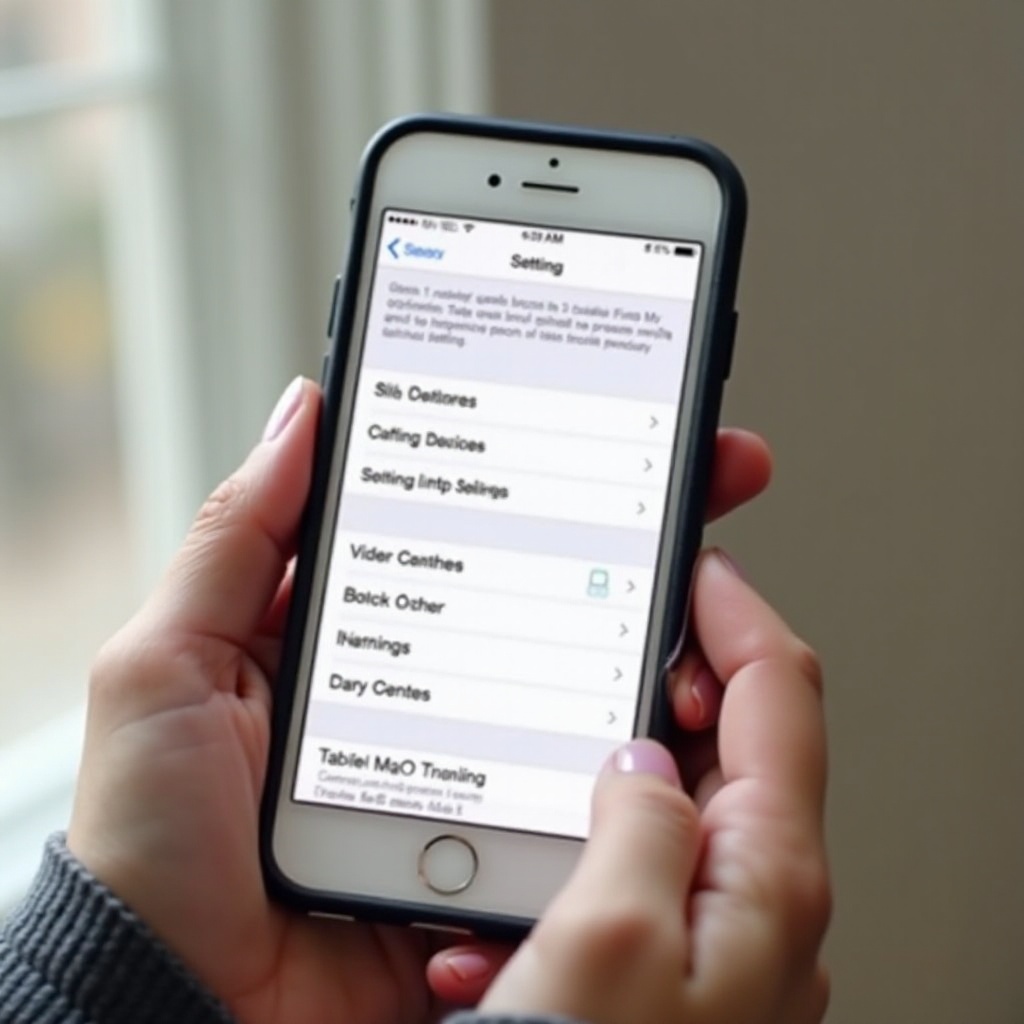
Network Settings Reset: Access Settings > General > Reset > Reset Network Settings. This helps resolve network issues contributing to alerts.
-
Re-logging into iCloud: Log out and back into iCloud can refresh system settings, removing lingering alert triggers.
Focusing next on ensuring security enhancements prevents future issues, complementing troubleshooting efforts.

Enhancing Device Security
Beyond alert avoidance, enhancing security forms a robust defense against threats.
-
Two-Factor Authentication: Activate two-factor authentication on your Apple ID for an additional layer of security, thwarting unauthorized access.
-
Location Services Management: Review app permissions for location access frequently. Adjust settings to balance convenience and privacy.
Recapping our journey, each addressed alert and security enhancement ensures a safer and smoother user experience.
Conclusion
Find My iPhone alerts are vital yet potentially intrusive. Understanding, troubleshooting, and enhancing security paves the way for uninterrupted usage. With the knowledge of disabling unnecessary alerts and safeguarding your device, you’re equipped for a tranquil digital landscape.
Frequently Asked Questions
Why does ‘Find My iPhone’ keep alerting me?
Alerts may result from location changes, unauthorized account access, or network problems. Identifying each possible cause is key to stopping these alerts.
Is it safe to turn off Find My iPhone?
Disabling Find My iPhone stops device tracking, which may be risky without ensuring your device’s security. Consider implications carefully before proceeding.
What should I do if Find My iPhone alerts persist after following steps?
If alerts continue despite troubleshooting efforts, contacting Apple Support can provide specialized assistance beyond typical self-help solutions.