
Introduction
Your phone’s alarm plays a vital role in keeping you on schedule, so knowing whether it will ring when your device is on silent is crucial. Silent and Do Not Disturb modes are daily tools for reducing interruptions, but they can cause anxiety over missed alarms. This guide addresses how alarms perform differently across devices and explores configuration, user experiences, and troubleshooting methods to ensure your alarm is reliable.
Understanding Silent Mode and Do Not Disturb
Silent Mode and Do Not Disturb are indispensable for maintaining focus and rest, but they function differently. Silent Mode mutes notifications but allows alarms to ring, while Do Not Disturb can block notifications and calls, letting alarms bypass restrictions. Knowing how each behaves is essential for proper alarm operation.
Phones manage these modes to prioritize alarms, overriding mute settings. However, checking your settings remains critical. A seamless transition follows as we explore how alarms function distinctly on iPhones versus Androids.
How Phone Alarms Generally Work on Silent
A clear understanding of alarm functionality across platforms is fundamental. On iPhones, alarms are purposefully designed to sound regardless of Silent Mode or Do Not Disturb settings. This priority ensures users are alerted as scheduled. Androids also support alarms overriding silent states, though precise behavior may depend on individual brand customizations.
Armed with this knowledge, we next explore how to employ device-specific configurations to assure alarm reliability, diving into customization for the best user experience.
Device-Specific Settings and Tips
Configuring your phone properly ensures your alarm isn’t silent. Here are tailored settings for popular devices:
- Adjusting iPhone Settings for Alarm Reliability
- Keep your phone’s media volume high, even if Silent Mode is active.
- Enable vibration options for redundant notifications.
-
Utilize iOS features like ‘Bedtime’ for structured night routines.
-
Fine-Tuning Alarm Settings on Samsung Phones
- Set alarms in ‘Clock’ and check volume independently from phone volume.
-
Choose preferred alert noises and activate vibration features.
-
General Advice for Other Android Models
- Validate that alarm sounds are separated from main volumes.
- Adjust Do Not Disturb exceptions if needed for alarms.
- Monitor updates for compatibility with alarm functions.
With these configurations, each device type maintains reliability. Now, we review user experiences for insights and tips.
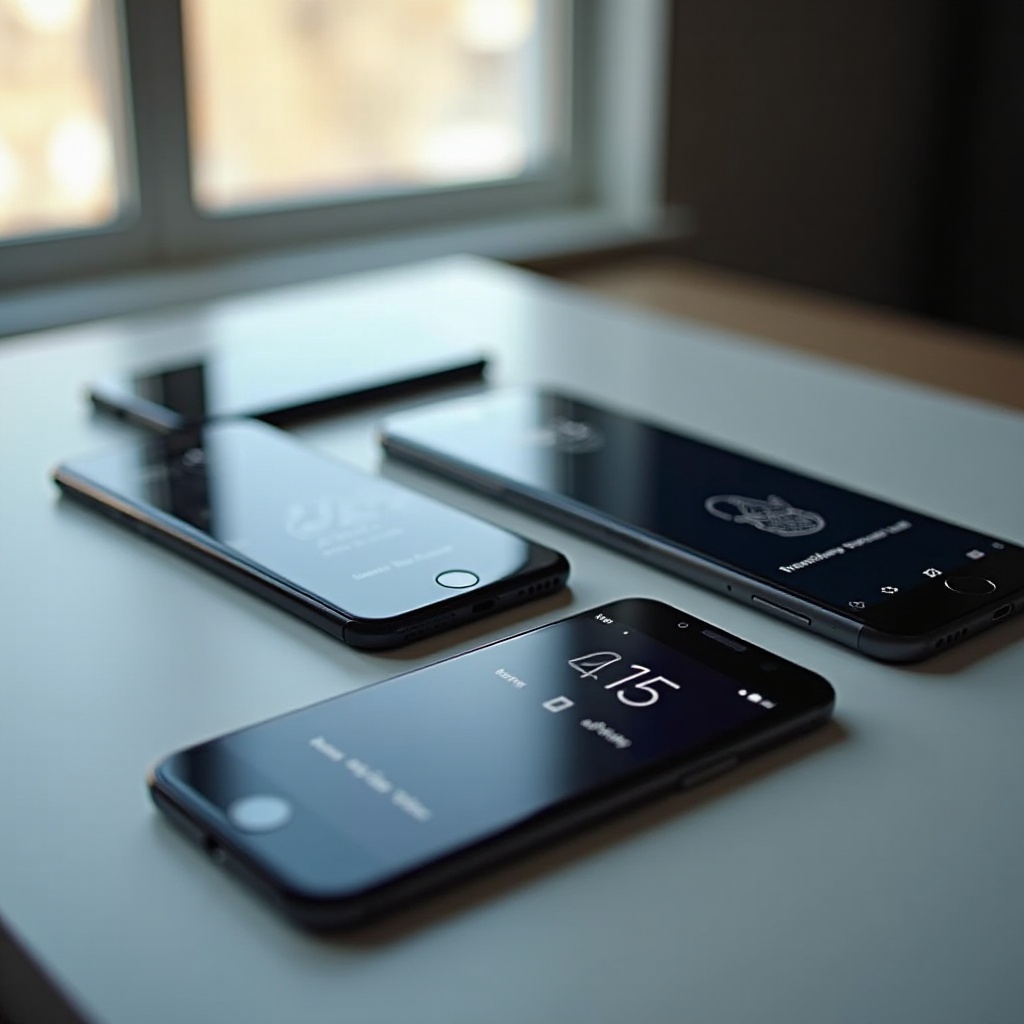
Real-Life User Experiences and Testimonials
Users widely share experiences regarding their devices’ alarm functionalities when silenced. iPhone users find consistent reliability due to Apple’s detailed synchronization of alarm and silent functionalities, while Android users express similar satisfaction, often emphasizing the importance of managing volume controls independently for alarms.
Some concerns arise from overlooked settings or effects post-software updates, reflecting the need for routine settings checks and adjustments.
These shared experiences validate the consistent performance of phone alarms when silenced, reinforcing proper configuration practices. If issues do arise, exploring troubleshooting can provide solutions.

Troubleshooting Alarm Issues
Should your alarms fail to perform, consider these effective troubleshooting steps:
- Identify Common Issues
- Ensure your phone is not inadvertently in an excessive Do Not Disturb mode blocking alarms.
- Keep your phone updated; some issues arise from outdated software affecting alarm operations.
-
Consider a settings reset to address configuration deviations.
-
Exploring Alternative Alarm Apps
- Popular apps like Alarmy and Sleep Cycle offer comprehensive settings, potentially improving reliability.
- Check and set app permissions to ensure they can bypass device restrictions.
Utilizing these steps fosters reliable alarm functionality. Let us conclude with our final reflections.
Conclusion
Device alarms stand reliable under silent or Do Not Disturb conditions when settings are properly managed. Follow this guide’s advice to assure effectiveness and avoid missed alerts. Adjust and verify configurations regularly to maintain confidence in your phone’s alarm system.
Frequently Asked Questions
Will my alarm go off if my phone is on silent and Do Not Disturb is enabled?
Usually, yes. Most devices allow alarms to ring despite silent and Do Not Disturb settings, but confirm on your specific device.
What should I do if my alarm doesn’t ring as expected?
Check settings, confirm volume is audible, consider a reset of alarm settings, or try third-party apps for reliability.
Can alarms work without an internet connection?
Yes, alarms use the phone’s built-in clock and settings, so they operate offline without issues.