
Introduction
Apple’s AirTags appeal to tech enthusiasts with their compact design and seamless integration with Apple’s ecosystem, offering efficient tracking for misplaced items. Android users, however, face a unique challenge: how to leverage AirTags without an Apple device. This guide examines the compatibility of AirTags with Android phones and provides alternatives to help those outside the Apple fold.
We explore the AirTags’ operations, their limitations with Android, and the options available for users who prefer the Android experience.
What are AirTags and How Do They Work?
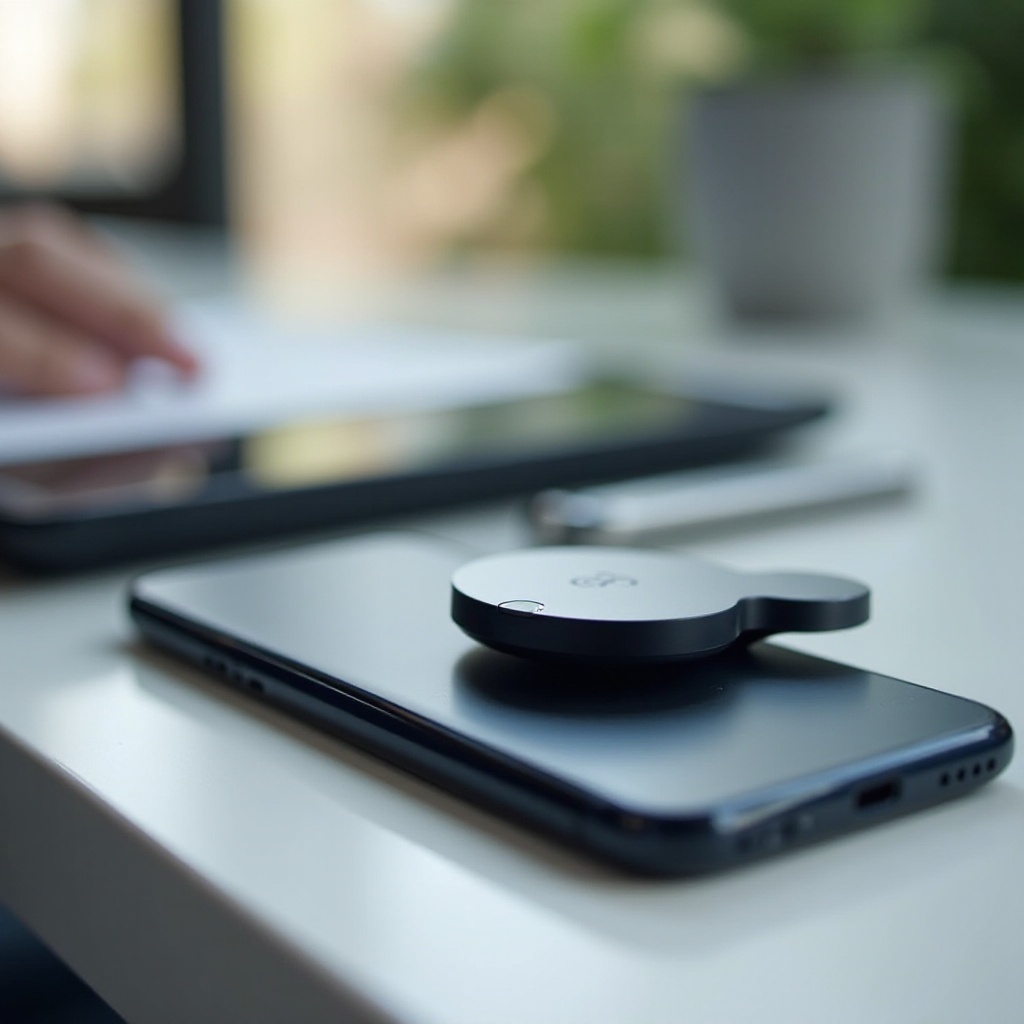
AirTags, developed by Apple, are small tracking devices meant to aid in locating personal belongings such as keys and bags using the Find My network. Bluetooth technology enables them to communicate with nearby Apple devices, updating the items’ location on iOS devices for easy retrieval.
Their primary strength is the integration with Apple’s ecosystem, where each iOS device acts as a beacon, efficiently updating the AirTags’ position within the Find My app. This system exemplifies thorough network integration and ensures high functionality for Apple users.
While ideal for iOS, this deep integration complicates Android compatibility. AirTags are not natively supported by Android systems, creating limitations for users of non-Apple devices, but there are workarounds and alternatives for those interested.
Compatibility of AirTags with Android Phones
Designed specifically for Apple devices, AirTags lack native support on Android, meaning Android users are unable to fully utilize their tracking capabilities through the Find My network. This limitation can be frustrating for those who want to enjoy the full benefits of AirTags.
Some Android users attempt to bridge this gap by using third-party apps that claim to offer AirTags functionality. These apps may enable basic tracking but rarely replicate the full experience available through iOS. Users often find these alternatives inadequate due to reduced feature sets and absent integration with the Apple Find My network.
This challenge propels Android users to seek alternative devices with similar functionalities but better compatibility with Android systems. Let’s explore what options are available.
Exploring Alternatives for Android Users
For Android users looking for comparable tracking technology, several viable options offer robust features and seamless integration with Android devices.
- Tile Trackers: Tile has created a popular range of tracking devices compatible with Android. Tile Mate, Tile Pro, and other models pair with the Tile app, providing an effective tracking solution with extensive user networks for item location.
- Samsung Galaxy SmartTag: Tailored for Samsung Galaxy phones, this tracker offers refined tracking capabilities within the SmartThings app for an efficient experience matched specifically to Samsung’s ecosystem.
- Chipolo: Known for its bright colors and user-friendly app interface, Chipolo One is a reliable option for Android users, offering voice control features through Google Assistant.
These alternatives grant Android users the tracking capabilities they need without venturing into the Apple ecosystem, though some may still wish to attempt integrating AirTags with Android devices.
Tips for Using AirTags with Android
Despite compatibility challenges, those determined to use AirTags with Android have several strategies at hand to maximize their effectiveness.
- Third-Party Apps: Explore third-party software that may provide detection of nearby AirTags, although full tracking features seen in iOS won’t be available. Research apps carefully for security and reliability.
- Monitor Software Updates: Keep an eye on both iOS and Android place for advancements in interoperability as tech companies respond to cross-platform demands.
- Ensure Security: Prioritize securing devices and tracking networks to safeguard personal information while using any Bluetooth-enabled tracker.
- Hybrid Approaches: Consider using AirTags in conjunction with NFC or Bluetooth tags, enhancing functionality for multiple tracking scenarios, within limits.
Although these methods allow some interaction between AirTags and Android, pursuing devices compatible within one’s own ecosystem often yields better results.

Future Prospects for Compatibility Improvements
Technology’s continuous evolution provides hope that more versatile solutions will emerge. Such developments might see Apple expanding its range of supported devices or offering renewed cross-platform capabilities.
Industry analysts believe broader compatibility could benefit Apple and lure in Android users eager for superior tracking tech, encouraging innovation. Rumblings of cross-platform strategies and patents emphasize a promising horizon where interoperability might improve significantly.
With strong consumer interest for cohesive experience across brands, prioritizing this alignment would mark technological progression towards inclusivity, blending Apple’s offerings seamlessly with Android systems.

Conclusion
AirTags present notable value for those deeply ensconced in Apple’s ecosystem, yet Android users face constraints in usability. Exploring alternative tracking solutions like Tile, Samsung Galaxy SmartTag, or Chipolo offers pathways to regain functionality unmet by AirTags.
Despite current constraints, staying updated on technological advances remains crucial as industries push towards more integrated systems. Anticipating these changes paves the way for more inclusive use of devices across platforms.
Frequently Asked Questions
Can AirTags be effectively used with any Android app?
No Android app currently offers full functionality with AirTags. Third-party apps may provide basic detection but lack iOS’s full tracking features.
What are the best alternatives to AirTags for Android users?
Tile Tracker, Samsung Galaxy SmartTag, and Chipolo are recommended alternatives, providing robust features and Android compatibility.
Are there ongoing developments for better Android and AirTag compatibility?
While no official Apple announcements have been made, tech advancements and consumer demand indicate potential for improved cross-platform functionality.