
Introduction
Determining whether your iPhone is unlocked is crucial for enjoying the maximum utility and resale value of your device. An unlocked iPhone empowers you to switch carriers at will, utilize local SIM cards when abroad, and dodge excessive roaming fees. This comprehensive guide aims to teach you how to verify if your iPhone is unlocked using easy, practical steps. Let us guide you through the process to ensure your device is open to any network you choose.

Understanding iPhone Unlock Status
Your iPhone’s unlock status plays a significant role in your device’s usage flexibility. A locked iPhone restricts you to a particular carrier’s network, while an unlocked device allows the freedom to choose from numerous network providers. This status often ties back to the original agreement with the service provider and any contractual obligations. Therefore, understanding whether your device is unlocked can significantly enhance your mobile experience by offering unprecedented flexibility.
Why Knowing Your iPhone’s Unlock Status is Important
The ability to freely select a preferred network provider is more than a mere privilege—it’s a necessity in today’s interconnected world. An unlocked iPhone lets you choose between competing carriers, often resulting in enhanced service plans at reduced costs. Additionally, possessing an unlocked device increases its market value, benefiting those intending to resell. By understanding your iPhone’s unlock status, you position yourself to leverage better opportunities in an ever-evolving mobile landscape.
Methods to Check If Your iPhone Is Unlocked
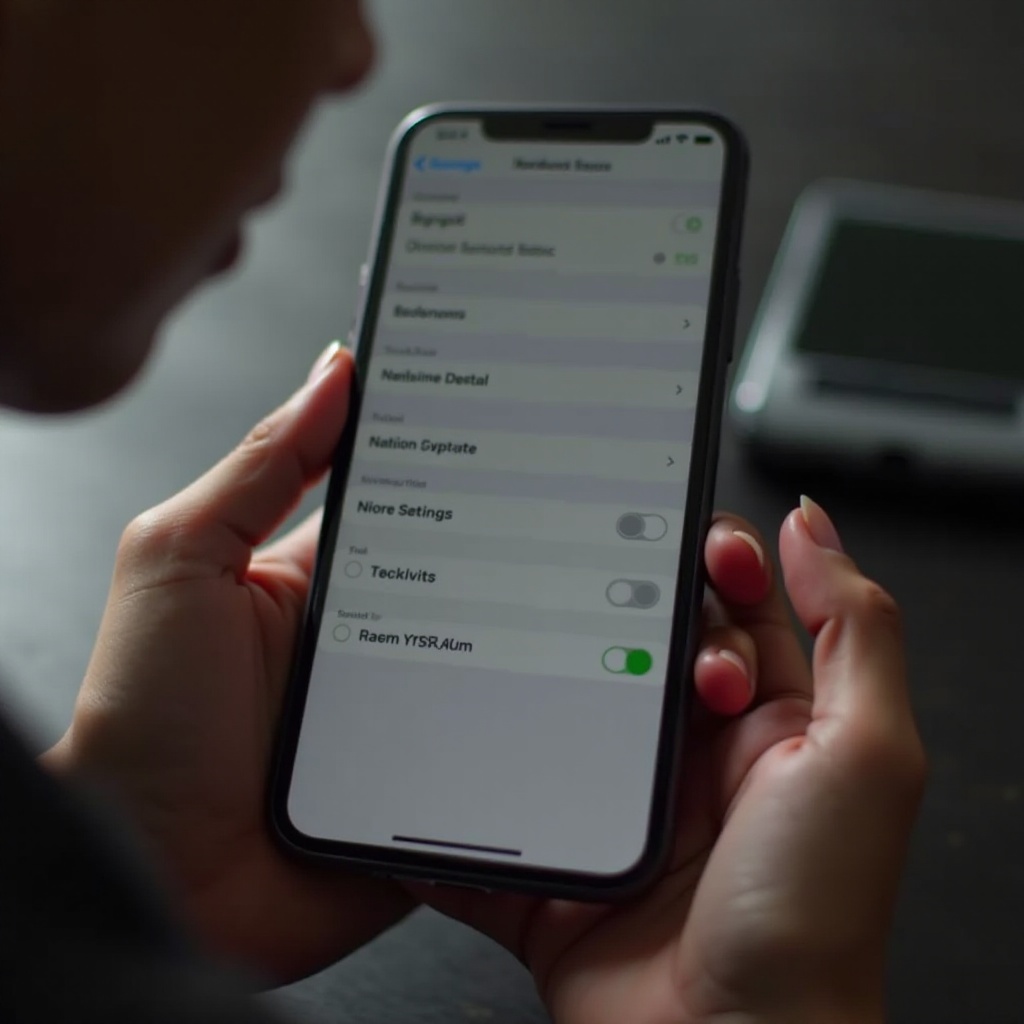
Assessing your iPhone’s unlock status can be achieved through several straightforward methods:
- Checking Through Device Settings
- Navigate to ‘Settings’ on your iPhone.
- Tap ‘General,’ then ‘About.
-
Look for ‘Carrier Lock.’ If you see ‘No SIM restrictions,’ the iPhone is unlocked.
-
Inserting a Different SIM Card
- Power off your device and remove your current SIM card.
- Insert a SIM card from a different carrier.
-
Restart your phone. If it connects to the new network and permits calls, the device is unlocked.
-
Using Online IMEI Check Services
- Locate your iPhone’s IMEI number (Settings > General > About).
- Employ a reputable online IMEI checking service.
- Input your IMEI number and follow the instructions to confirm your unlock status.
These practical methods provide reliability and ease, allowing you to ascertain your device’s status effectively. Choose the technique that best fits your preferences and resources.

What To Do If Your iPhone Is Locked
Discovering that your iPhone remains locked can be frustrating, yet manageable. Here are steps to resolve the issue:
- Steps to Request an Unlock from Your Carrier
- Reach out to your current carrier’s customer service.
- Officially request an unlock, ensuring you meet their requirements.
- Adhere to any procedures or submit necessary documentation as instructed.
-
Await confirmation upon successful unlocking.
-
Costs and Restrictions of Unlocking
- Some carriers impose fees for unlocking, depending on your contract.
-
Be mindful of any conditions within your service agreement that might restrict unlocking capability.
-
Alternative Methods for Unlocking
- Third-party services provide unlocking options, though discernment is important regarding quality and legality.
- Software unlocking, while accessible, risks warranty voidance and should be approached with caution.
When facing hurdles with carrier unlocking, alternative paths may offer solutions. Establishing open communication with your carrier is often the recommended route.
Benefits of Having an Unlocked iPhone
The perks of an unlocked iPhone transcend basic functionalities:
– Travel Sophistication: Use local carriers abroad effortlessly, avoiding substantial international fees.
– Cost-Effective Choices: Embrace selective prepaid providers and enticing deals without purchasing new devices.
– Enhanced Resale Value: Market demand often favors unlocked iPhones, securing higher resale prices.
These advantages highlight the value of confirming your iPhone’s unlocked status, assuring that the device can fulfill your lifestyle demands effectively.
Conclusion
Verifying your iPhone’s unlock status is simple yet crucial for maximizing device utility. Equipped with the outlined methods, you can quickly check your phone’s status, ensuring it serves you best while traveling or switching plans. Understanding your iPhone’s unlock status not only brings peace of mind but also paves the way for greater satisfaction and functionality.
Frequently Asked Questions
Can I unlock my iPhone for free?
Yes, unlocking can be free if you meet your carrier’s eligibility requirements. Contact your carrier for details.
Does unlocking my iPhone void my warranty?
Official unlocking through your carrier does not void your warranty. Be cautious of unauthorized methods that might affect warranty status.
Are there any risks associated with unlocking an iPhone?
Carrier-approved unlocking involves no risk, but unauthorized unlocking methods can jeopardize security and void warranties.