
Introduction
Read receipts are pivotal in digital communication, letting users know if their messages have been viewed. There is growing curiosity about whether iPhones can detect read receipts from Android devices. We will explore this question, offering insights into messaging protocols and privacy considerations, along with potential future developments in this space.
How Read Receipts Work on iPhones
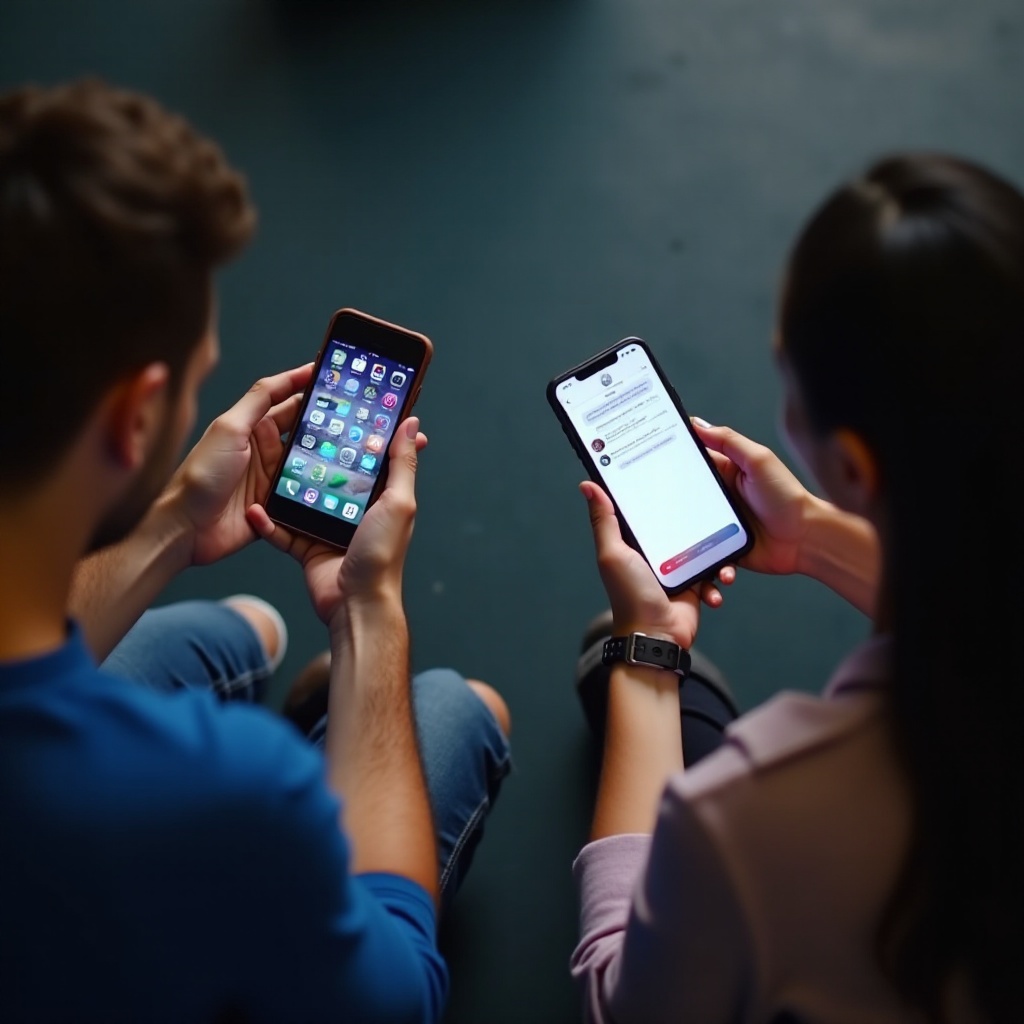
iPhones use Apple’s iMessage service, which comes with the ability to send and receive read receipts among iOS devices. If two users both use iMessage, the read status gets updated as soon as the recipient opens the message. Users have the choice to enable or disable this feature in their settings for better control over their communication transparency.
To enable read receipts on your iPhone:
- Navigate to the ‘Settings’ app and scroll to ‘Messages’.
- Tap on ‘Messages’, then toggle the ‘Send Read Receipts’ switch on or off depending on your desired level of privacy.
While iMessage offers seamless communication within Apple devices, the story differs when messages are exchanged with Android phones, a topic we’ll cover next.
Android Messaging Apps and Read Receipts
Android devices operate with a variety of messaging applications, each offering different implementations of read receipts. Unlike iOS, which utilizes the unified iMessage platform, Android’s ecosystem features apps such as WhatsApp, Facebook Messenger, and Google Messages. These platforms provide read receipt functionalities but often only within the same application.
To view or manage read receipts in popular Android messaging apps:
- WhatsApp: Access the read receipt setting by going to ‘Settings’, then ‘Account’, and ‘Privacy’.
- Google Messages: Use the RCS (Rich Communication Services) feature, where supported by your carrier, to enable read receipts.
While these applications enhance communication within their extensive user bases, compatibility with iOS remains limited, paving the way for the next challenge—achieving cross-platform communication.
The Challenge of Cross-Platform Messaging
Cross-platform messaging, particularly involving read receipts, runs into technical obstacles. iOS and Android operate on different protocols, making real-time cross-communication challenging. Apple’s iMessage and the myriad of protocols used by Android create a fundamental incompatibility.
The core issues are:
- Divergent messaging standards and backend implementations.
- Absence of a unified messaging framework that includes read receipts.
These differences hinder seamless interactions across devices, though ongoing tech industry efforts aim to mitigate these issues, as we discuss in the following section about third-party solutions.

Third-Party Solutions for Cross-Platform Read Receipts
To remedy the iOS-Android communication gap, third-party apps attempt to offer a cohesive experience, including read receipts across platforms. These apps, such as WhatsApp and Facebook Messenger, have become popular for their ability to function across different devices.
When considering these solutions, it’s important to note their effectiveness can vary, and they may introduce privacy or reliability issues:
- WhatsApp: Renowned for end-to-end encryption and robustness across systems.
- Facebook Messenger: Offers integrated features, appealing to a wide user base.
While viable, these applications are not without drawbacks. Hence, we should consider privacy and security aspects, which we will address next.
Privacy and Security Concerns
Read receipts reveal more than just message delivery status—they expose communication habits. This transparency can cause users to feel pressured to respond promptly. Thus, understanding privacy settings and their implications is critical.
Users desiring control over their communication privacy can:
- Disable read receipts in settings when preferred.
- Utilize apps known for privacy-focused features, such as Signal.
Awareness of app policies and configurations is crucial for safeguarding privacy while maintaining communication efficiency. We now turn to the potential future innovations in this realm.

Future Outlook for Messaging Interoperability
The evolution of digital messaging suggests an optimistic future where interoperability improves. Industry-wide initiatives aim to create standard protocols, such as Rich Communication Services (RCS), that may allow seamless interactions, including read receipts, across platforms without compromising privacy.
Future progress may include:
- Widespread adaptation of RCS, fostering cross-platform standardization.
- Collaborative efforts by tech giants to enhance communication standards universally.
Such advancements represent significant steps toward a more unified digital communication landscape and hold promise for enhanced user experiences in the years to come.
Conclusion
While iPhones and Android devices currently lack the ability to show cross-platform read receipts, technological advancements are on the horizon. Users can leverage diverse apps and settings to improve communication efficiency while maintaining privacy. The ongoing development in this field suggests more cohesive and user-friendly messaging solutions in the near future.
Frequently Asked Questions
Can I see if an Android user has read my message from an iPhone?
Currently, iPhones cannot see read receipts from Android users due to differing messaging protocols, unless using compatible third-party apps like WhatsApp.
Are there apps that can help iPhones show Android read receipts?
Yes, apps like WhatsApp and Facebook Messenger can display read receipts across iOS and Android, provided both users have the app.
How do I turn off read receipts on my iPhone for privacy?
To disable read receipts, go to ‘Settings,’ tap ‘Messages,’ and toggle ‘Send Read Receipts’ off for increased privacy.