
Introduction
Experiencing issues with your Bose SoundLink speaker not charging or turning on can be frustrating. This detailed guide aims to provide effective solutions to these common problems, helping you get your speaker back in working condition. Understanding what causes these issues is the first step in resolving them effectively.
Understanding Bose SoundLink Charging and Power Issues
Problems with Bose SoundLink speakers often relate to charging failures and power issues. These may arise due to battery degradation, firmware errors, or external environmental conditions. By identifying these causes, users can choose the right approach to fixing their speakers while ensuring their device longevity.
Initial Checks and Basic Troubleshooting
Before delving into advanced solutions, perform these initial checks to often resolve the problem:
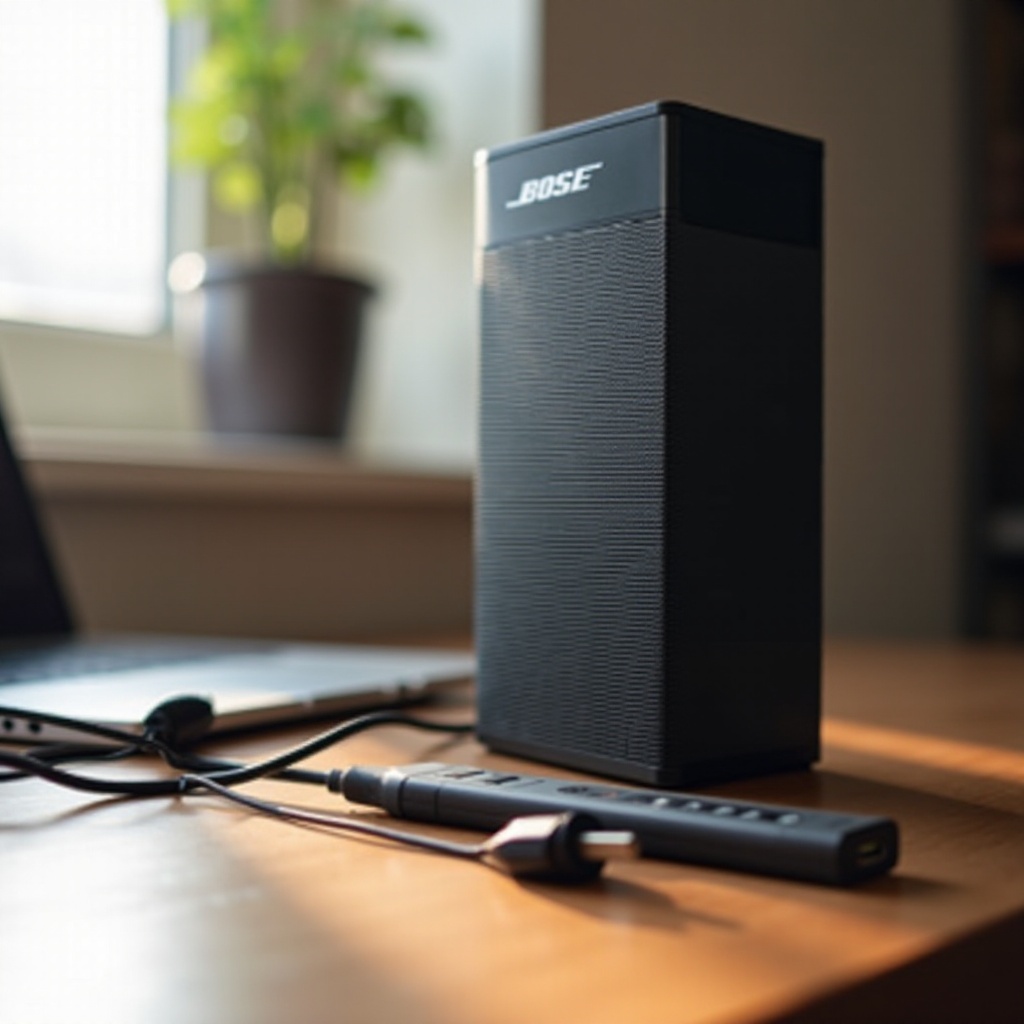
- Inspect Cables and Adapter: Look for visible damage or wear. Switch to a different cable or adapter if necessary.
- Test Different Power Sources: Use another socket to ensure it’s not a power outlet issue.
- Examine Battery Health: Attempt a full charge cycle to determine battery response.
- Check for Visible Damage: Inspect the speaker for any physical signs of damage.
Performing these basic steps often uncovers simple issues that are quickly addressed.
Resetting Your Bose SoundLink Speaker
If initial troubleshooting doesn’t suffice, resetting the speaker might clear the issue. Resetting the speaker is straightforward and can resolve many software glitches.
- Turn off your speaker: Disconnect it from any power source.
- Press and hold the Power button: Hold it for a full 10 seconds.
- Restart the speaker: Once reset, test whether it powers up correctly.
Resetting effectively reboots the speaker’s system, eliminating minor bugs that affect performance.
Battery and Power Management Tips
Maintaining a healthy battery is integral to the speaker’s optimal performance. These power management strategies can help:
- Regularly Charge Fully: Avoid partial charging; ensure full cycles to prolong battery life.
- Keep Battery Cool: Excessive heat can degrade battery quality, so store the speaker in cool environments.
- Consider Battery Replacement: If charging issues persist, replacing the battery with an original Bose component might be necessary.
Proper battery care is essential in reducing charging issues and ensuring consistent speaker performance.
Updating Your Speaker’s Firmware
Firmware updates are crucial to avoiding power-related issues, often providing necessary bug fixes and improvements. Regular updates maintain speaker functionality and enhance its performance.
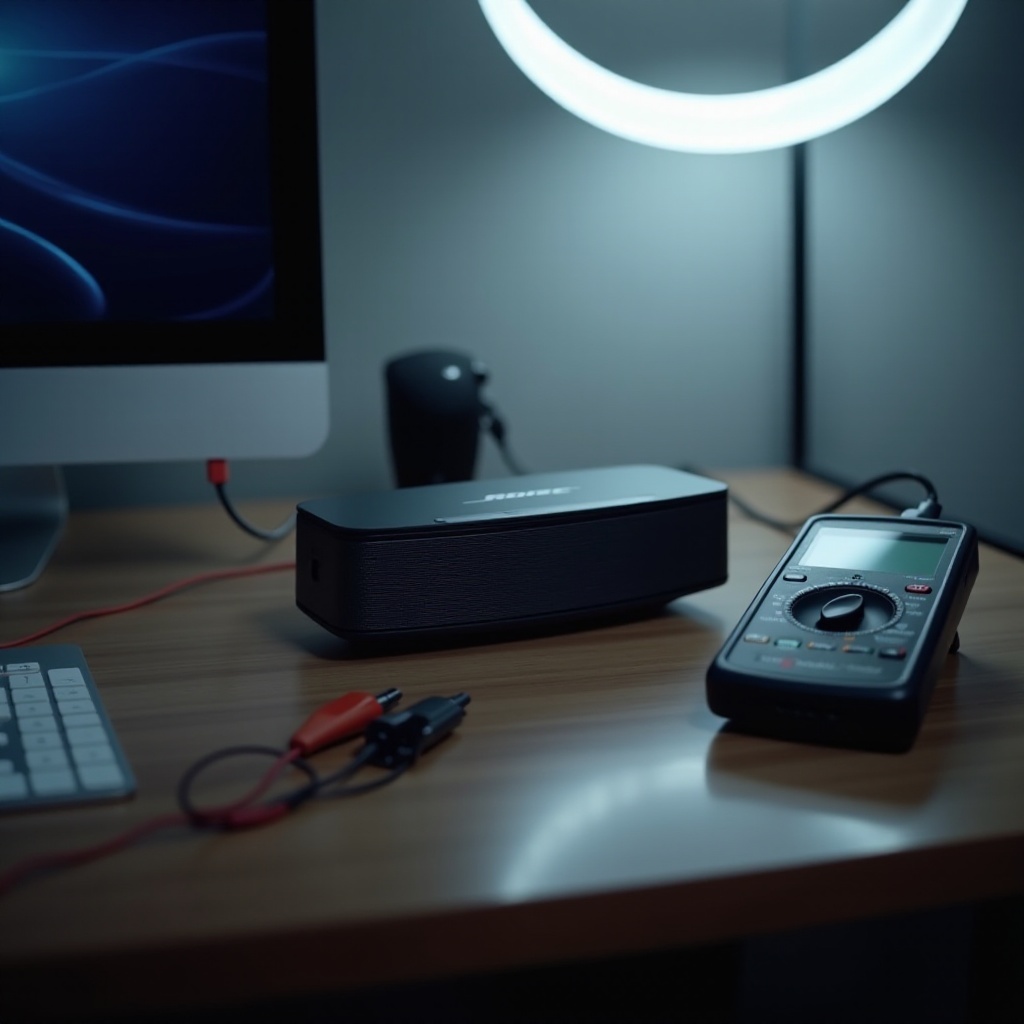
- Connect to a computer: Use Bose’s official app or sound management software.
- Download Updates: Keep the software on your device current.
- Restart the Speaker: Post-update, ensure all components function correctly.
Regular firmware updates prevent glitches that can interfere with charging and overall operation.
Usage and Environmental Factors
Environmental conditions can significantly impact the functioning of electronic devices. Being mindful of these factors is vital for maintaining speaker performance:
- Avoid Extreme Temperatures: Both high and low temperatures adversely affect battery and speaker functionality.
- Proper Storage: Store the speaker in a dry, stable area away from moisture to prevent damage.
- Handle with Care: Gentle usage prevents physical damage that can affect internal circuitry.
A controlled environment coupled with mindful usage helps ensure your speaker’s long life and steady performance.
When to Contact Bose Support
After attempting all troubleshooting strategies, if the speaker remains unresponsive, contacting Bose Support may be necessary. Their professional expertise can often resolve complex issues that DIY methods can’t.
- Signs you need support: Persistent failure to charge or power on despite previous efforts.
- How to prepare for support: Have handy information like purchase date and a detailed issue description when contacting support.
Expert assistance from Bose can efficiently diagnose and resolve problems requiring advanced technical insight.
Conclusion
Fixing power and charging problems with your Bose SoundLink speaker doesn’t have to be complex. This guide provided various troubleshooting tips to solve common issues, enabling you to restore functionality and enjoy quality sound without interruptions.
Frequently Asked Questions
What do I do if my Bose SoundLink still won’t charge after trying all the steps?
If none of the troubleshooting steps help, contact Bose Support for professional assistance.
How often should I update my Bose SoundLink firmware?
Check for firmware updates every few months to keep your device running smoothly and efficiently.
Can environmental factors really affect the performance of my Bose SoundLink?
Yes, extreme temperatures and moisture can impact battery health and speaker function. Store and use your device in stable conditions.