
Introduction
Selecting the best laptop for FL Studio can significantly elevate your music production journey. Whether you are an aspiring artist or a seasoned producer, having the right laptop ensures efficiency, speed, and reliability. In this guide, we will help you navigate through the options, focusing on essential features and presenting the top recommendations for 2024.
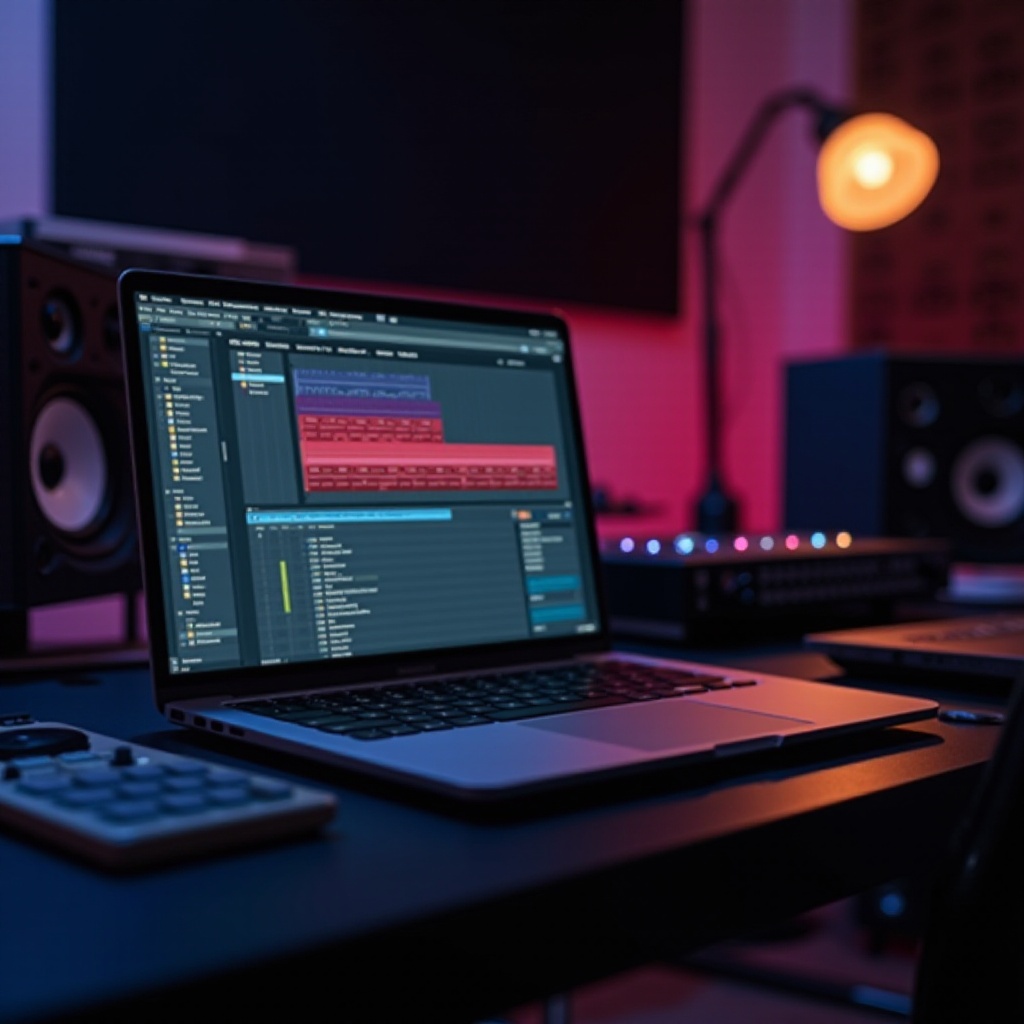
Why the Right Laptop Matters for FL Studio
FL Studio is a powerful digital audio workstation that requires robust hardware to function optimally. Understanding its system requirements is fundamental when choosing a laptop.
-
Understanding FL Studio’s System Requirements: To run FL Studio effectively, a multi-core processor is essential for managing complex projects. While the software requires a minimum of 4GB RAM, opting for 8GB or more is advisable to ensure smooth playback and processing. Additionally, solid-state drives (SSDs) are preferable for faster data access compared to traditional hard drives.
-
Impact of Laptop Performance on Music Production: A laptop equipped with adequate resources minimizes lag, accelerates rendering times, and efficiently handles large files. This leads to a seamless production environment, enabling music creators to focus purely on creativity without technical distractions.
Top Laptops for FL Studio in 2024
Having grasped the importance of performance, let’s explore the top laptops that excel in running FL Studio.
-
Apple MacBook Pro M2 Pro: Renowned for its high performance and durability, the MacBook Pro M2 Pro is powered by Apple’s advanced M2 chip, delivering exceptional processing speed and energy efficiency, making it a prime choice for serious music production.
-
Dell XPS 17: With its expansive 17-inch display and superior resolution, the Dell XPS 17 provides ample workspace for intensive editing. Equipped with powerful Intel processors and ample RAM, it handles demanding FL Studio projects with ease.
-
ASUS ROG Zephyrus G15: Although primarily a gaming laptop, the ASUS ROG Zephyrus G15 stands out for its impressive CPU and GPU capabilities, offering excellent support for video plugins and intensive audio processing tasks.
Key Features to Consider When Choosing a Laptop for FL Studio
Another critical aspect in the search for the ideal laptop includes understanding which features significantly impact the FL Studio experience.
-
CPU: The Heart of Your Laptop: A robust CPU is vital for smooth multitasking and quick processing of complex compositions. Laptops with the latest Intel or AMD Ryzen processors are generally preferred for their superior performance.
-
RAM and Storage: Memory Matters: RAM plays a pivotal role in multitasking capability. For optimal music production workflow, a minimum of 16GB RAM is recommended. For storage, opting for SSDs enhances data retrieval speeds and improves file management efficiency.
-
Graphics: Understanding GPU Needs: While FL Studio is more CPU-reliant, a good GPU enhances overall performance, especially when utilizing visual plugins or integrating video elements in productions.
Budgeting: Finding the Best Laptop Within Your Means
High performance is achievable at various price points. Understanding your budget can help you find a suitable laptop without sacrificing core features.
-
Best Budget Options: For those starting, laptops like the Acer Aspire 5 and Lenovo IdeaPad 3 offer reliable specs without a hefty price tag, making them ideal for beginners.
-
Premium Choices for Professionals: If you’re looking to invest in a long-term solution, premium models such as the Razer Blade 15 or HP Spectre x360 provide unparalleled performance, superior build quality, and additional perks like advanced display and sound capabilities.
Customizing Your Laptop for Optimal FL Studio Use
After selecting the right laptop, further customization can optimize its use for music production.
-
Upgrading RAM and Storage: If upgrade options are available on your laptop, consider enhancing RAM or storage capacity to further boost performance.
-
Essential Accessories: Incorporating external interfaces, high-quality headphones, and MIDI controllers can significantly improve your interaction with FL Studio and overall sound quality.
How to Maximize Music Production on Your Chosen Laptop
Owning the best laptop is just the start; setting it up for maximum productivity is equally crucial.
- Tips for Enhancing Performance:
- Keep your OS and FL Studio software up-to-date for optimal compatibility.
- Close unnecessary programs to free up system resources when working in FL Studio.
-
Set power preferences to prioritize performance for intensive projects.
-
Software and Hardware Integration: Ensure compatibility between your laptop and any additional music production software or hardware you plan to use. Proper integration minimizes workflow disruptions and enhances production quality.
Conclusion
Choosing a laptop for FL Studio is a balance between performance, cost, and personal preferences. With a grasp of critical specifications like CPU, RAM, storage, and graphics, you’re prepared to find a laptop that meets your music production demands. Armed with this guide, venture into the marketplace with confidence, ready to enhance your FL Studio experience.
Frequently Asked Questions
What are the minimum requirements for running FL Studio?
FL Studio requires a multi-core processor and at least 4GB of RAM, but 8GB is recommended for smoother performance.
Can FL Studio run on a gaming laptop?
Yes, gaming laptops often have strong CPUs and GPUs, making them a good choice for running FL Studio.
Is Mac better than Windows for FL Studio?
Both platforms have their advantages. Macs are known for their stability and design, while Windows PCs offer more hardware diversity and customization options.